Product Guides
Email invoices to a facility automatically
Each facility in Dcycle has its own dedicated inbound email address. Forward an invoice there — or ask your supplier to send it directly — and it's ingested automatically, ready to classify and review, with no manual upload required.
Before you start
You need an Editor role in your Dcycle organization.
Steps
Step 1
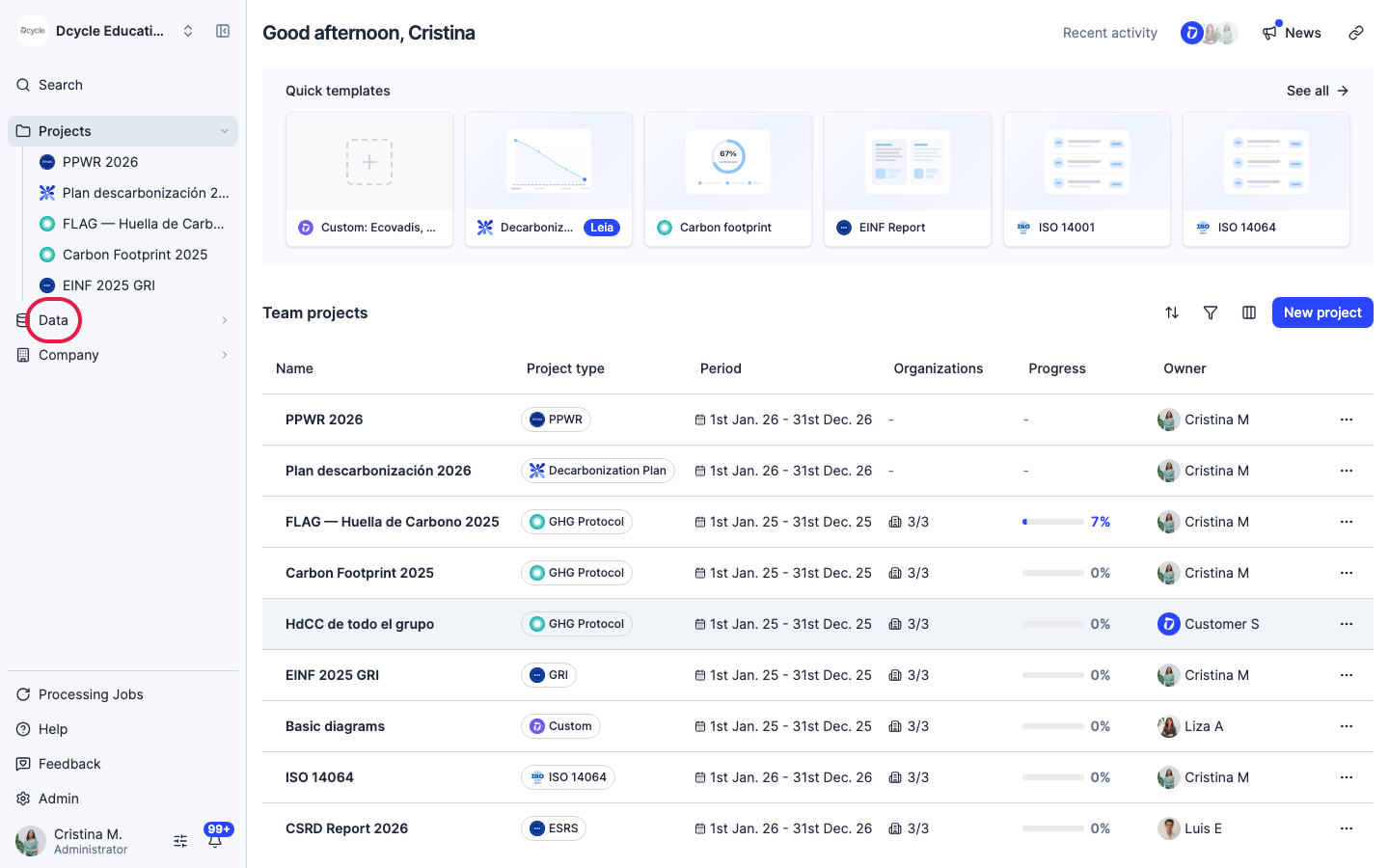
Click “Data” in the left navigation.
Step 2
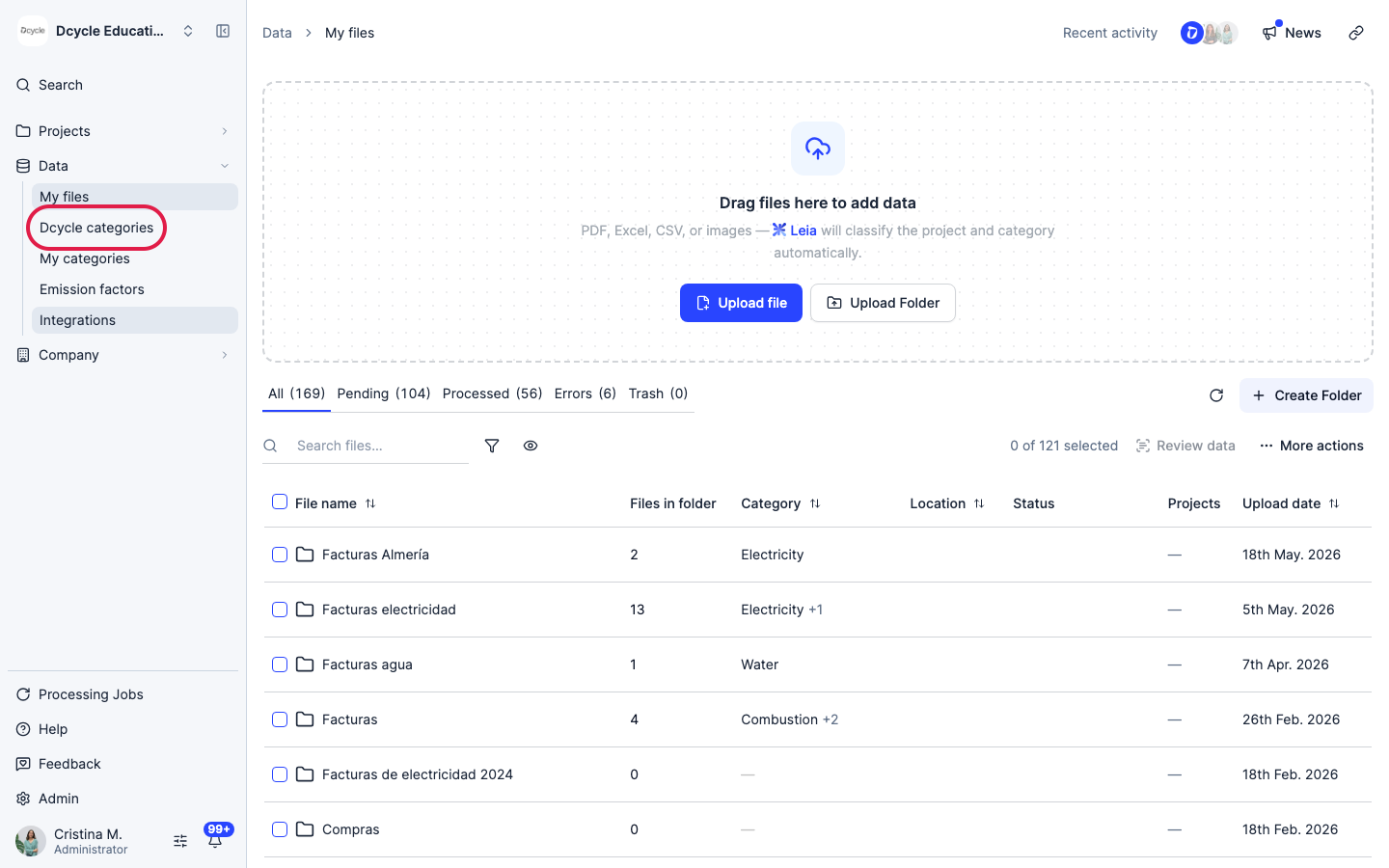
Click “Categories”.
Step 3
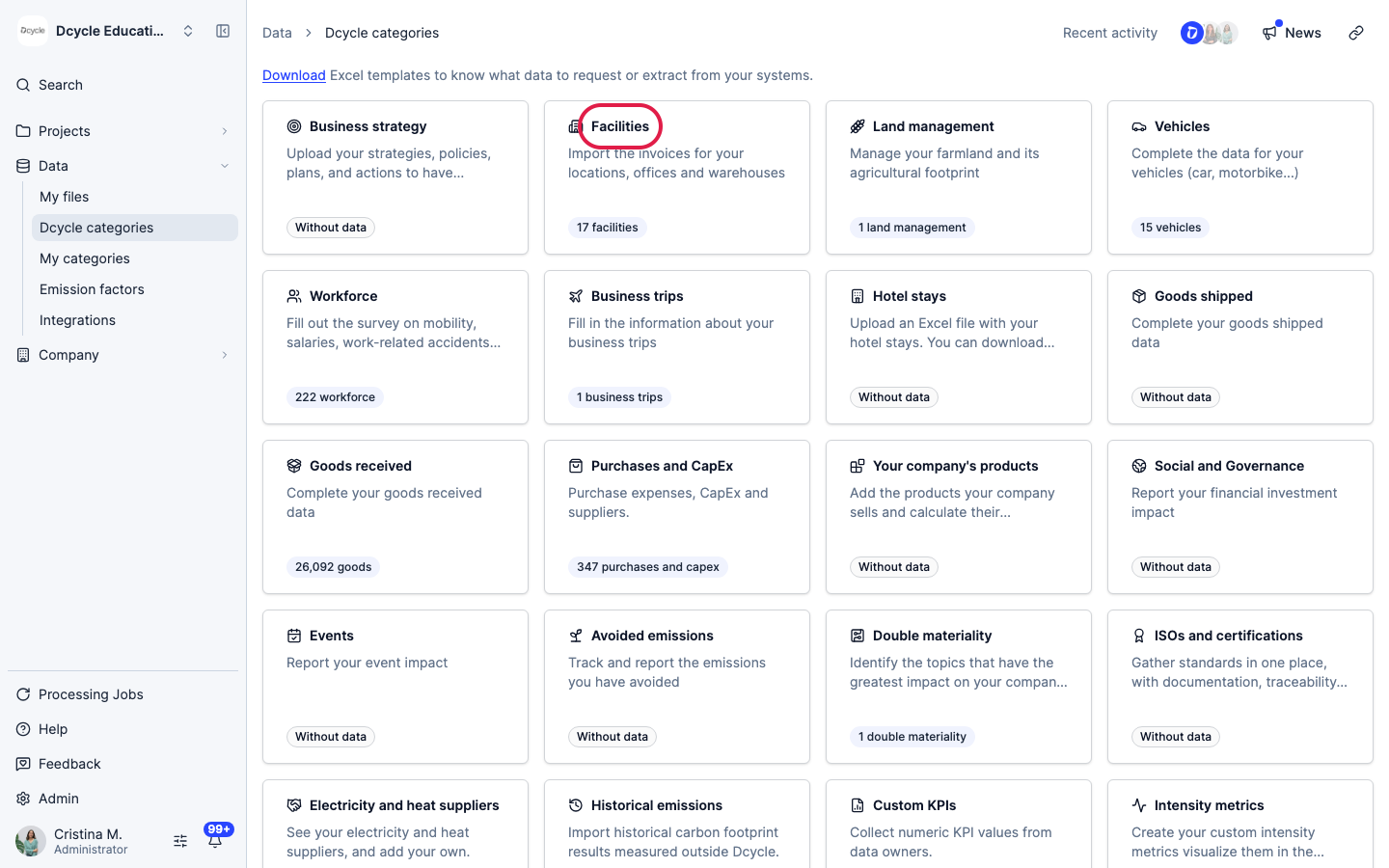
Open the “Facilities” category.
Step 4
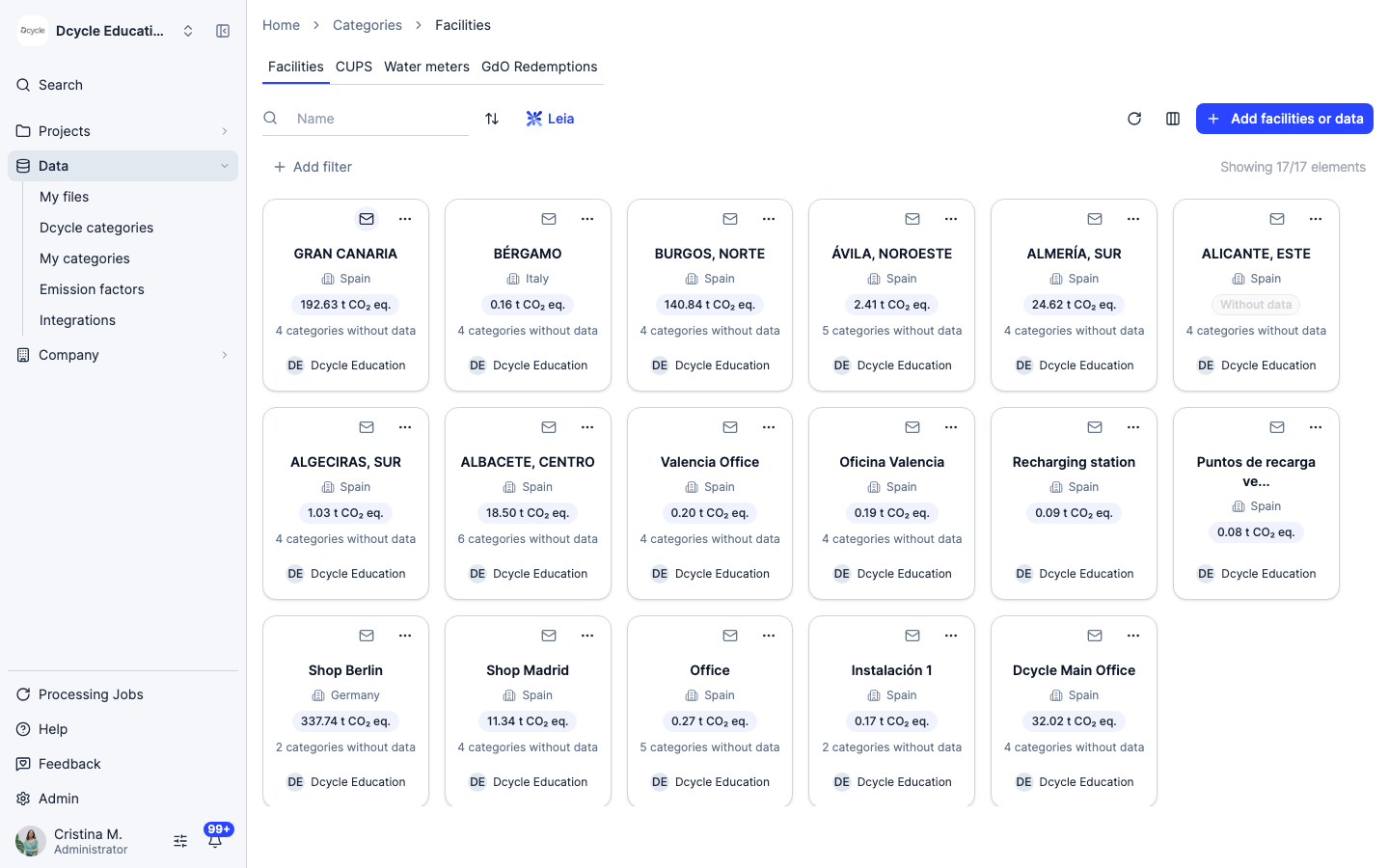
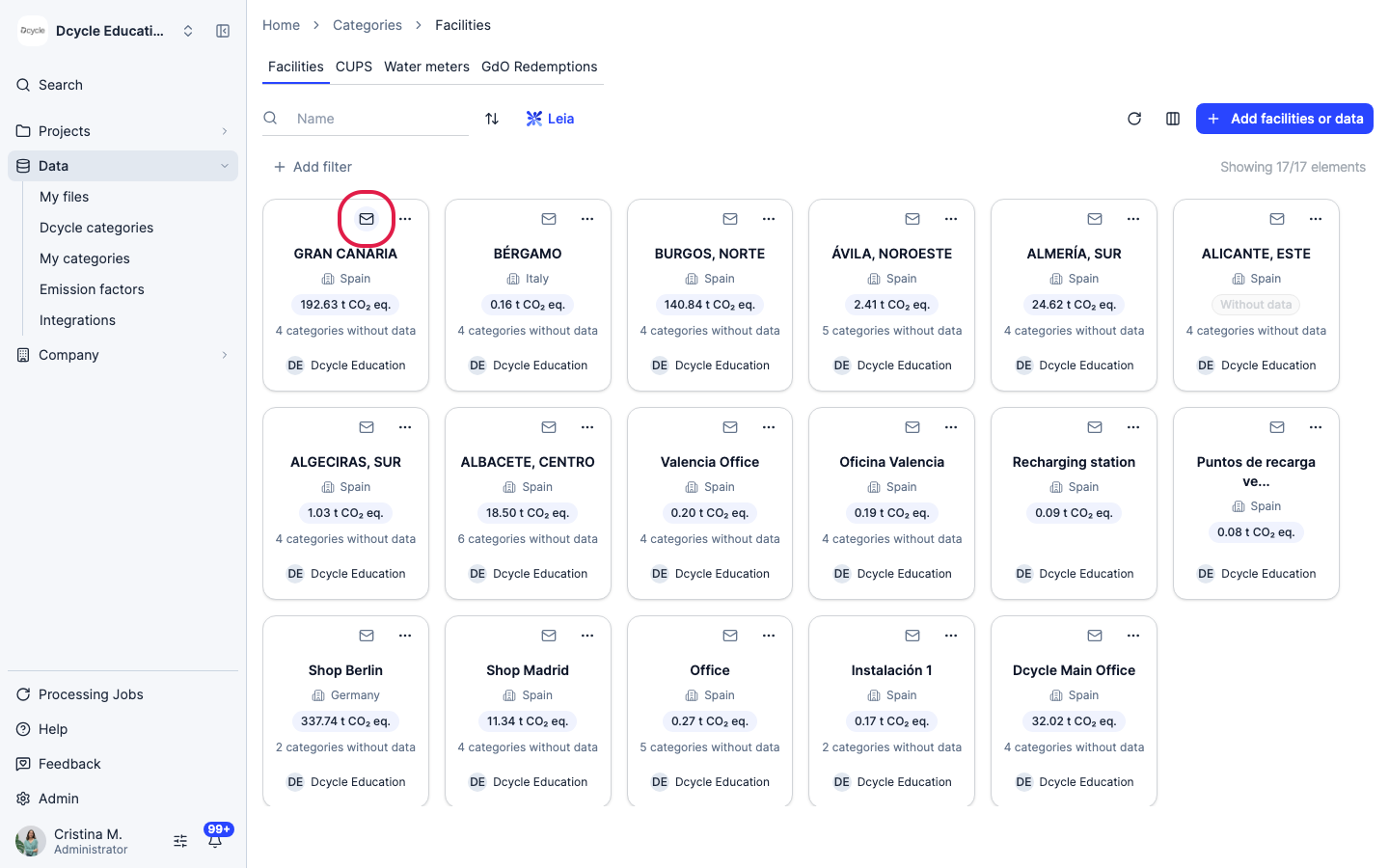
Every facility card has a small mail icon in its top-left corner. Hover over it and Dcycle shows that facility’s dedicated inbound email address.
Step 5
Click the mail icon on a facility to open its settings.
Step 6
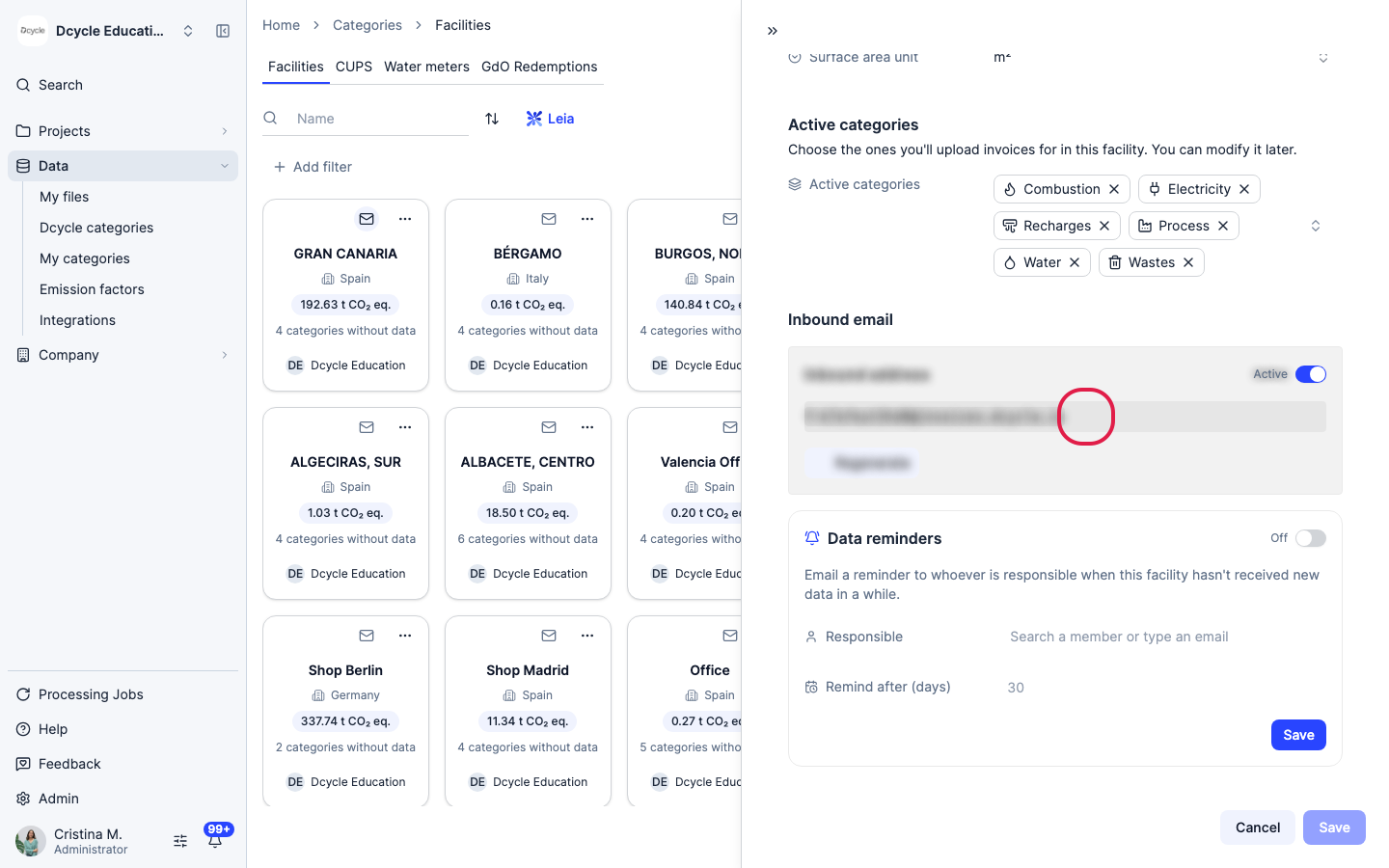
This opens the facility’s edit panel, scrolled down to “Inbound email”. The address (in the form f-xxxxxxxxxxxx@invoices.dcycle.io) is unique to this facility. Click the copy icon next to it to copy the full address.
Step 7
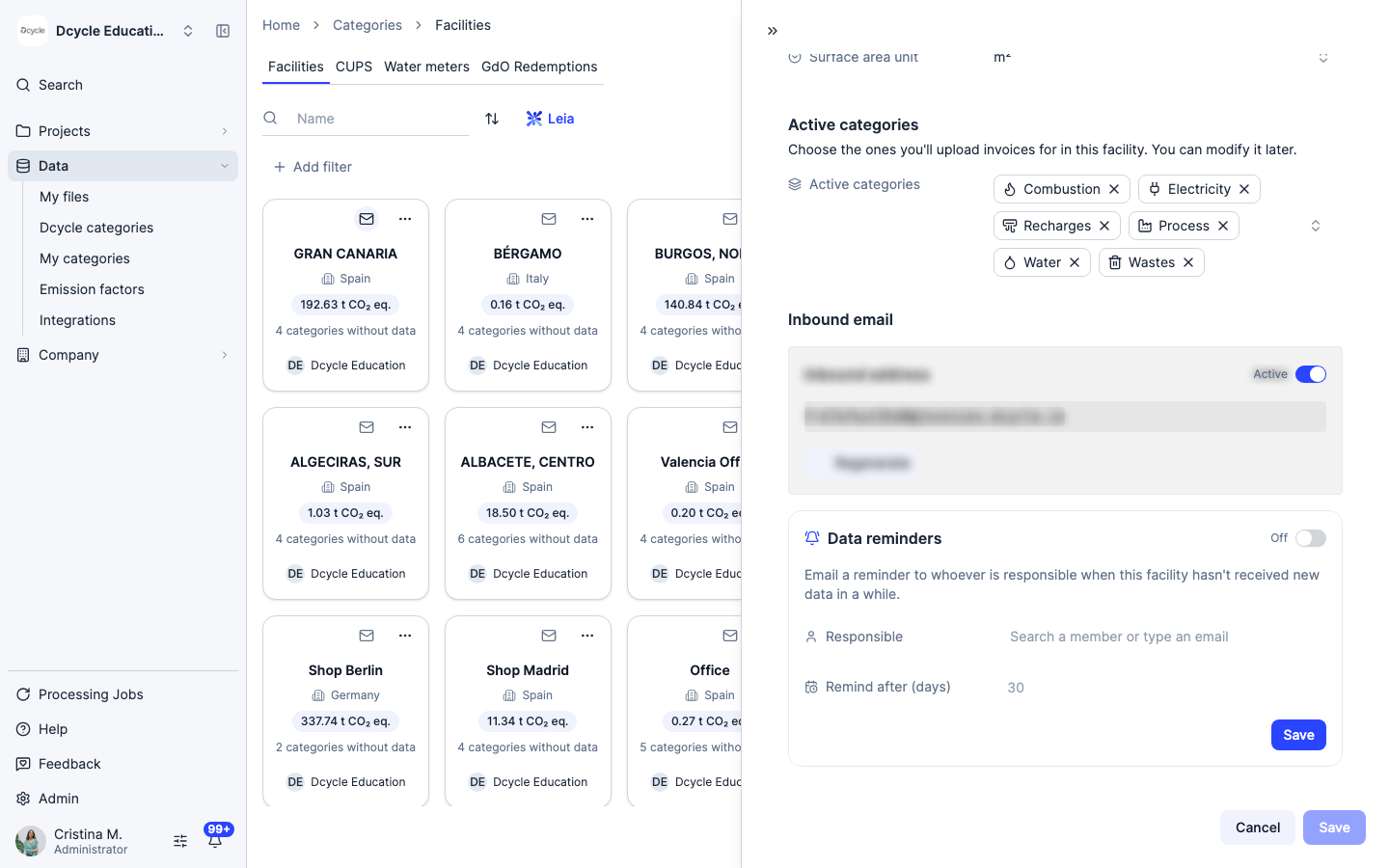
Give this address to your supplier, or set up a rule to forward invoices to it automatically — any PDF invoice sent there is ingested the same way as a manual upload, through Dcycle’s normal classification and review flow. The “Active” toggle lets you pause inbound email for this facility without losing the address, and “Regenerate” replaces it with a new one (the old address stops working immediately, so update any forwarding rule first).
Step 8
Just below, “Data reminders” is a related but separate setting: it emails a chosen person when this facility goes too long without new data, regardless of how that data arrives. Turn it on, assign a “Responsible” person, and set how many days of inactivity should trigger the reminder.
Step 9
Emailed invoices go through the same five-stage pipeline as any other upload — Upload, Classification, File reading, Review data, Completed — and show up in “My files” under Pending until you confirm them. See How My Files works for what each stage does and how Dcycle assigns the invoice to the right facility.
Was this helpful?
What was missing or unclear? (optional)
Sent. Thank you for helping us improve.