Product Guides
Data health: employees
Check that your Own workforce commuting survey is complete, representative, and covers the right period before you process or report.
Before you start
You need an Editor role in your Dcycle organization.
Steps
Step 1
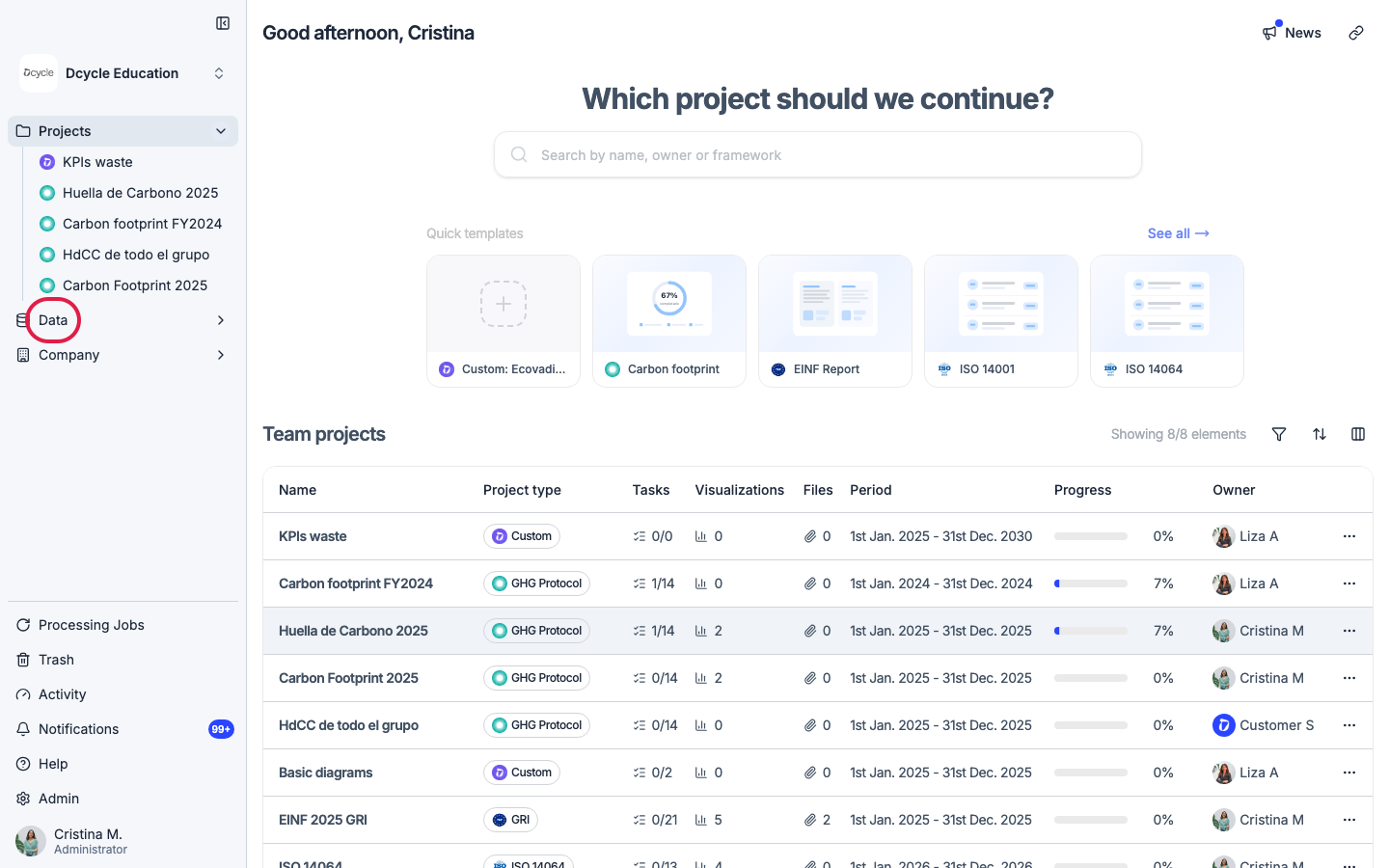
Click “Data” in the left navigation.
Step 2
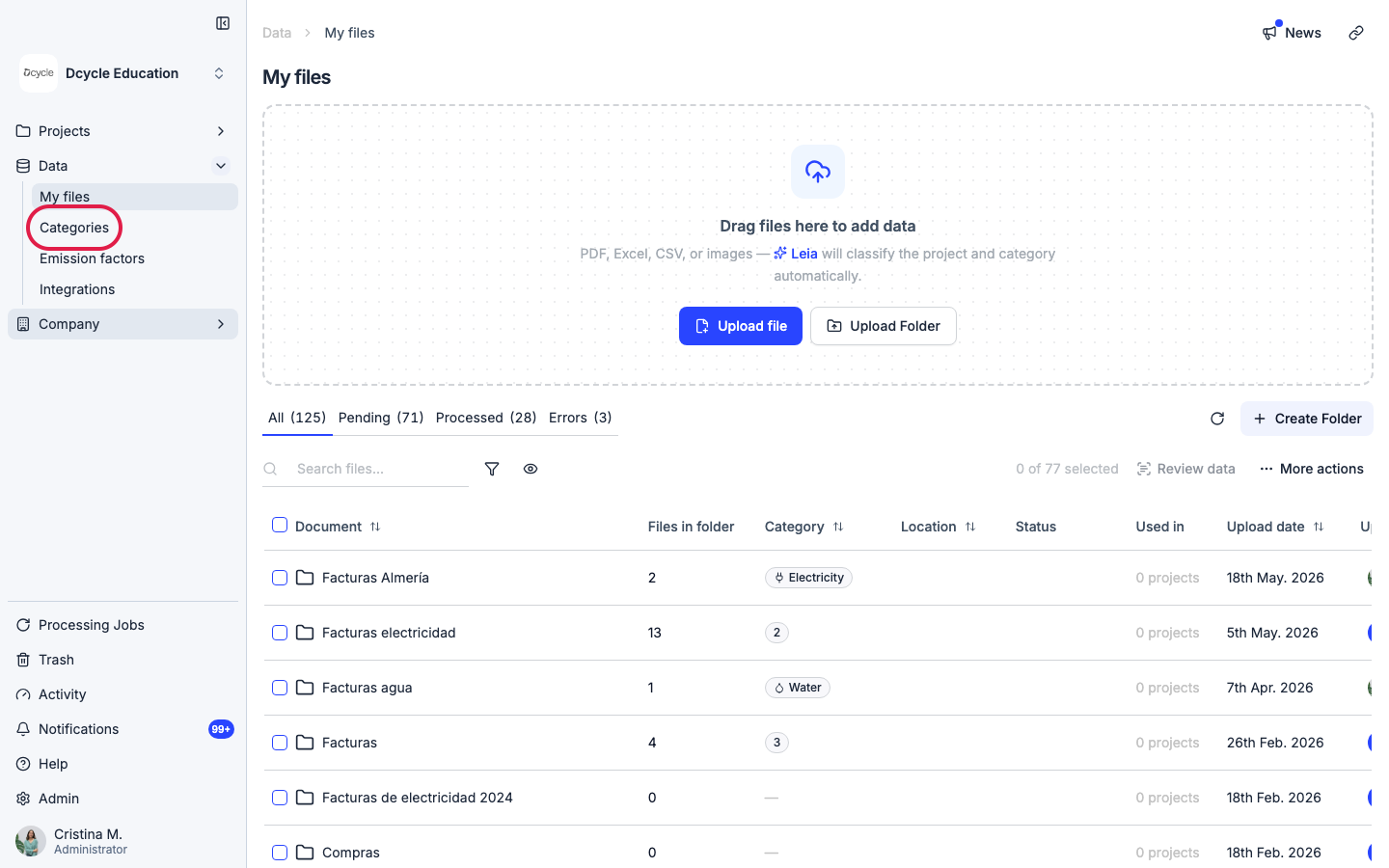
Click “Categories” in the Data sub-navigation.
Step 3
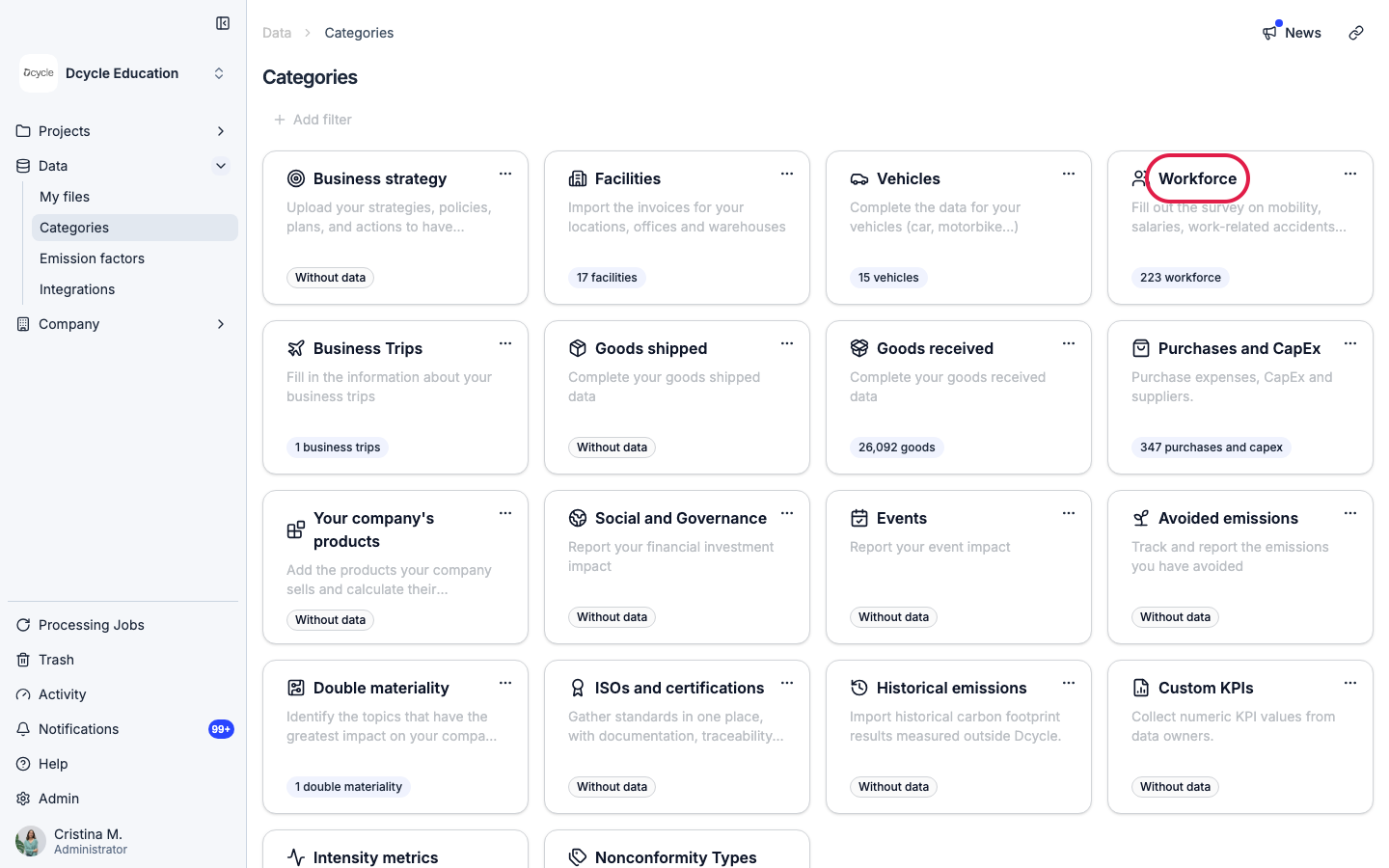
Open the “Workforce” category.
Step 4
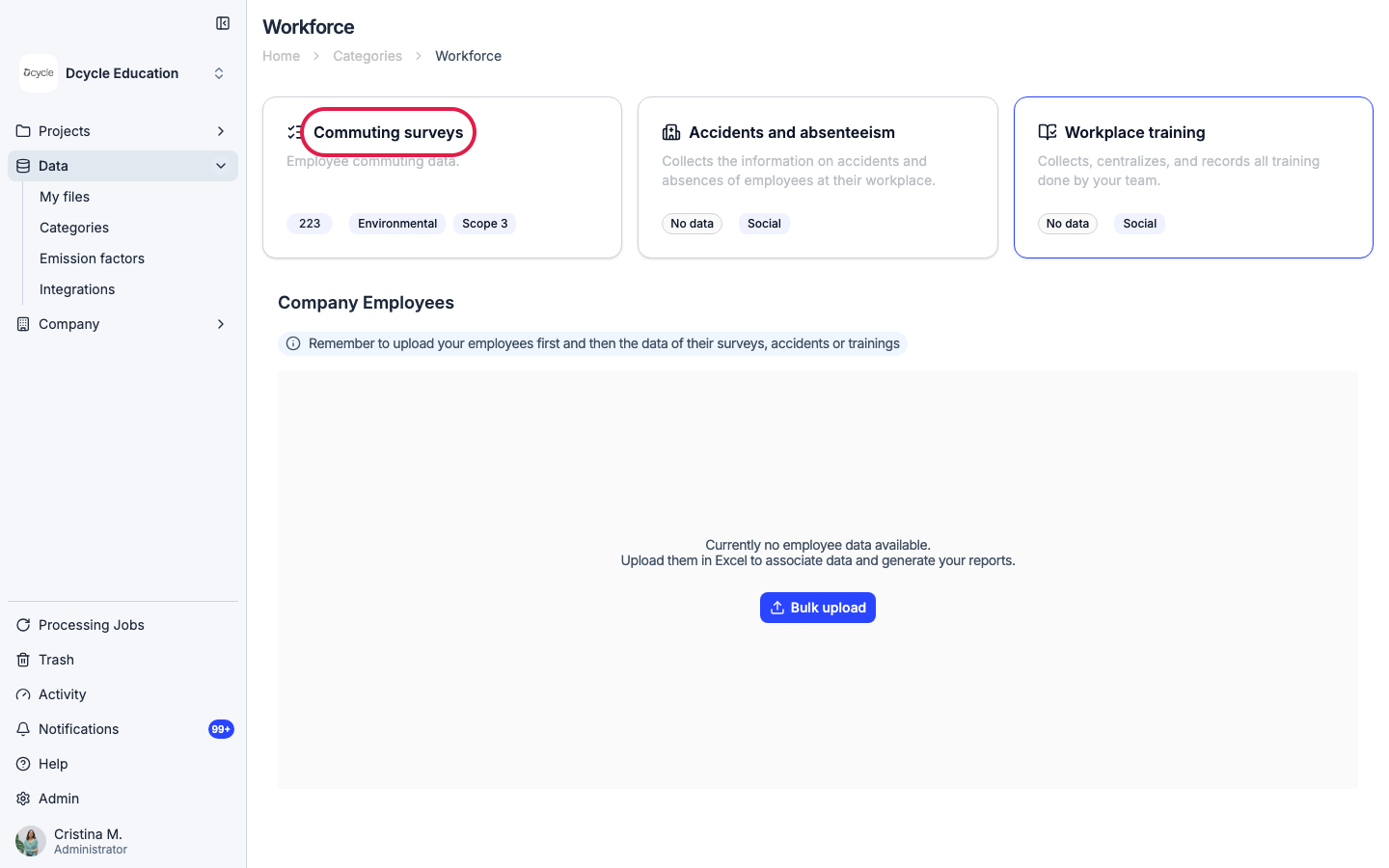
Open “Mobility surveys” to see the employee list and survey status.
Step 5
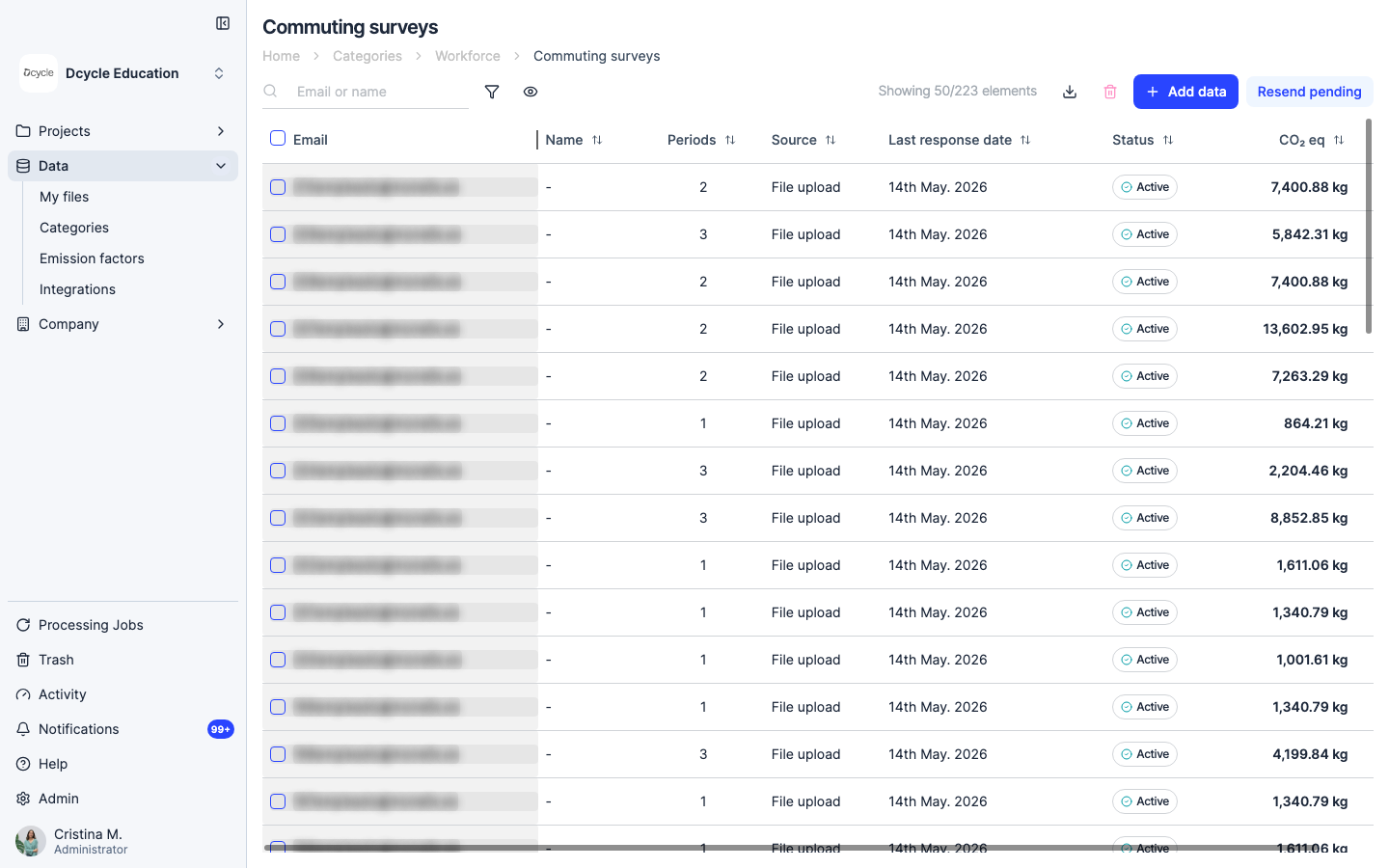
The Commuting surveys listing shows all employees, how many commuting periods each has, and their record status. Use the filter icon (funnel) above the table to narrow by status, or type a name in the search bar to find a specific employee.
Step 6
The Status column shows the record state: Active means the data is valid and included in the Scope 3 calculation; Archived means it has been deactivated. Employees who appear without commuting periods have been uploaded but haven’t completed their mobility survey yet.
Step 7
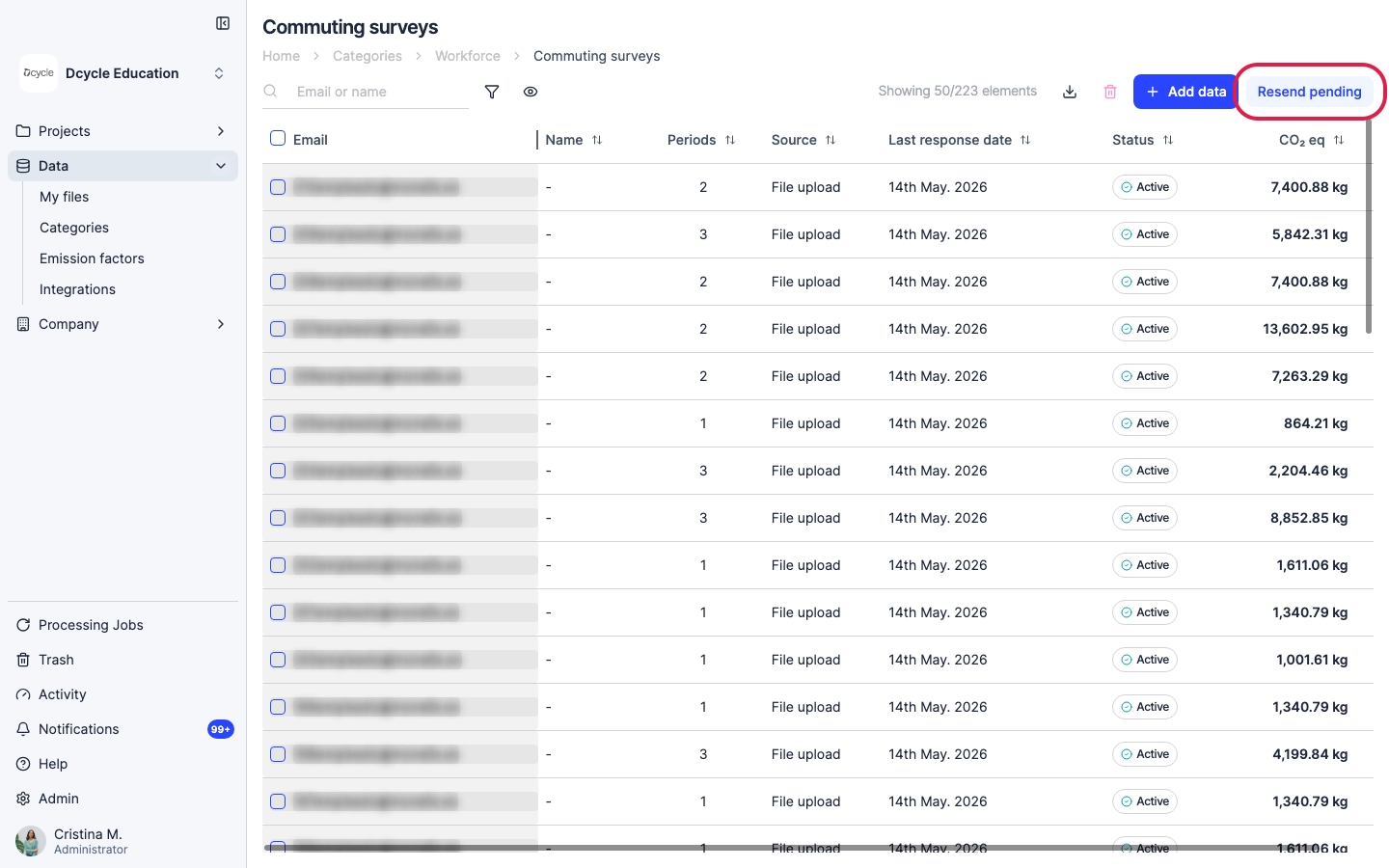
Click “Resend pending” to send a reminder to all employees who haven’t completed their mobility survey. The button only appears when there are pending invitations. To target specific employees, select their rows first and then click Resend.
Step 8
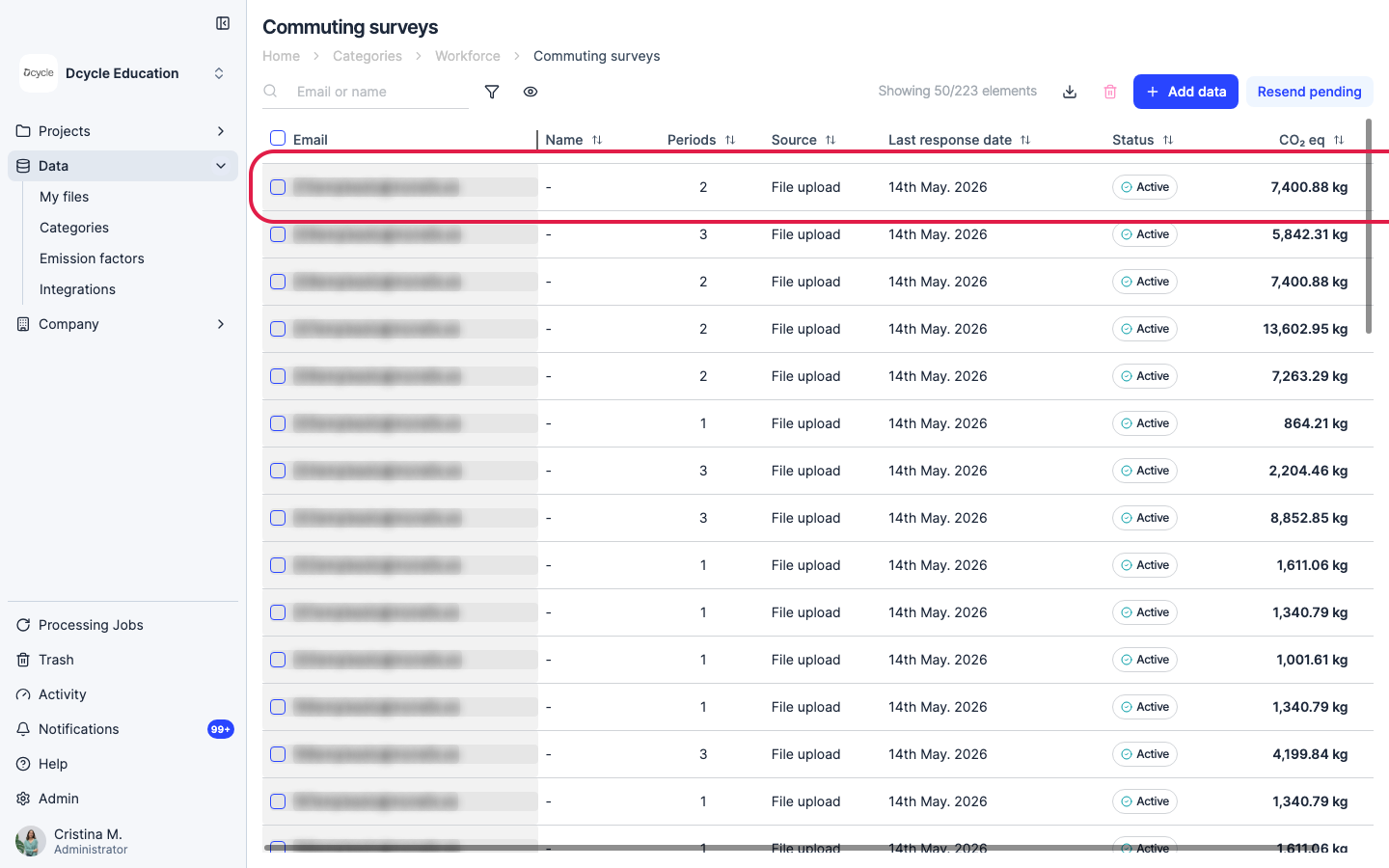
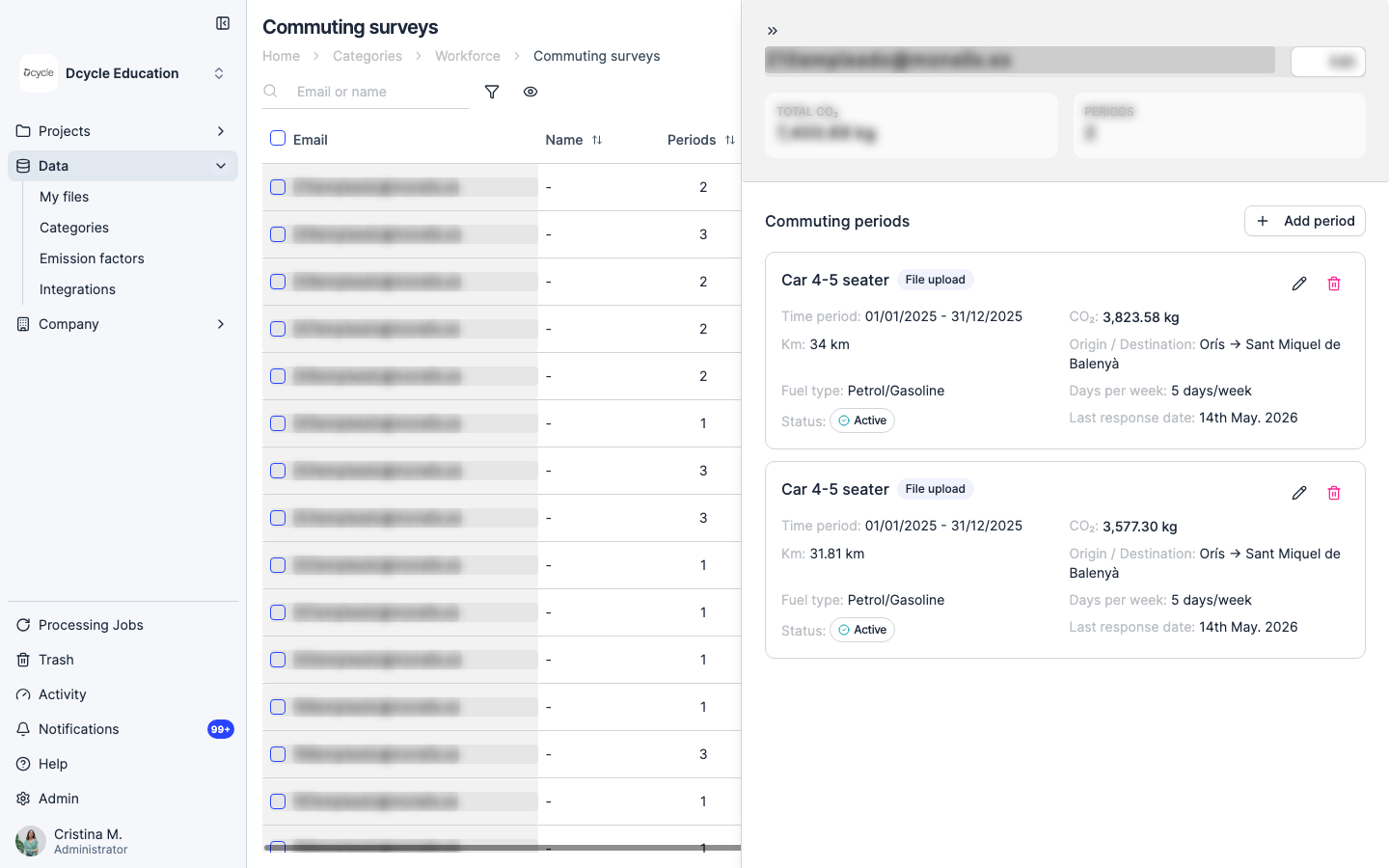
Click on an employee row to see their individual survey response detail.
Step 9
The detail panel shows the employee’s transport mode, distance, days per week, and response status — use these to spot outliers before closing the period.
Was this helpful?
What was missing or unclear? (optional)
Sent. Thank you for helping us improve.
Up next
Check that your data is healthyBefore you report or process emissions, run a quick health check on your data. This guide shows you what 'healthy data' looks like for each data type in Dcycle and links to a checklist for facilities, vehicles, employees, and purchase data.
Read more → Estimate emissions for employees who didn't answer the surveyNot every employee completes the mobility survey, which leaves a gap in your Scope 3 commuting data. With the estimation feature, Dcycle fills that gap using the average emissions per responding employee — either as one total for the whole group or with individual headcounts per subsidiary.
Read more →