Product Guides
Add a refrigerant recharge (fugitive emissions)
Fugitive emissions — gas that leaks from cooling equipment, HVAC systems and fire suppression — are Scope 1. You report what your maintenance company refilled during the year, not what leaked directly: the refill is treated as the leak under the GHG Protocol mass-balance method.
Before you start
You need an Editor role in your Dcycle organization.
Steps
Step 1
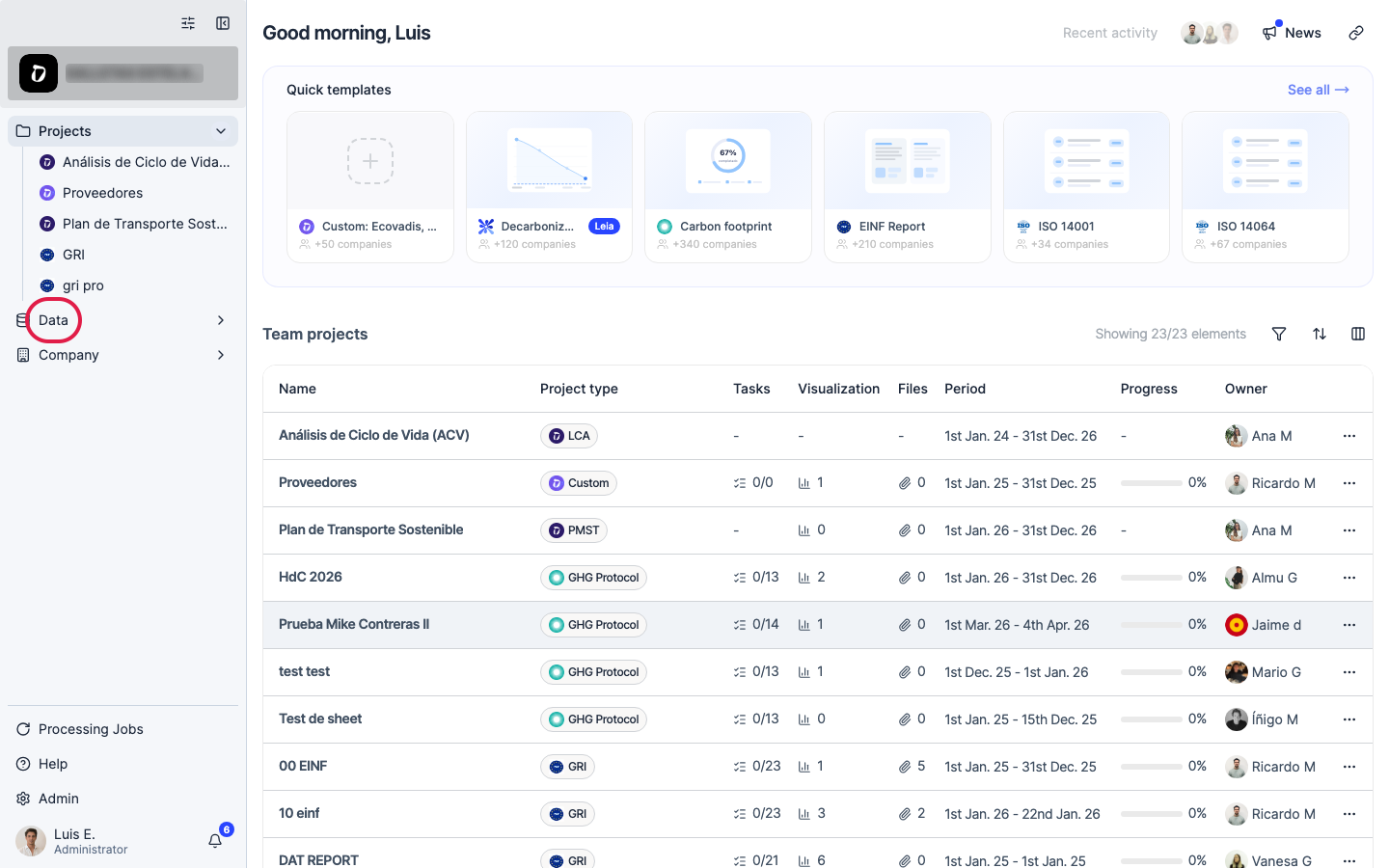
Click “Data” in the left navigation.
Step 2
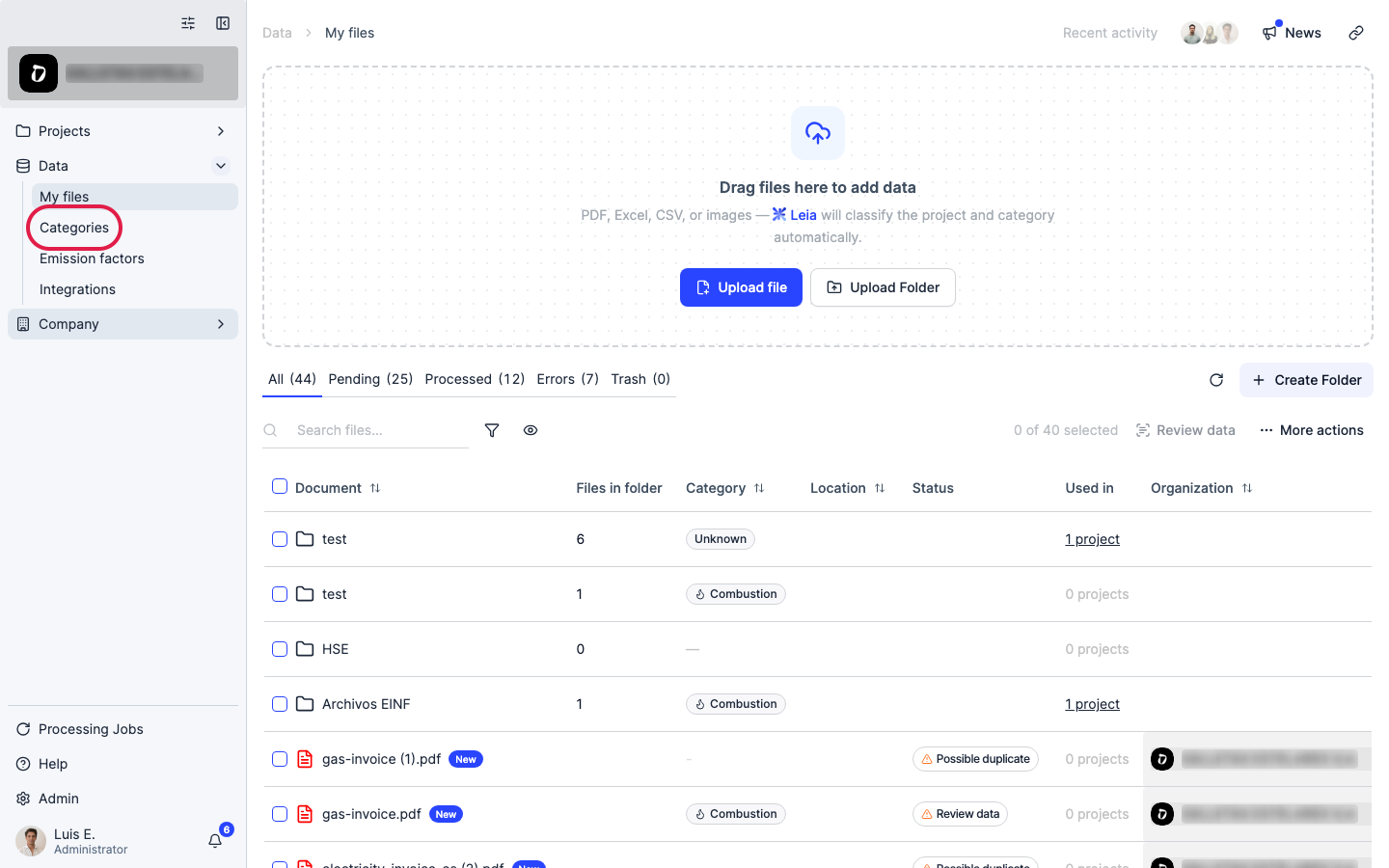
Click “Categories”.
Step 3
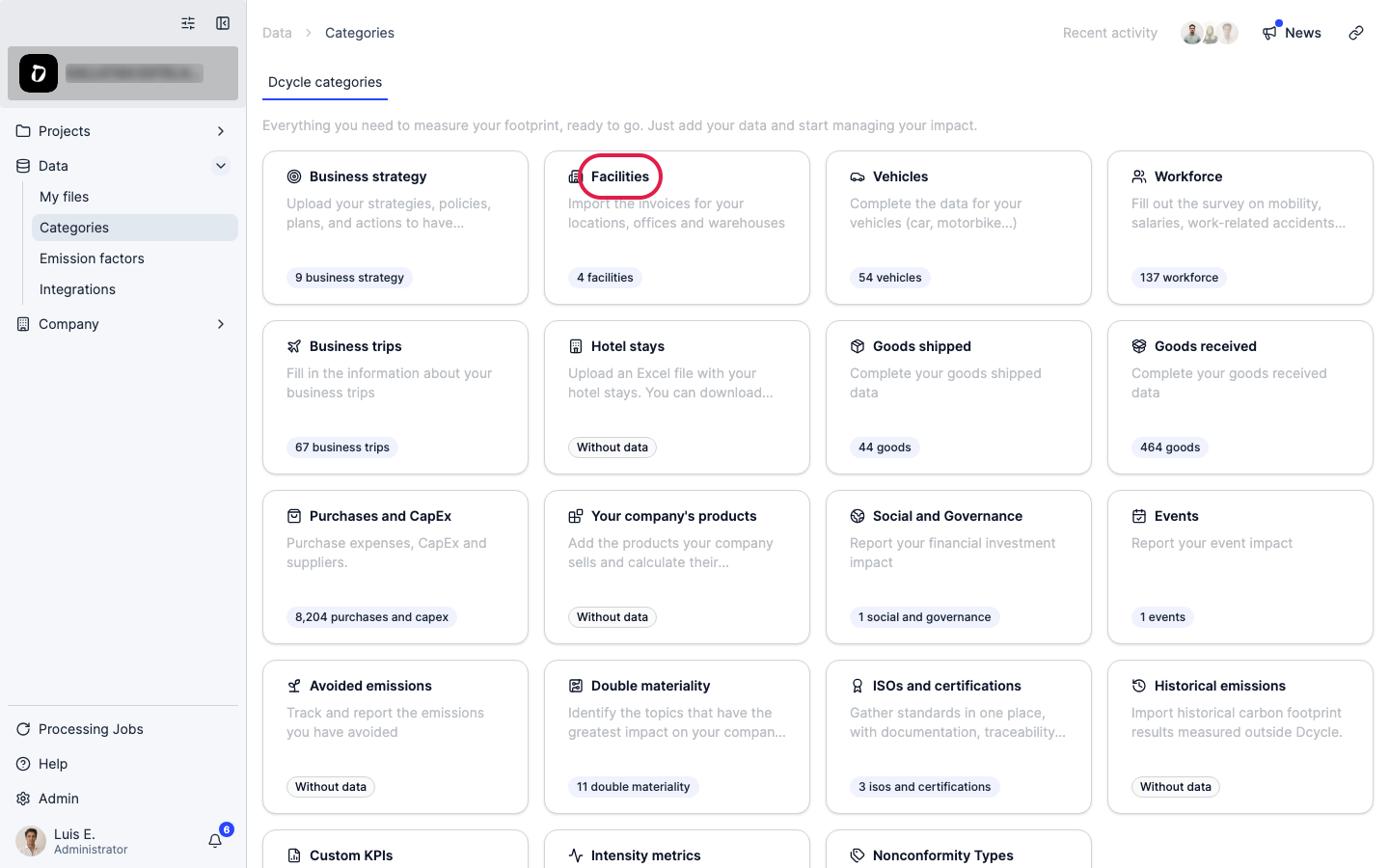
Open the “Facilities” category.
Step 4
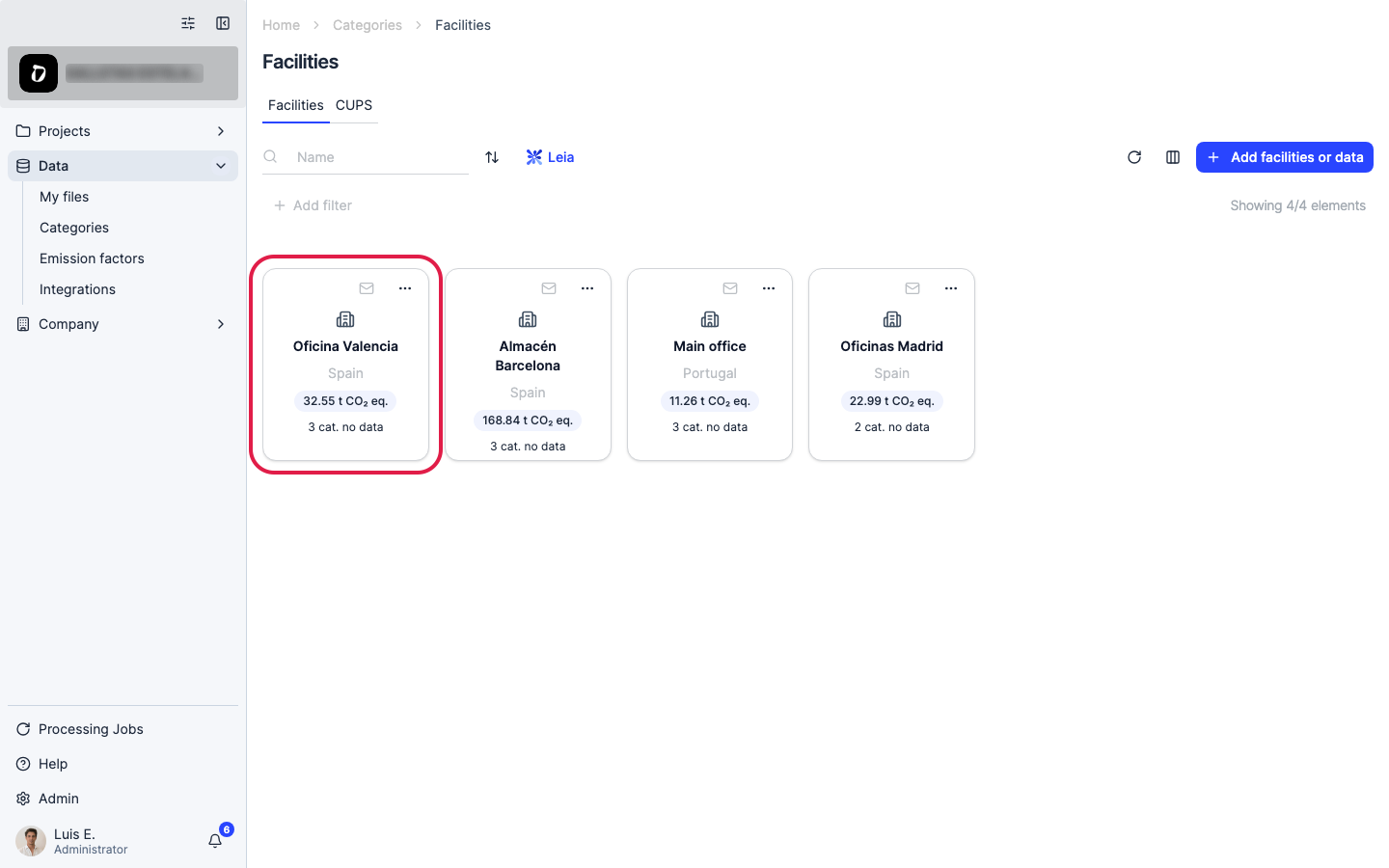
Open the facility where the equipment is installed.
Step 5
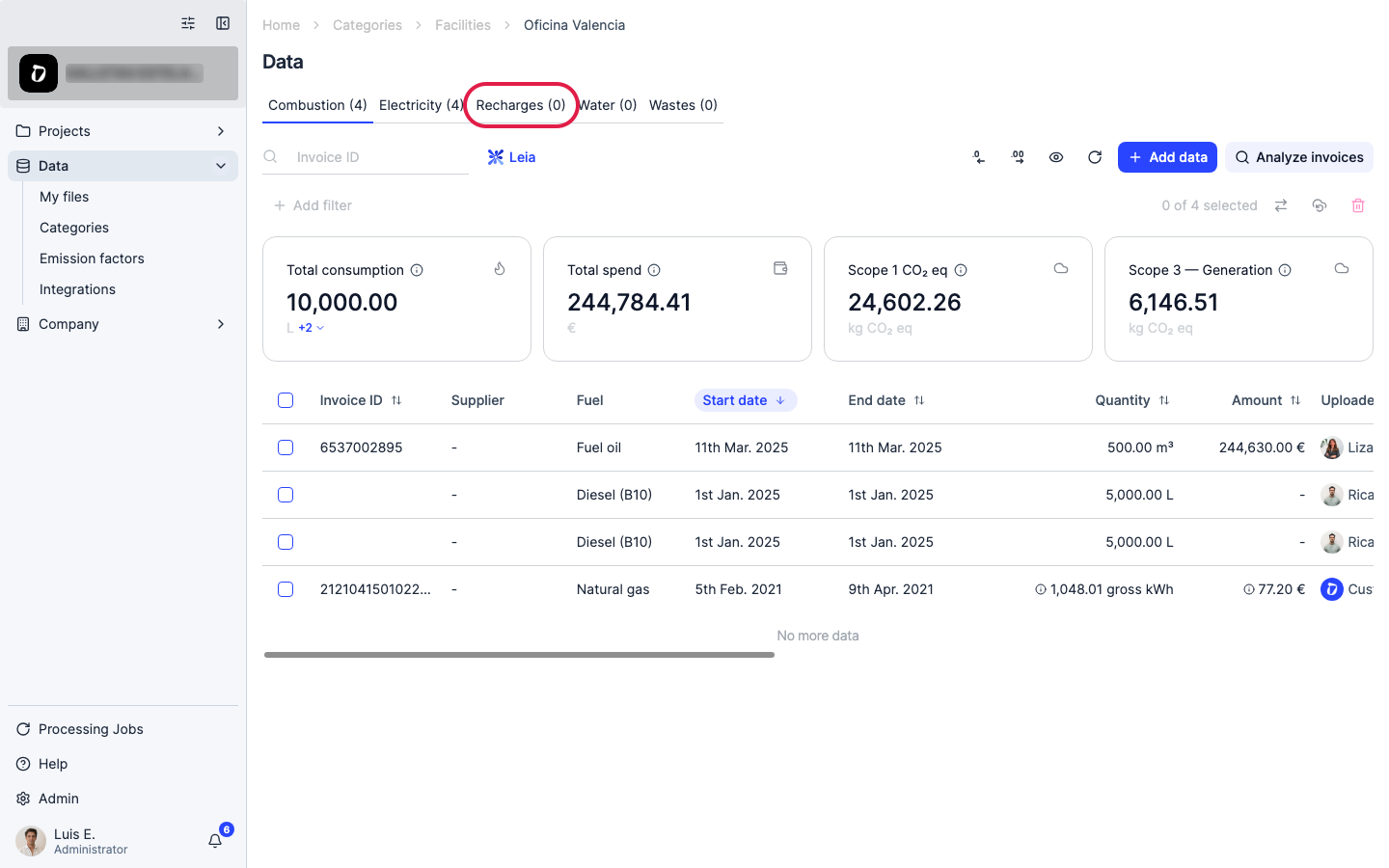
Click the “Recharges” tab.
Step 6
Click “Add data” to open the entry options.
Step 7
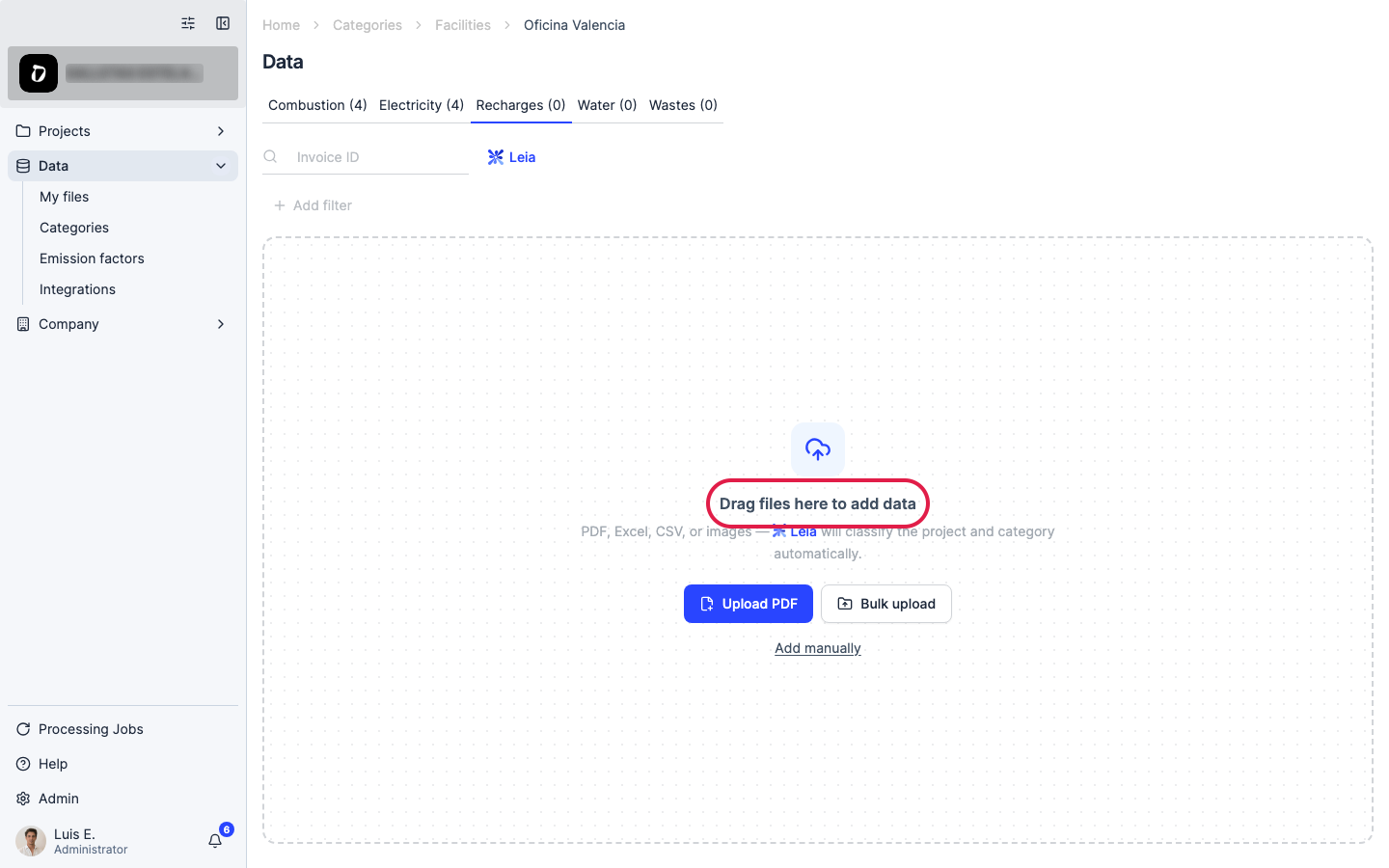
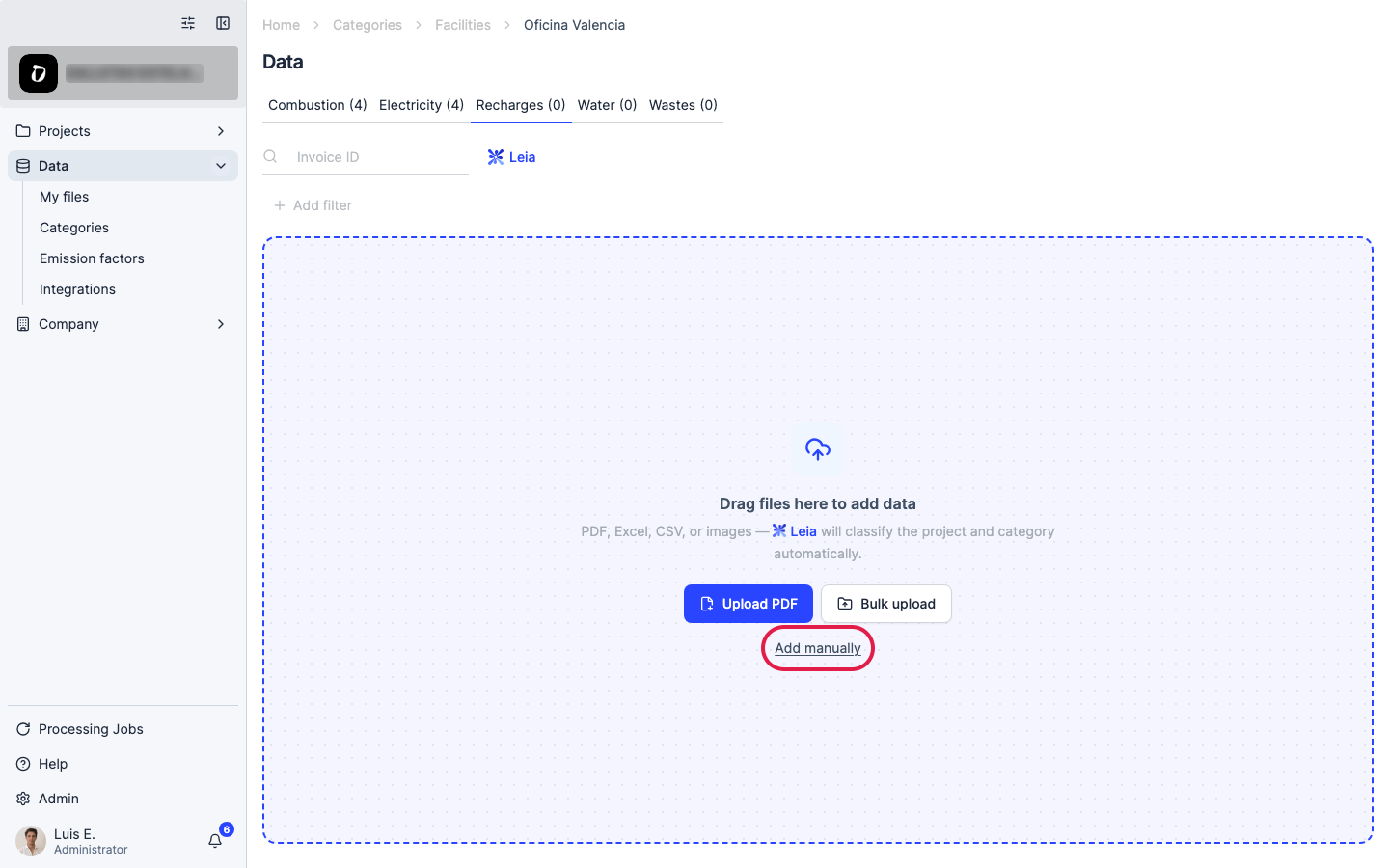
Most maintenance companies hand over a PDF service report rather than a structured file, so “Add manually” is usually the fastest path for recharges — one entry per service visit.
Step 8
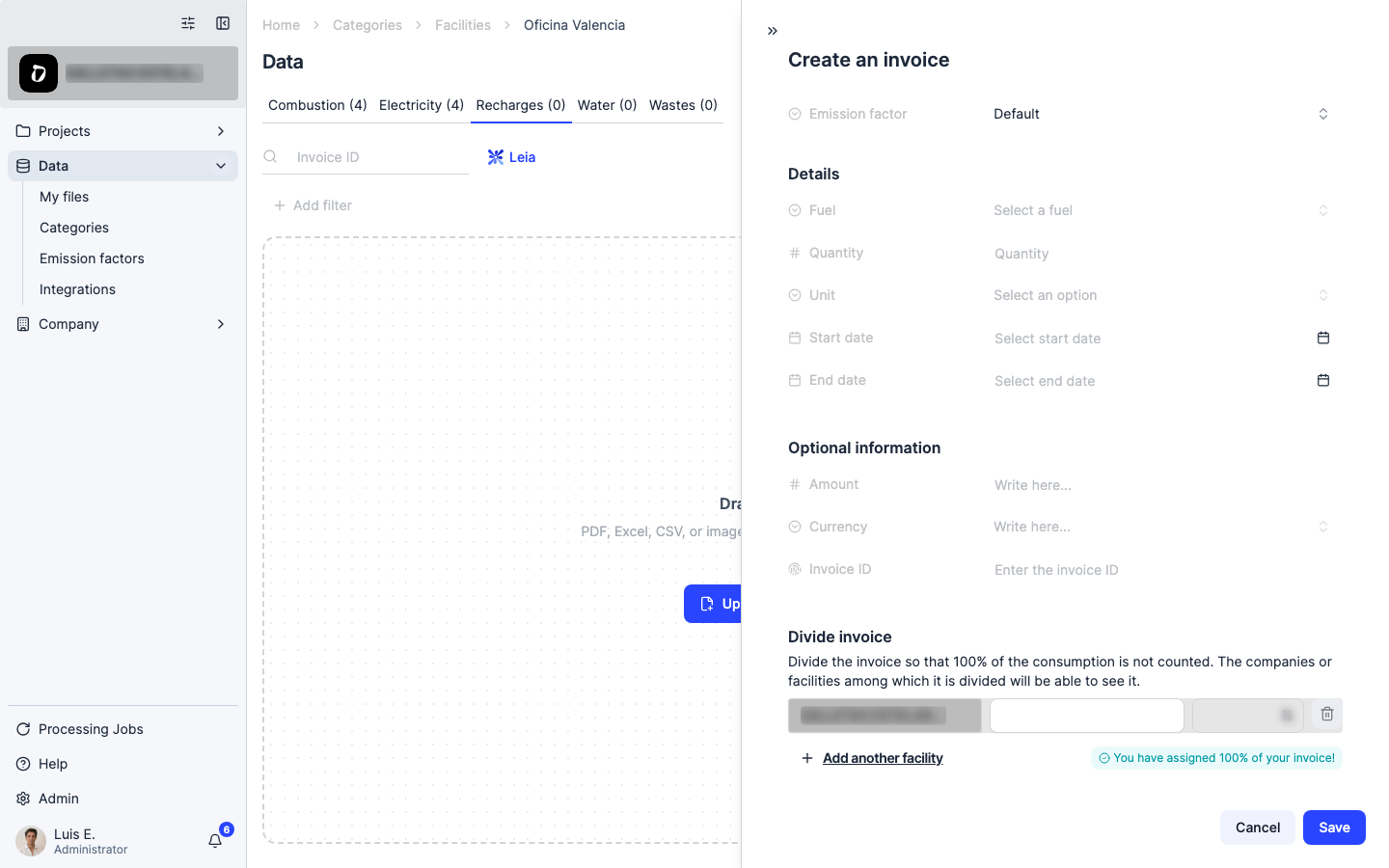
The “Fuel” dropdown lists refrigerant gases on this tab (e.g. R-410A, R-134a, R-32, R-404A, CO₂ — taken from the technician’s report). Fill in the gas, the quantity refilled and its unit (kg), and the start and end date (use the same date for a single refill, or the service window for a periodic contract). Save when done.
Step 9
For many recharges at once — e.g. an annual summary covering several facilities — use “Bulk upload” instead: download the CSV/Excel template, fill one row per recharge, and drag it back.
Step 10
If you didn’t refill any equipment during the reporting year, you have zero fugitive emissions for that period — but keep evidence (a no-leak statement from your HVAC provider works).
Was this helpful?
What was missing or unclear? (optional)
Sent. Thank you for helping us improve.