Product Guides
Prepare your SBTi submission with Leia
Create an SBTi project and let Leia suggest the answers to the SBTi questionnaire, tell you which evidence and pages to use, and build your reduction plan, so you only review and confirm.
Before you start
You need an Editor role in your Dcycle organization.
Steps
Step 1
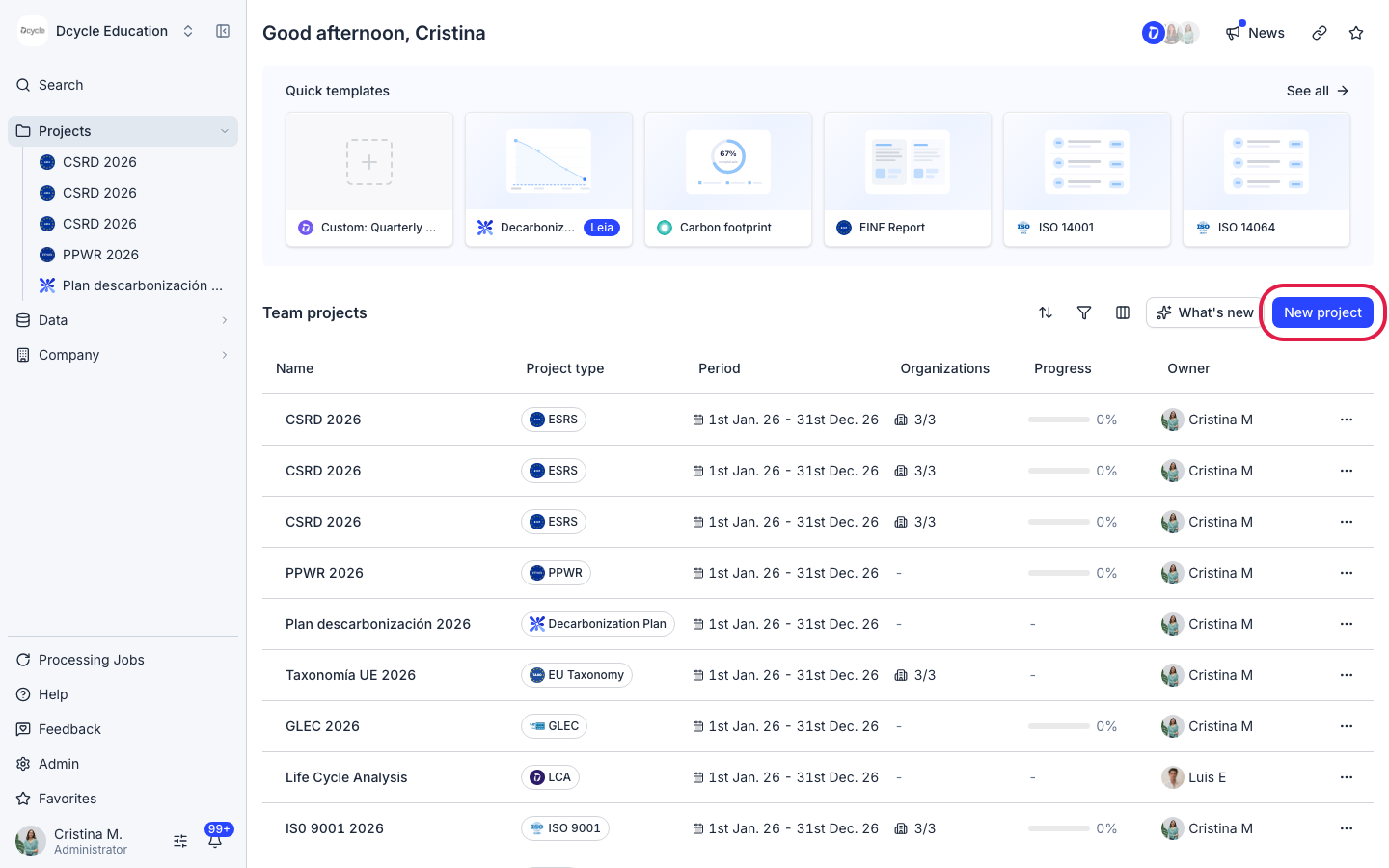
On the projects home, click “New project”.
Step 2
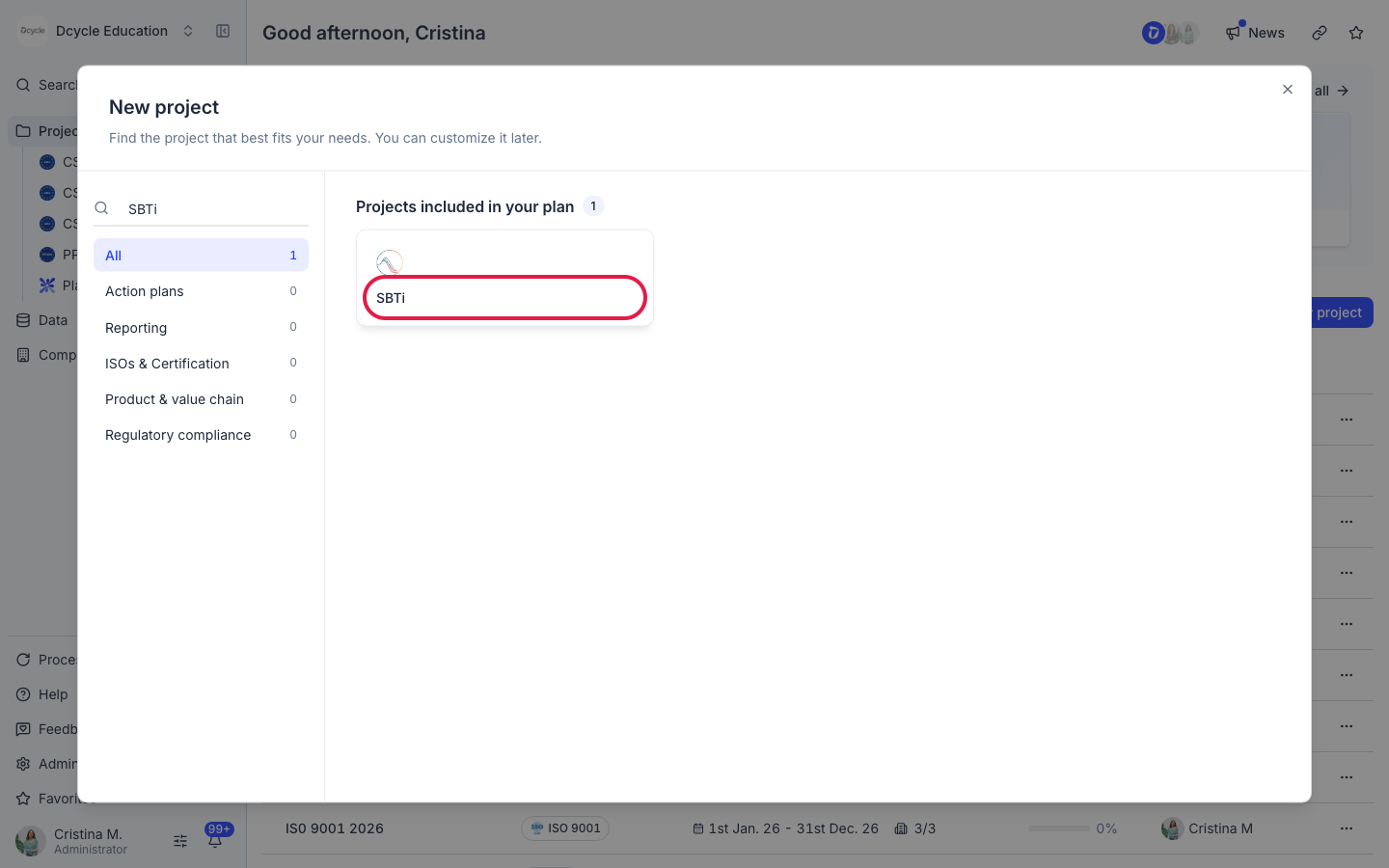
Search for “SBTi” and select the SBTi project. Give it a name and a reporting period to create it.
Step 3
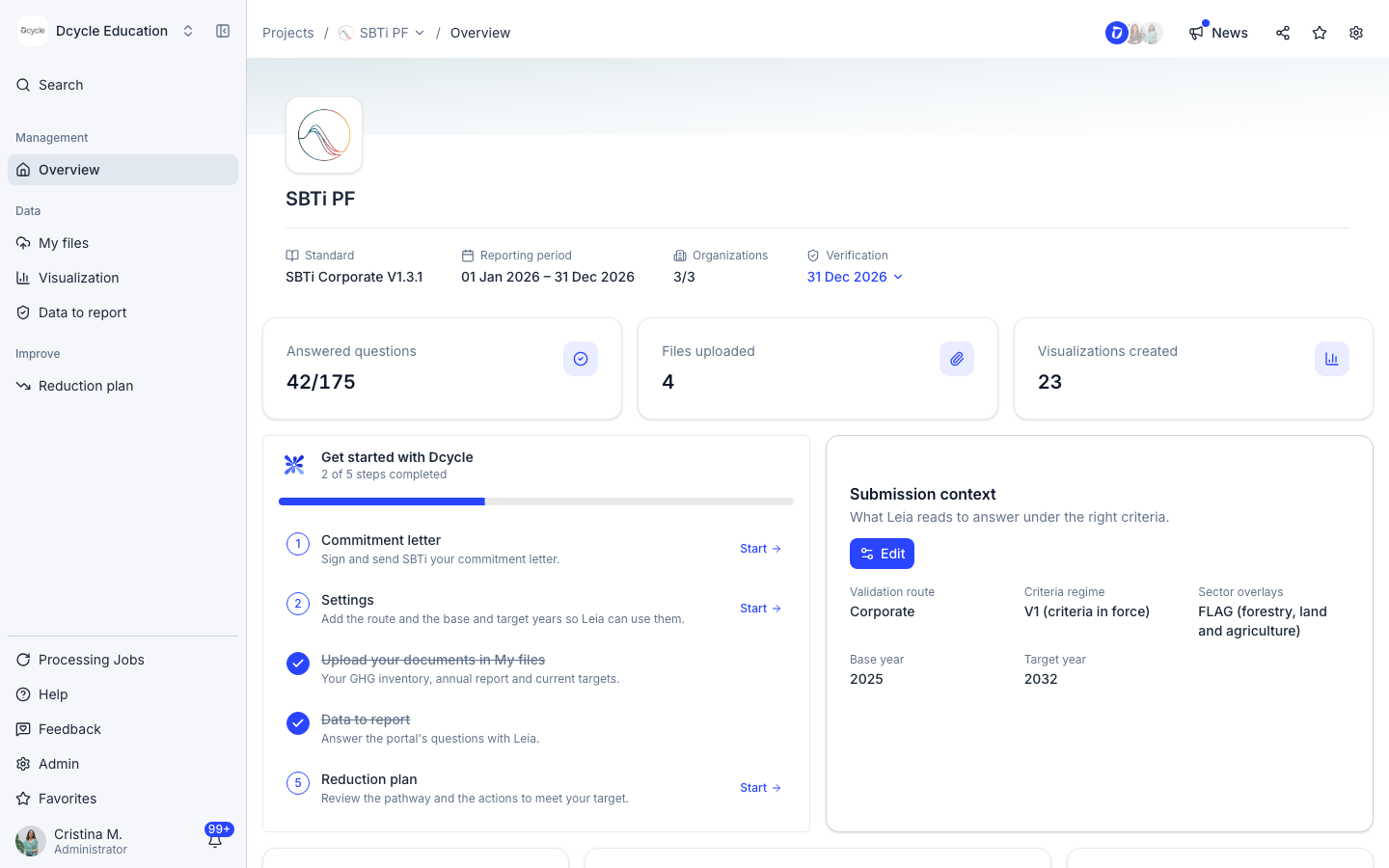
The project overview shows the standard (SBTi Corporate), the reporting period and how many questions are answered. “Get started with Dcycle” lists the five steps: commitment letter, settings, uploading your documents, data to report and reduction plan. In “Submission context”, click “Edit” to set the validation route, the criteria, any sector overlay such as FLAG, and your base and target years. Leia reads this context to answer under the right criteria.
Step 4
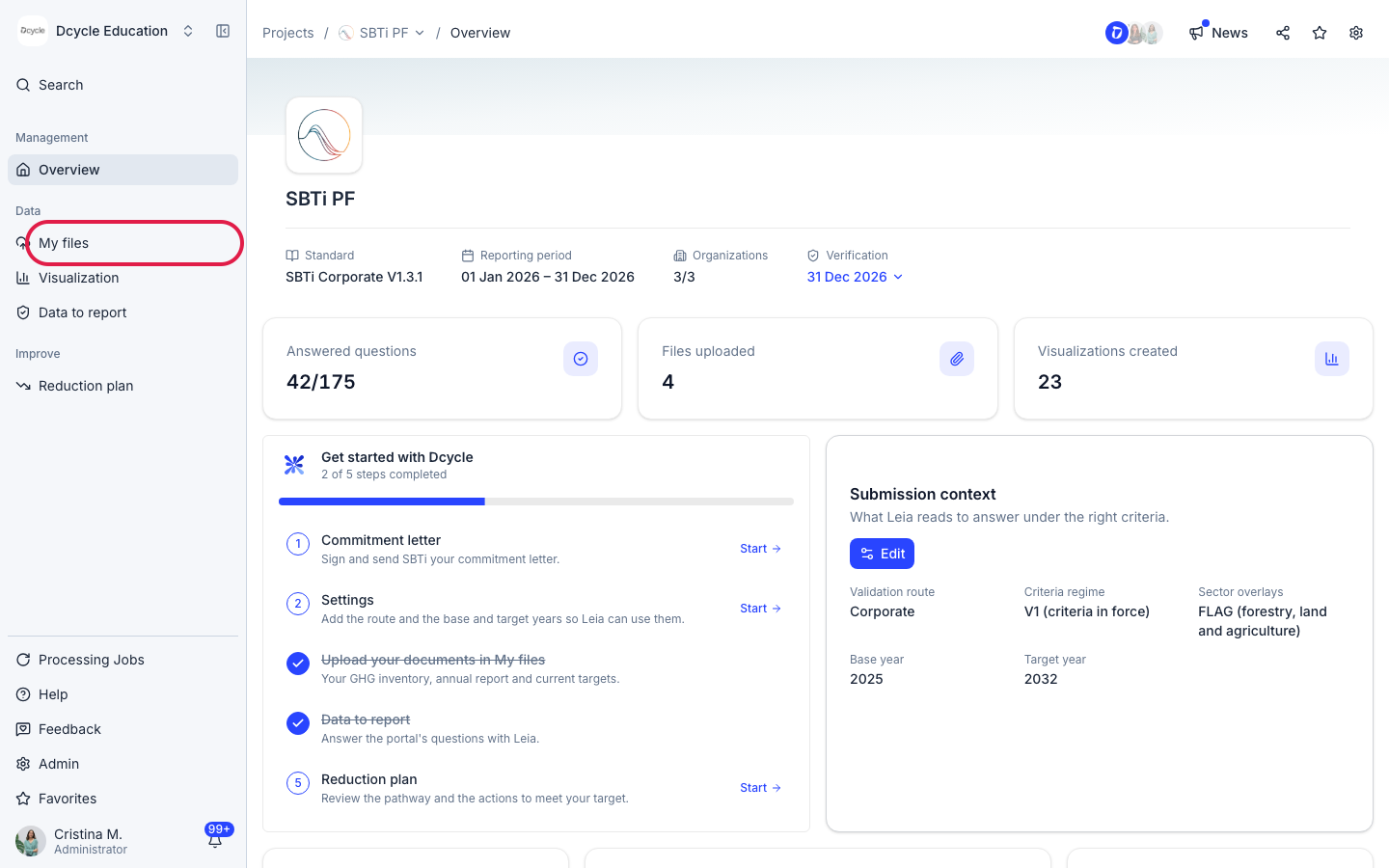
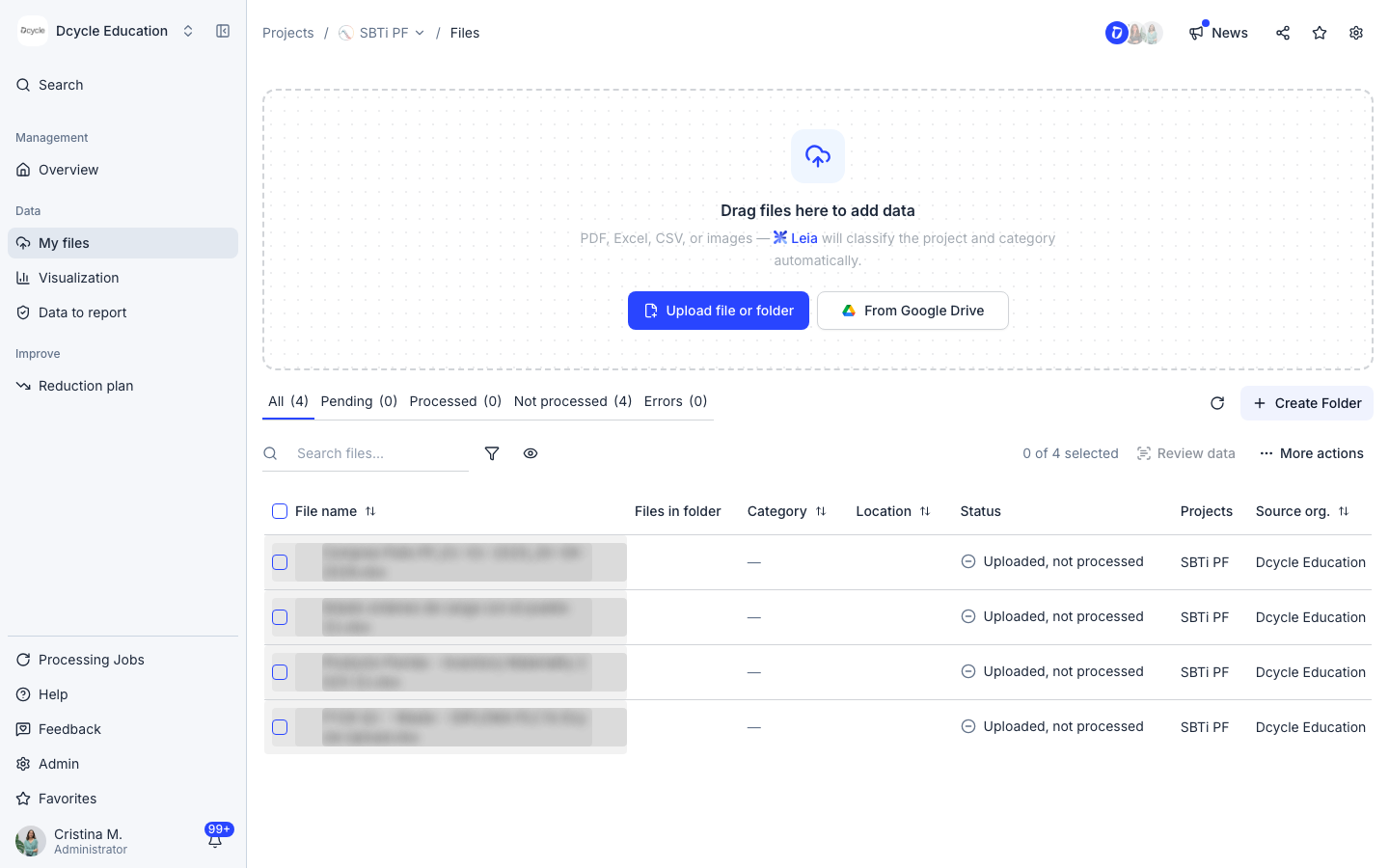
Click “My files”.
Step 5
Upload the documents Leia should use: your GHG inventory, your annual report and your current targets. Click “Upload file or folder” or import them from Google Drive. If you already have a carbon footprint project in Dcycle, its data is shared with this project, so you don’t need to upload it again.
Step 6
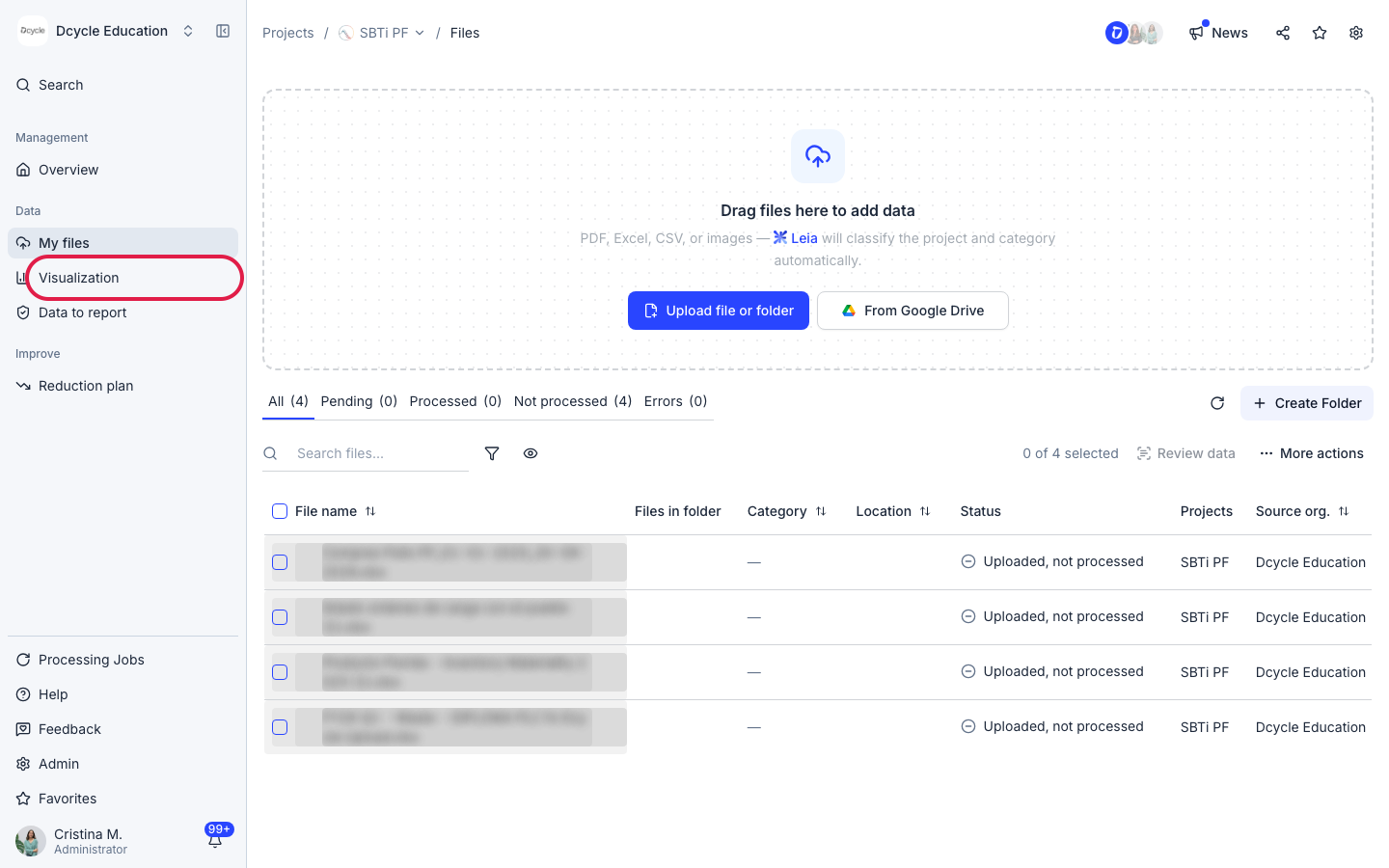
Click “Visualization”.
Step 7
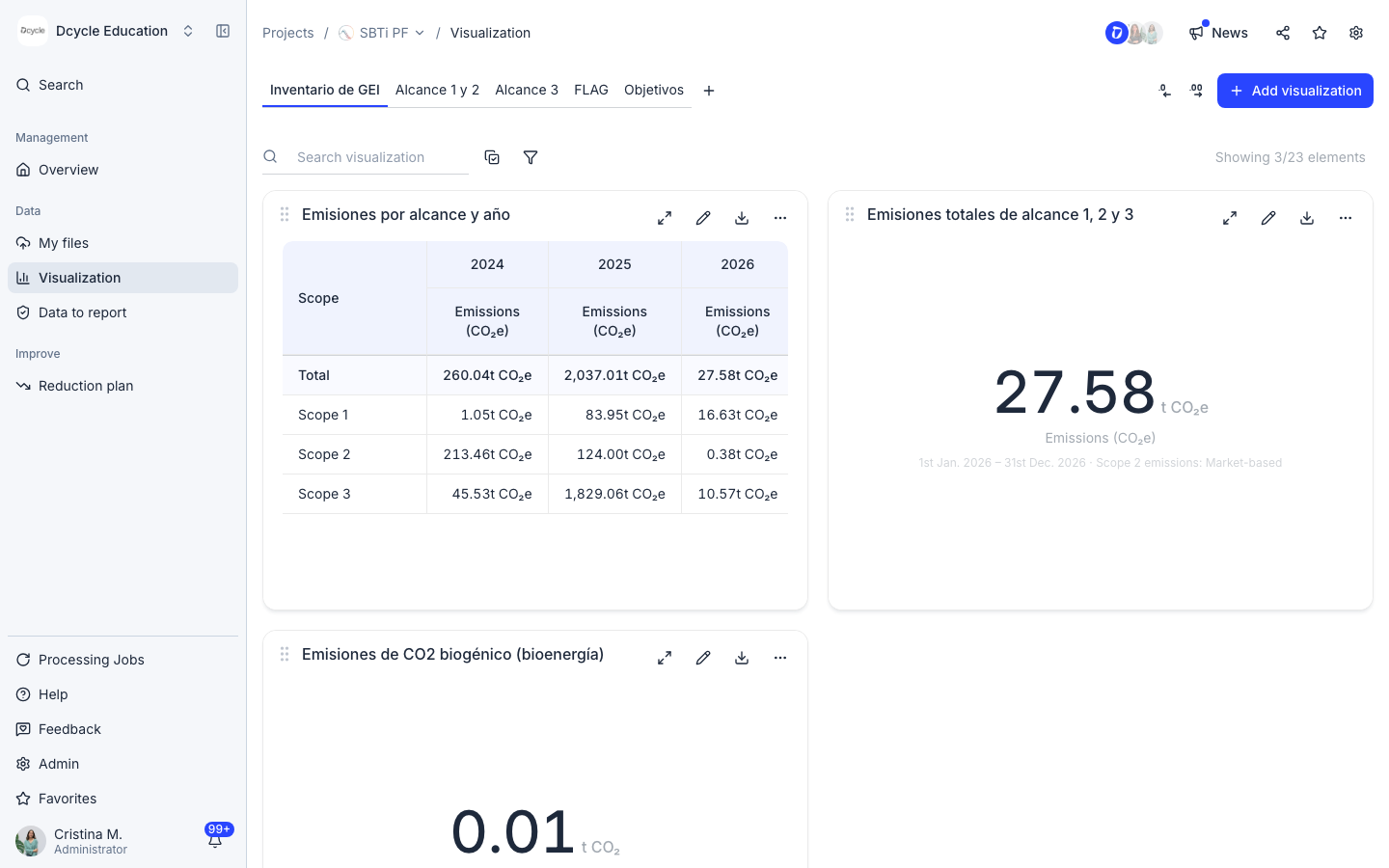
The visualizations the questionnaire needs are created automatically and grouped in tabs: GHG inventory, scopes 1 and 2, scope 3, FLAG and targets. You don’t need to build them yourself.
Step 8
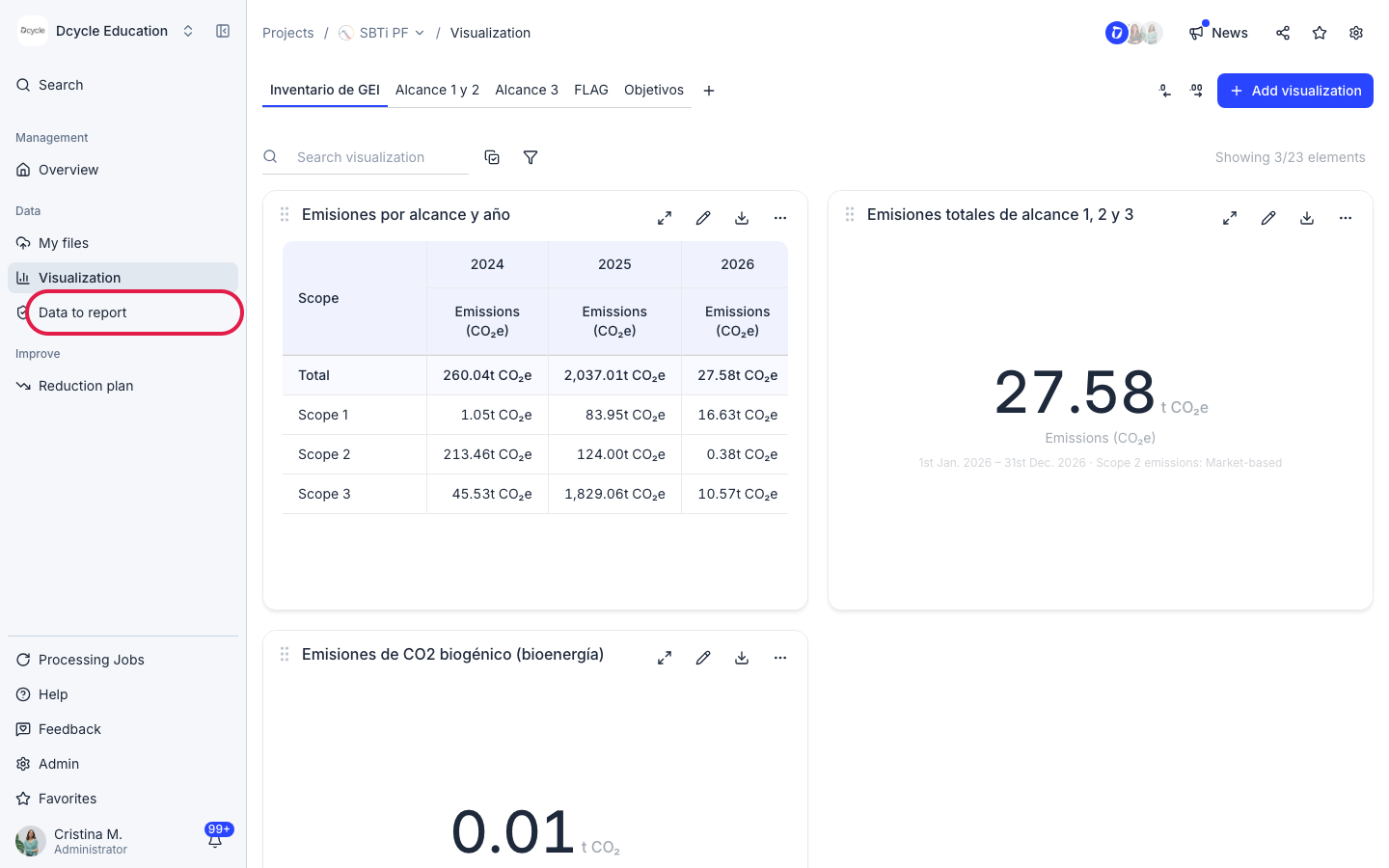
Click “Data to report”.
Step 9
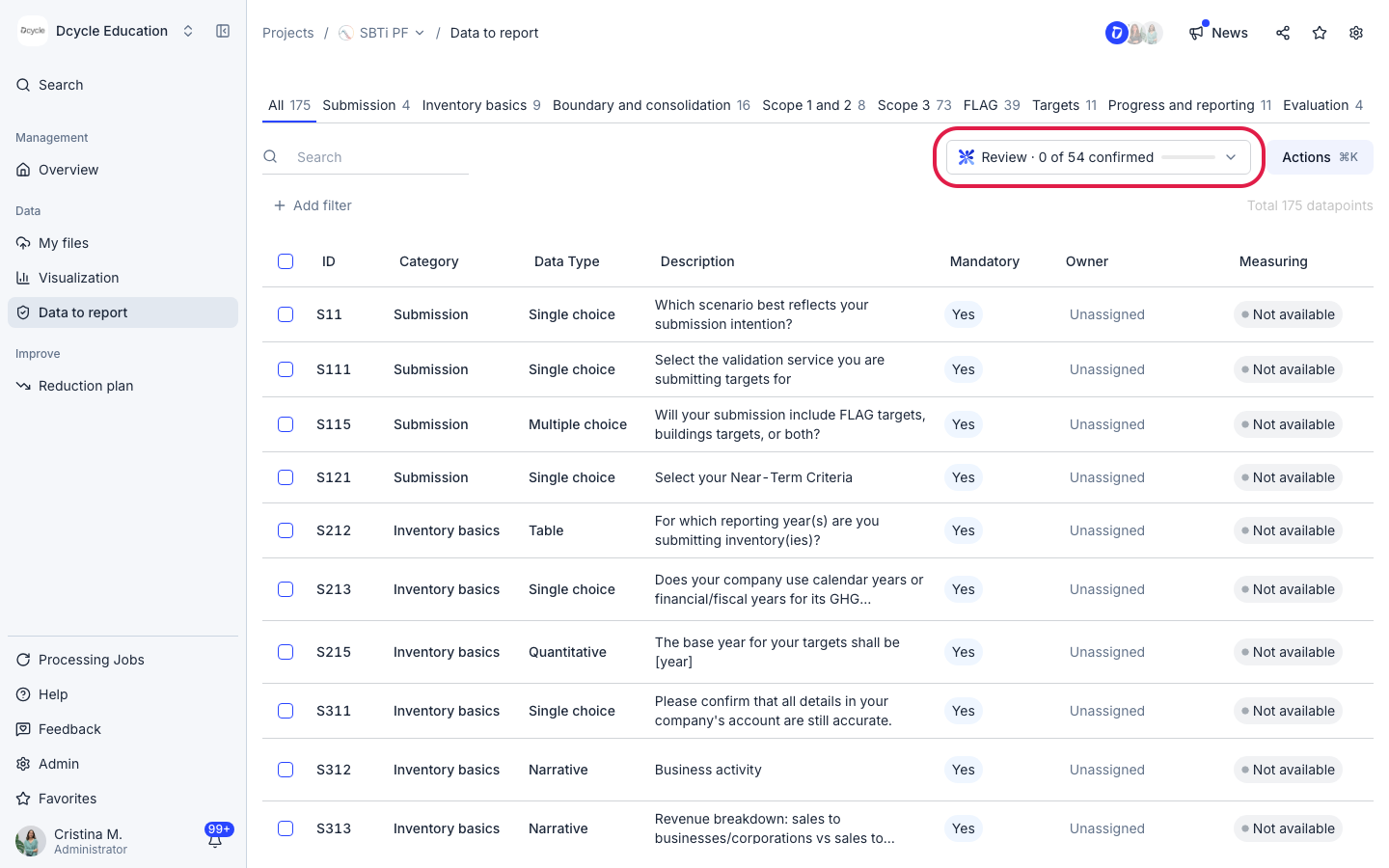
Here are all the questions of the SBTi portal, grouped in tabs by section. Click the “Review” button at the top to see Leia’s analysis and how many of its answers you have confirmed.
Step 10
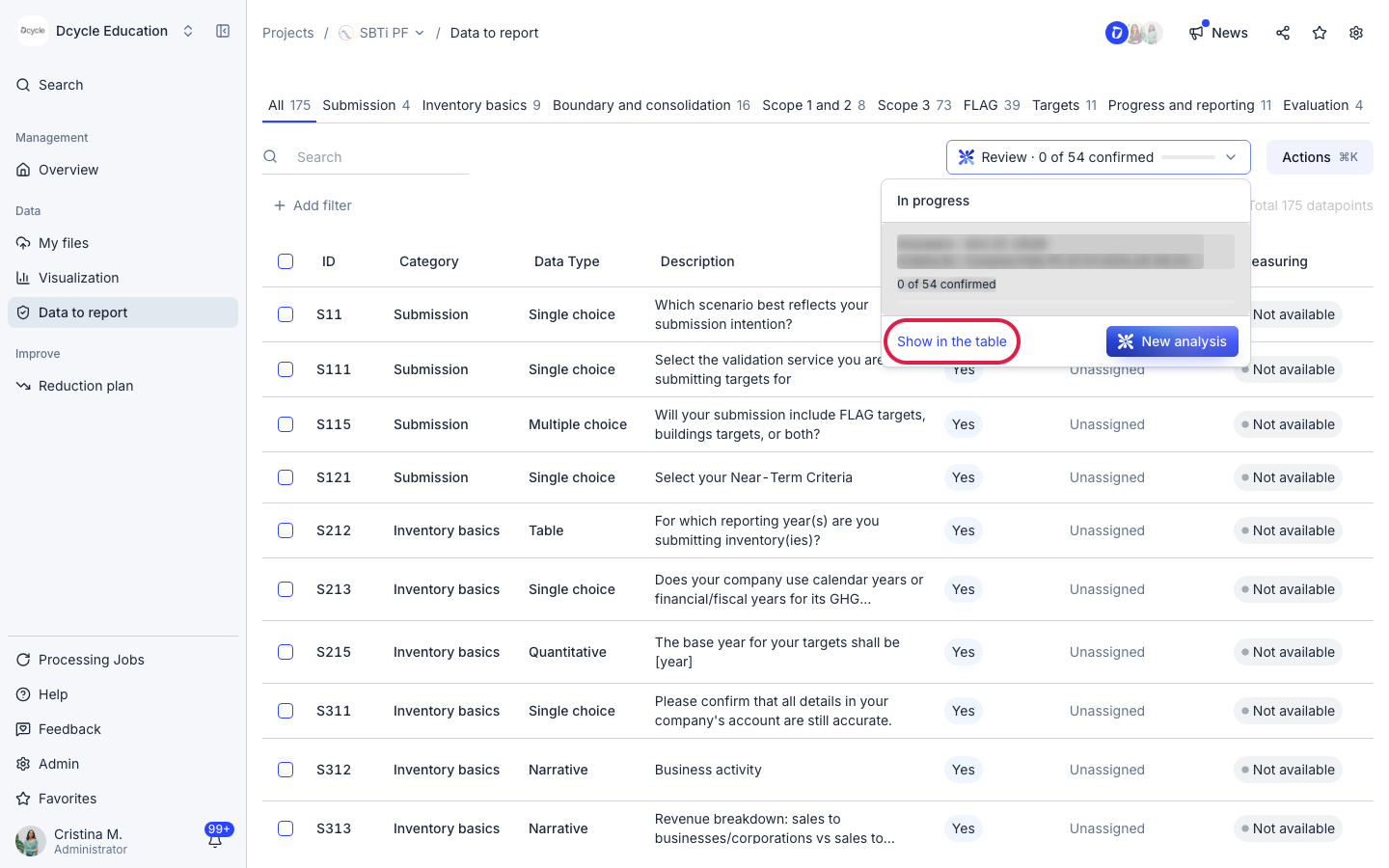
Click “Show in the table” to filter the questions Leia has drafted an answer for.
Step 11
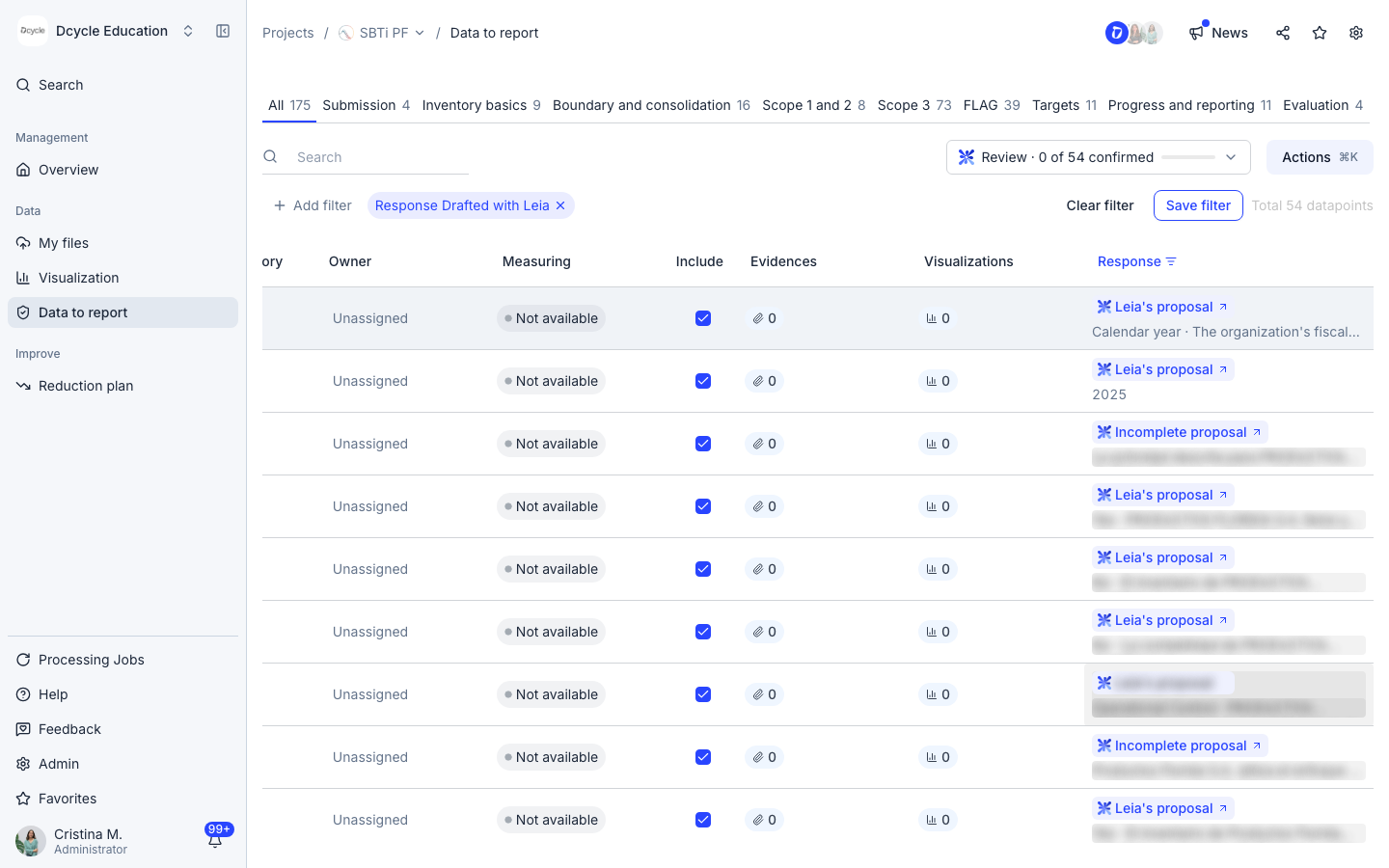
The “Response” column shows Leia’s proposal for each question, with a short justification. Open a question to check the evidence and the specific pages Leia used, edit the answer if needed and confirm it.
Step 12
Once your answers are confirmed, copy them and paste them straight into the SBTi portal. No more filling in a spreadsheet first.
Step 13
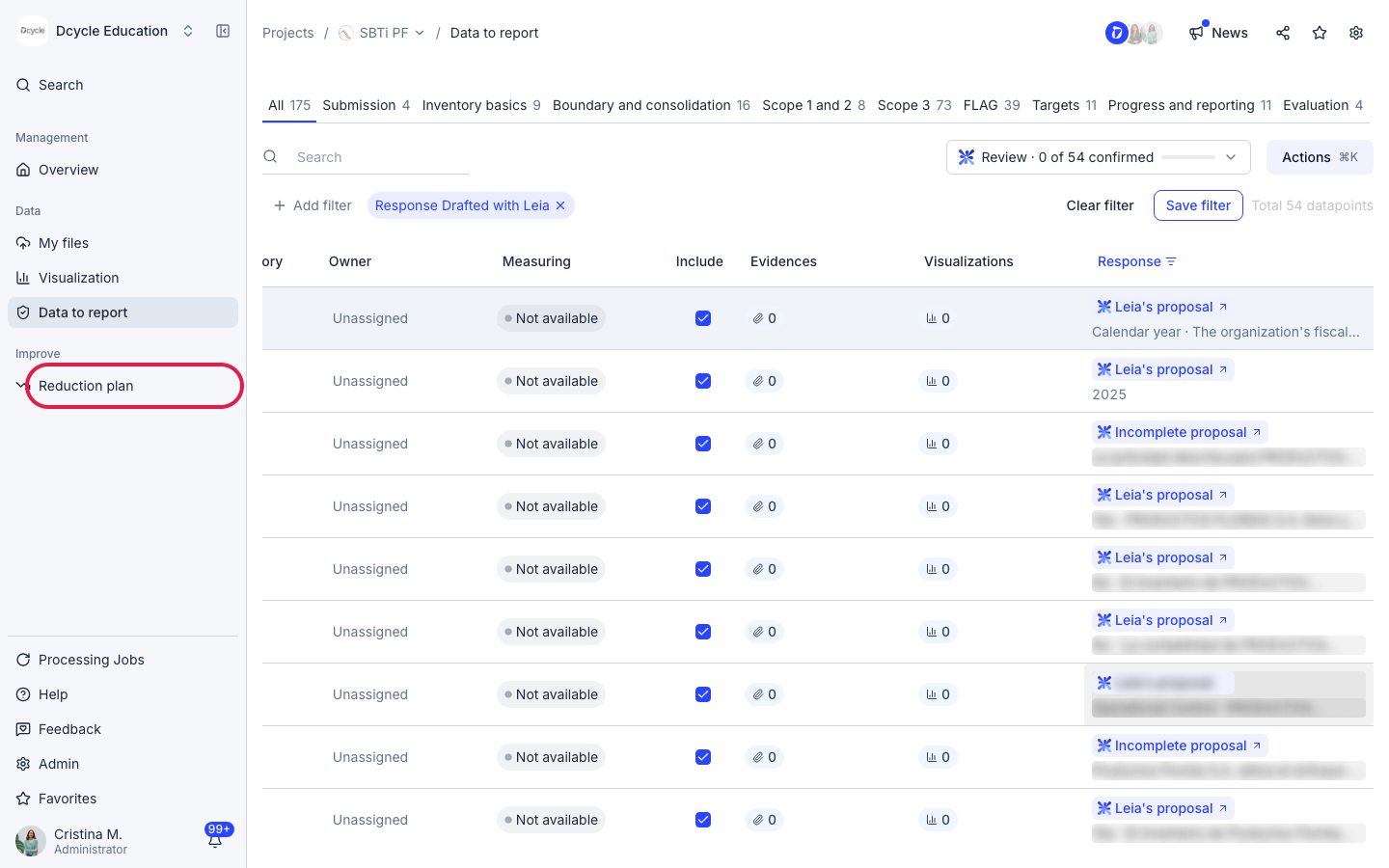
Click “Reduction plan”.
Step 14
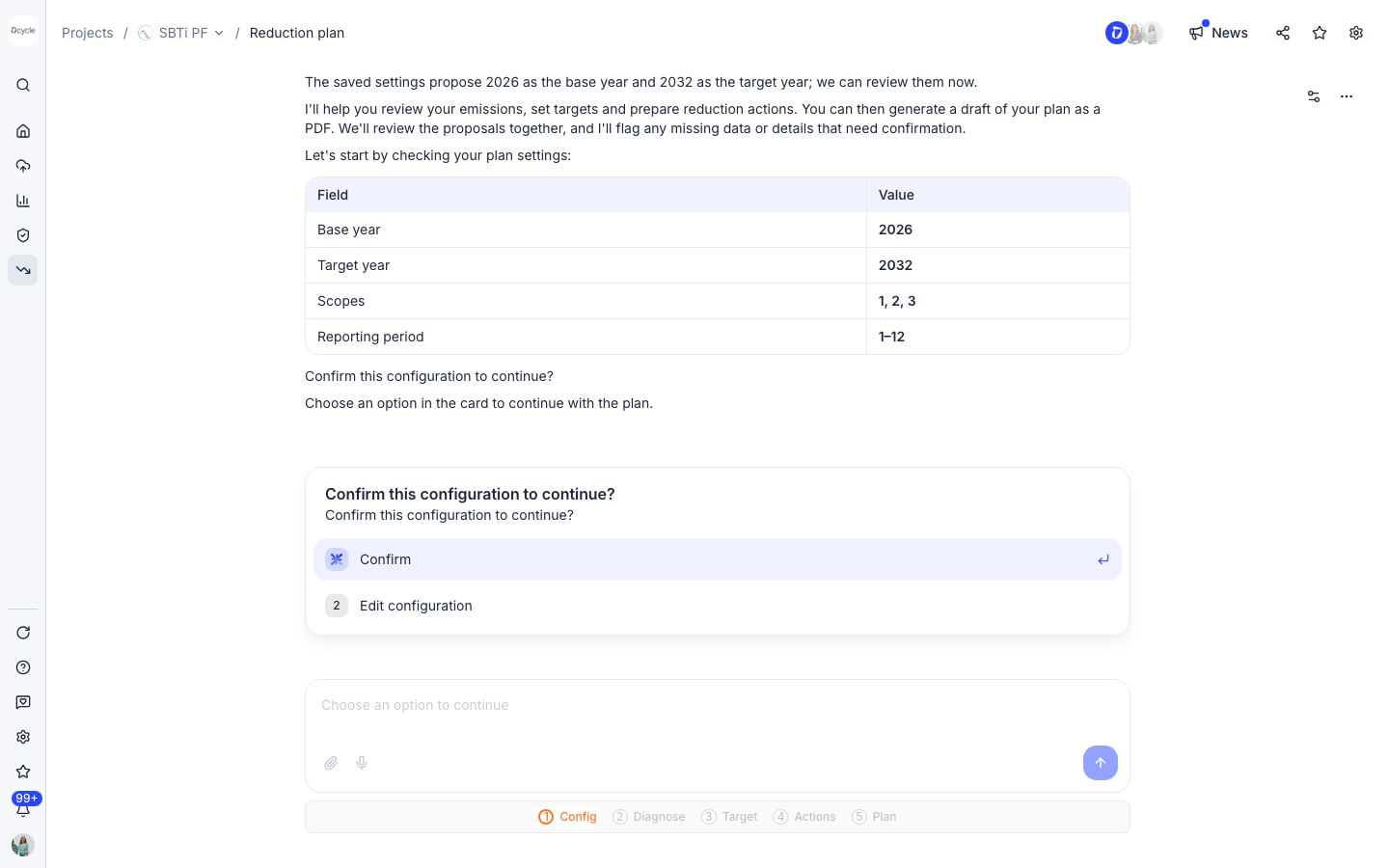
Leia builds your reduction plan from within the project, using the SBTi methodology. It goes through five stages: configuration, diagnosis, target, actions and plan. Confirm the settings (base year, target year, scopes) or edit them, then answer Leia’s questions at each stage. At the end you can generate a draft of the plan as a PDF.
Was this helpful?
What was missing or unclear? (optional)
Sent. Thank you for helping us improve.