Product Guides
Restore a deleted record from the Trash
When you delete a record in Dcycle, it doesn't disappear immediately — it goes to the Trash. You can review what's there and restore it if something was deleted by mistake.
Before you start
You need the Editor role in your Dcycle organization.
Steps
Step 1
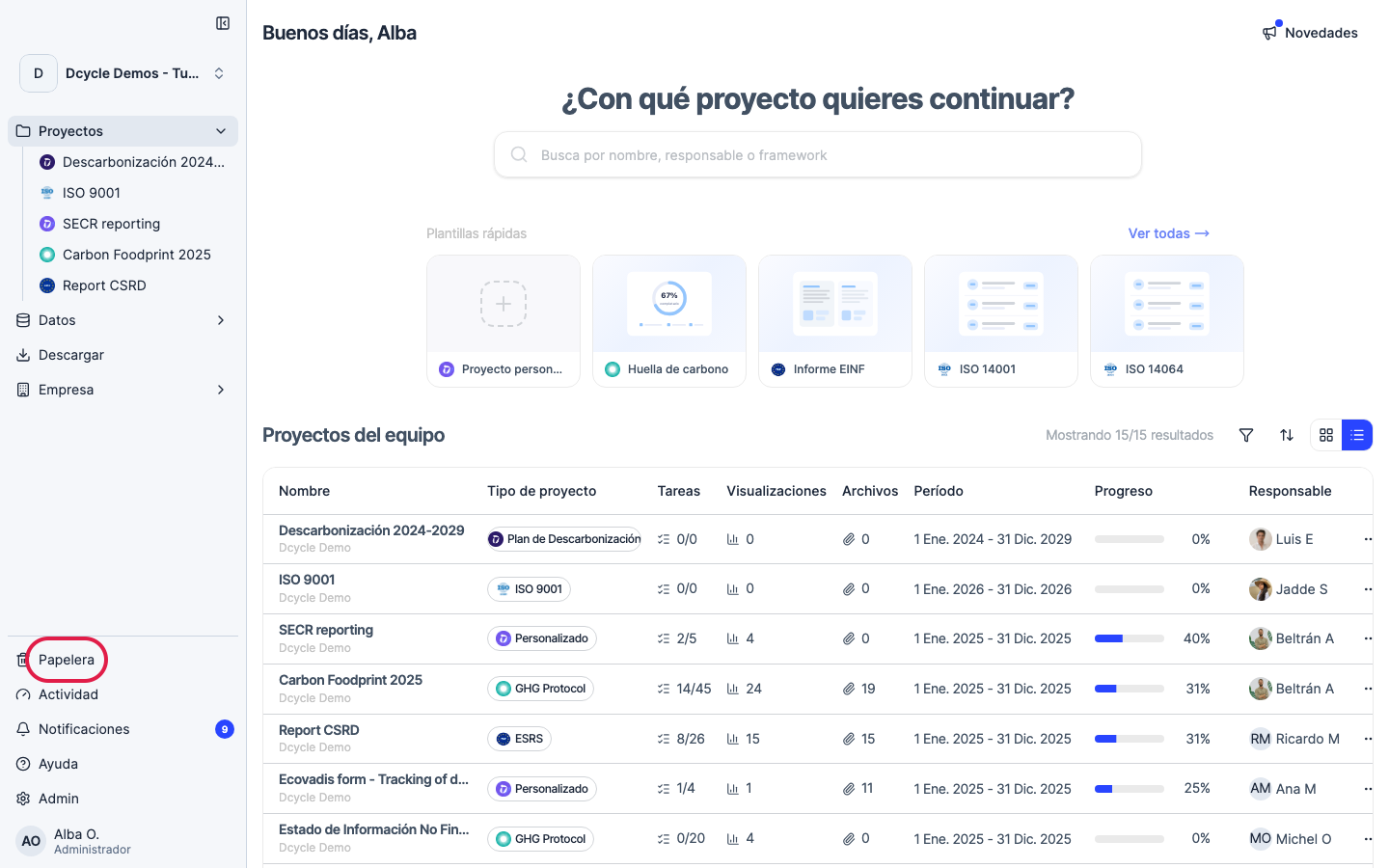
Click “Trash” at the bottom of the side navigation.
Step 2
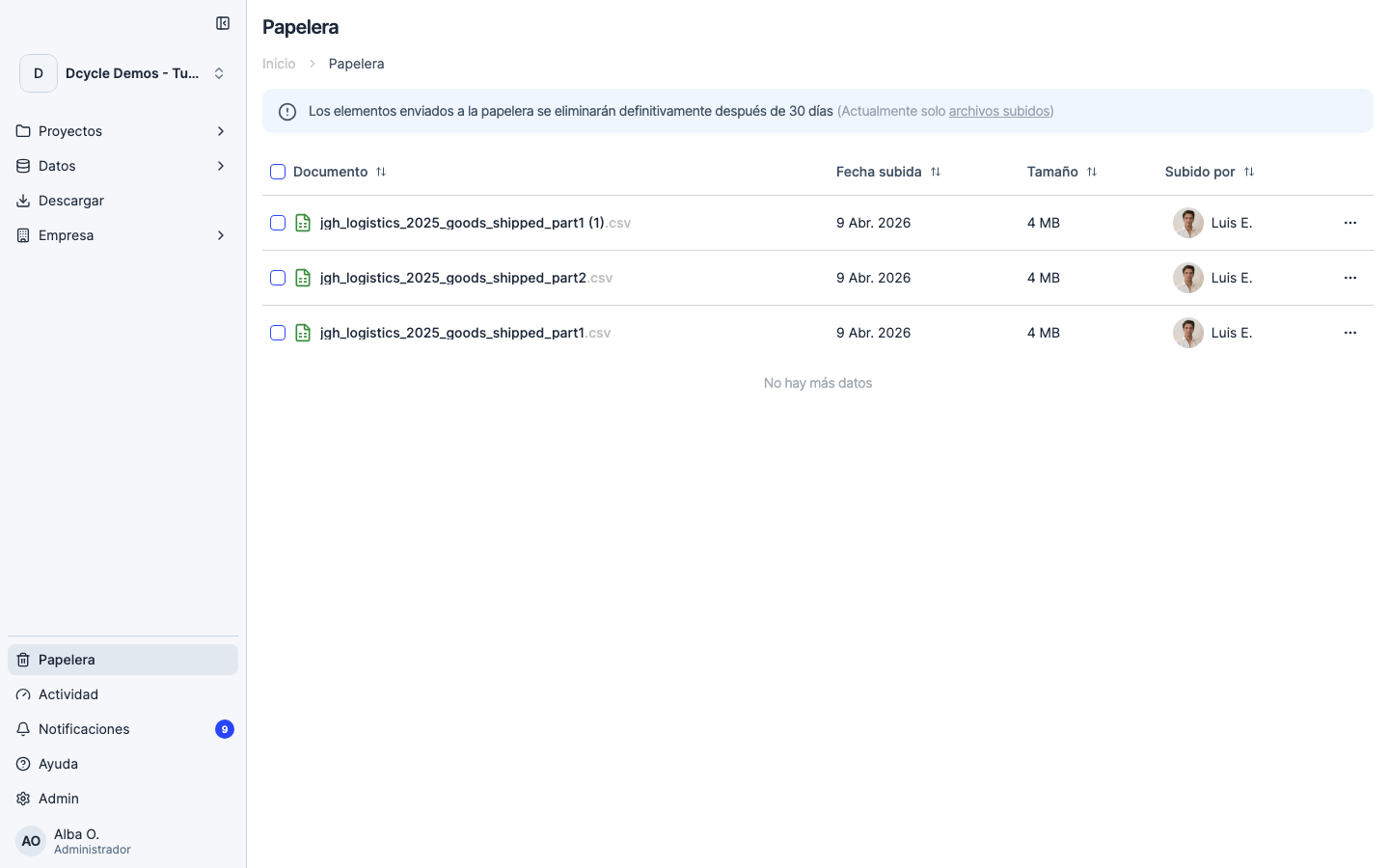
The Trash lists every deleted record in the organization, with the deletion date and who removed it. Use the search bar to find a specific entry by name or category.
Step 3
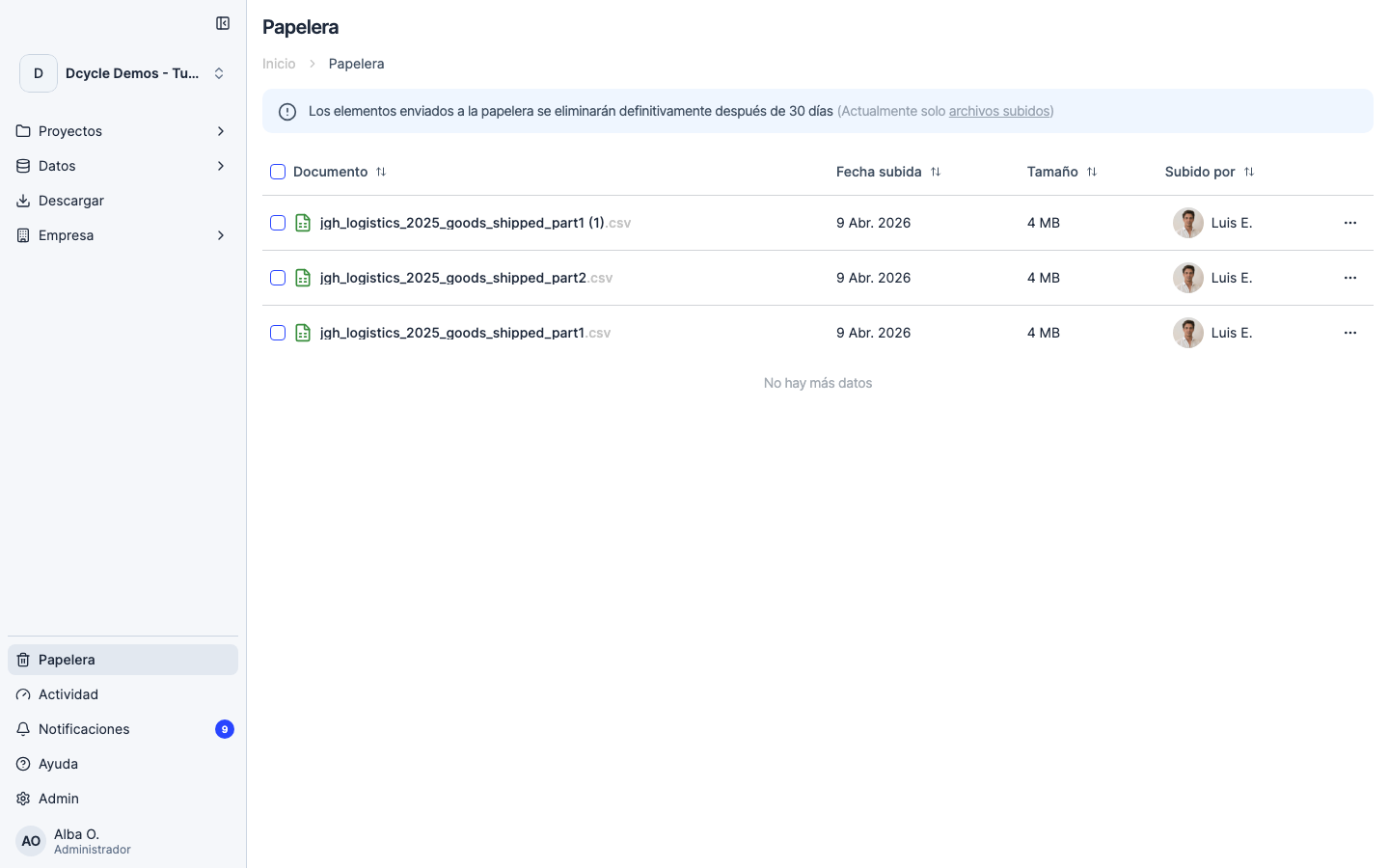
To recover something, select the row and click “Restore”. The record returns to its original category with all its data, and its emissions are recalculated automatically. Note: restoring a deleted invoice also restores its associated total impacts and derived records.
Step 4
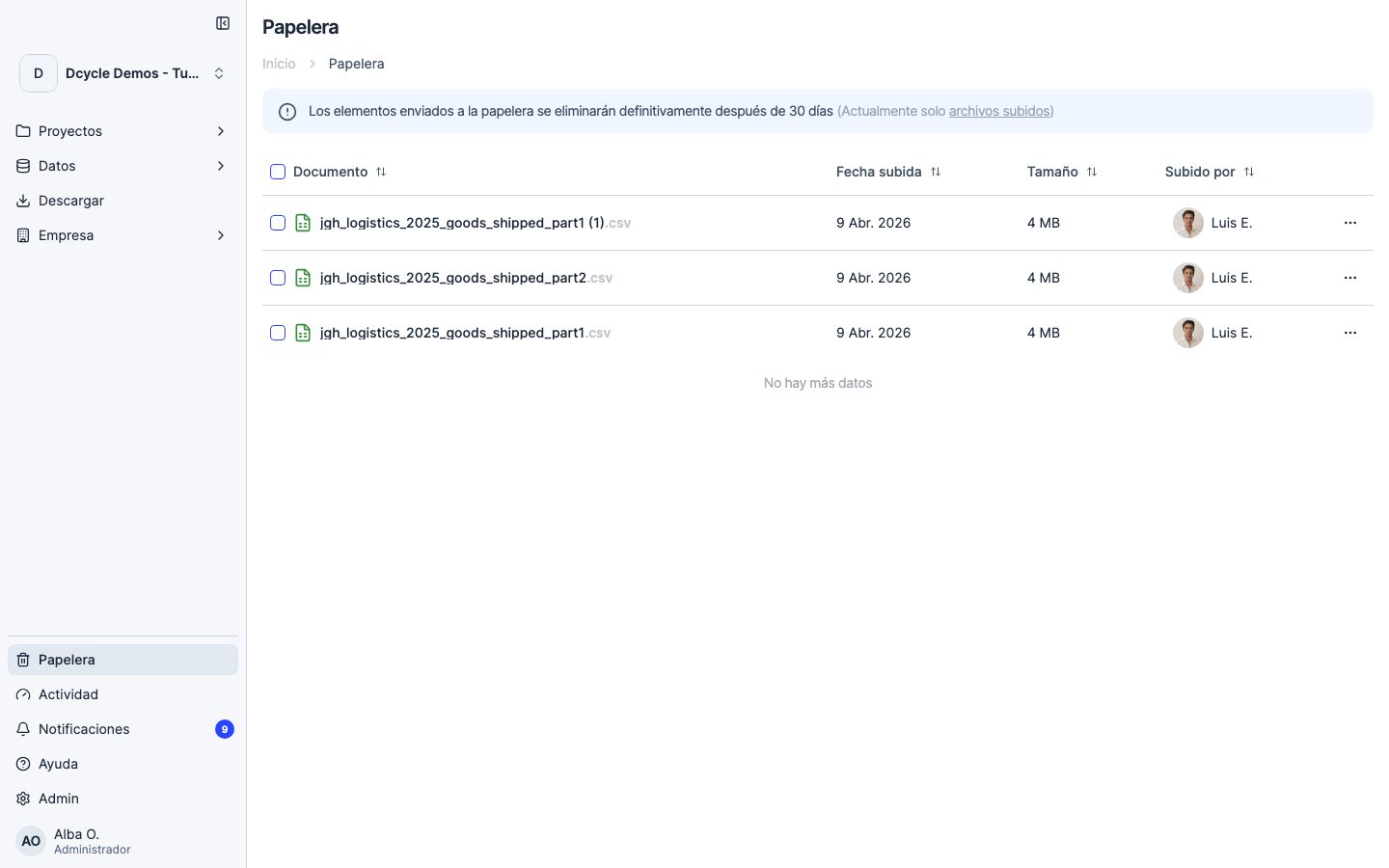
The Trash has a 30-day retention window. After that, items are permanently deleted and can’t be recovered from the platform. If something critical falls outside that window, you’ll need to upload it again from your original files.
Was this helpful?
What was missing or unclear? (optional)
Sent. Thank you for helping us improve.