Product Guides
Invite a team member and manage team roles
Invite colleagues to your Dcycle organization and pick their role. Admins manage billing and the team, Editors enter data and generate reports, Viewers can only read dashboards and reports.
Before you start
You need an Admin role in your Dcycle organization.
Steps
Step 1
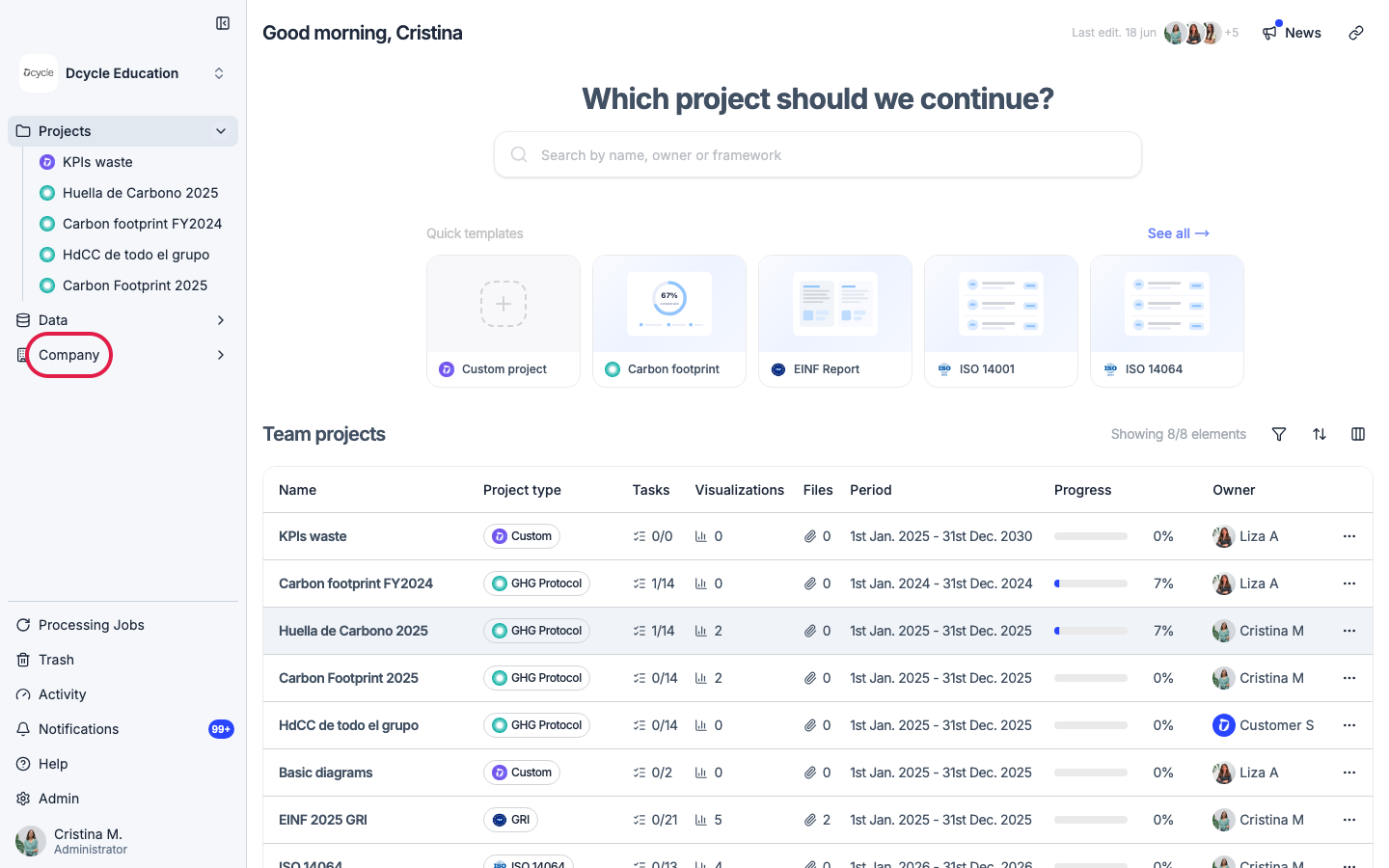
Click “Company” in the left navigation.
Step 2
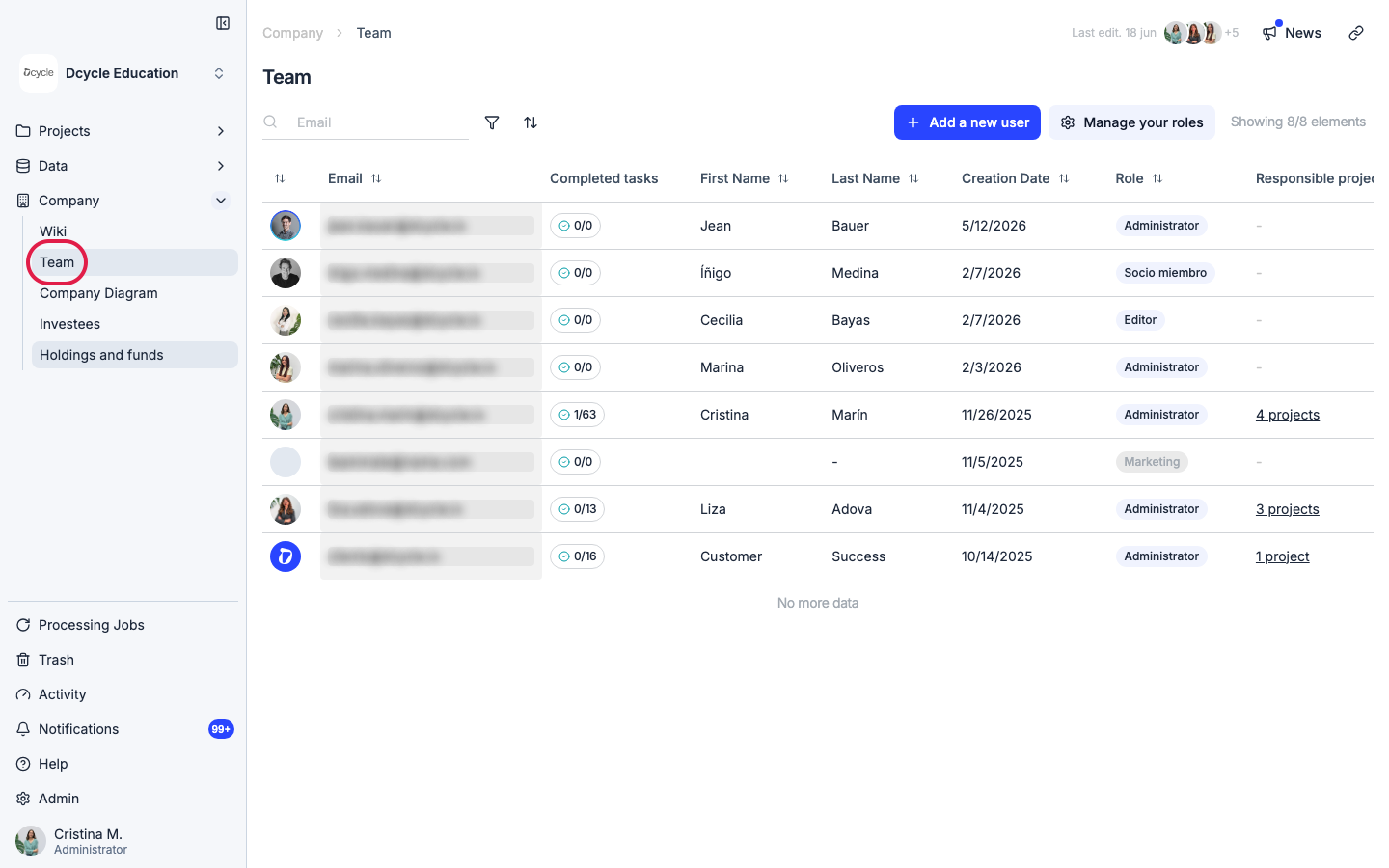
Click “Team”.
Step 3
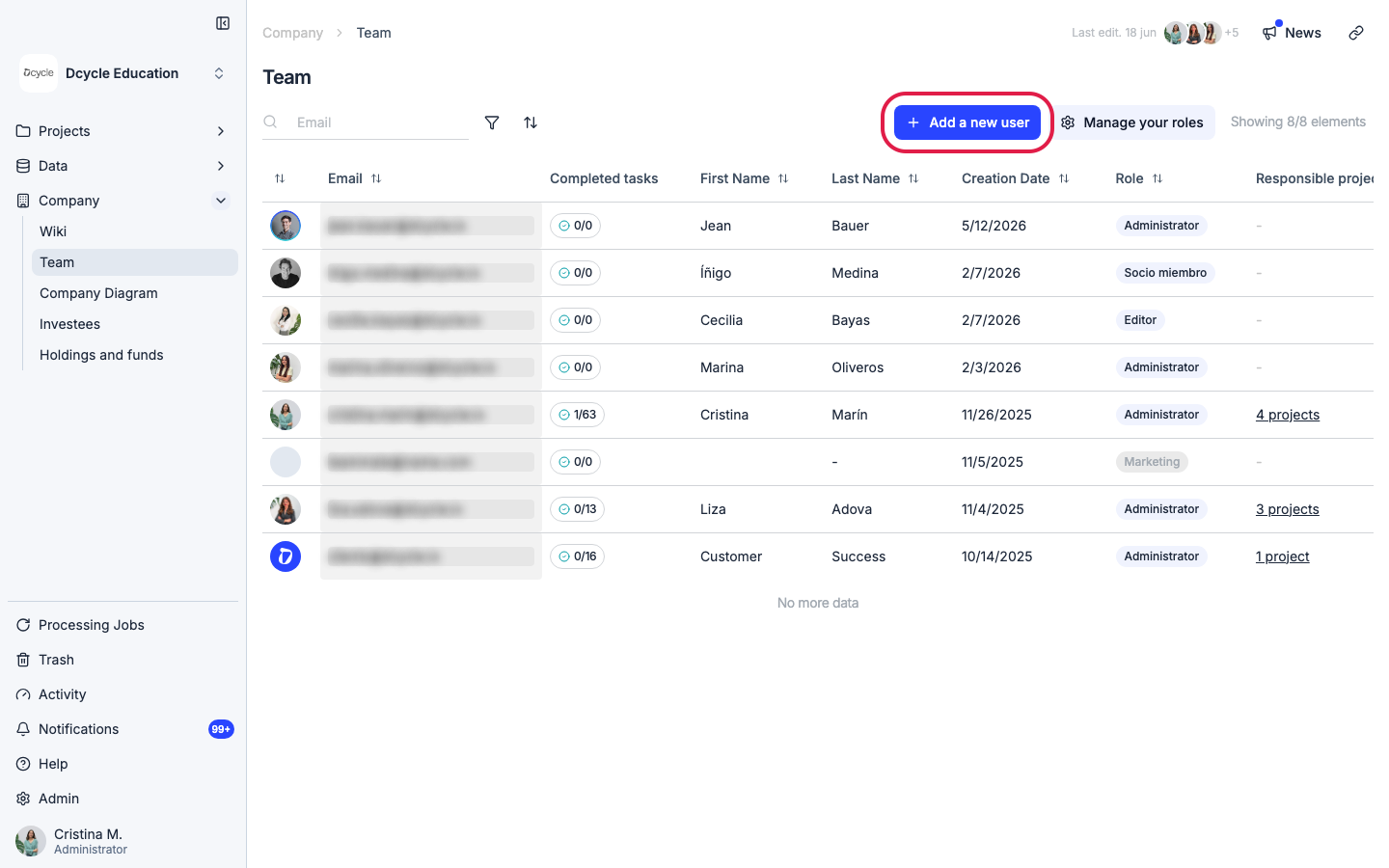
Click ”+ Add user” in the top right.
Step 4
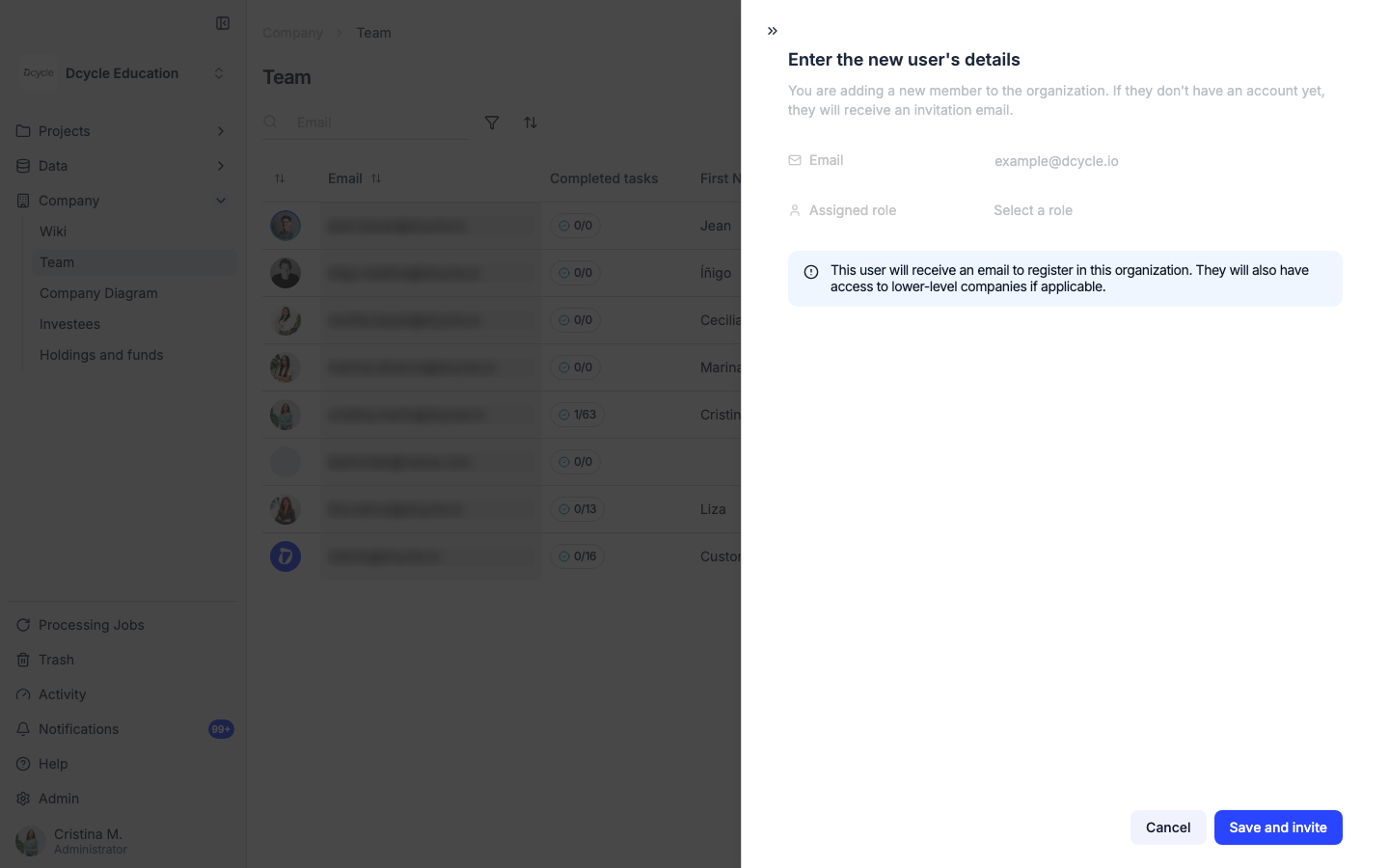
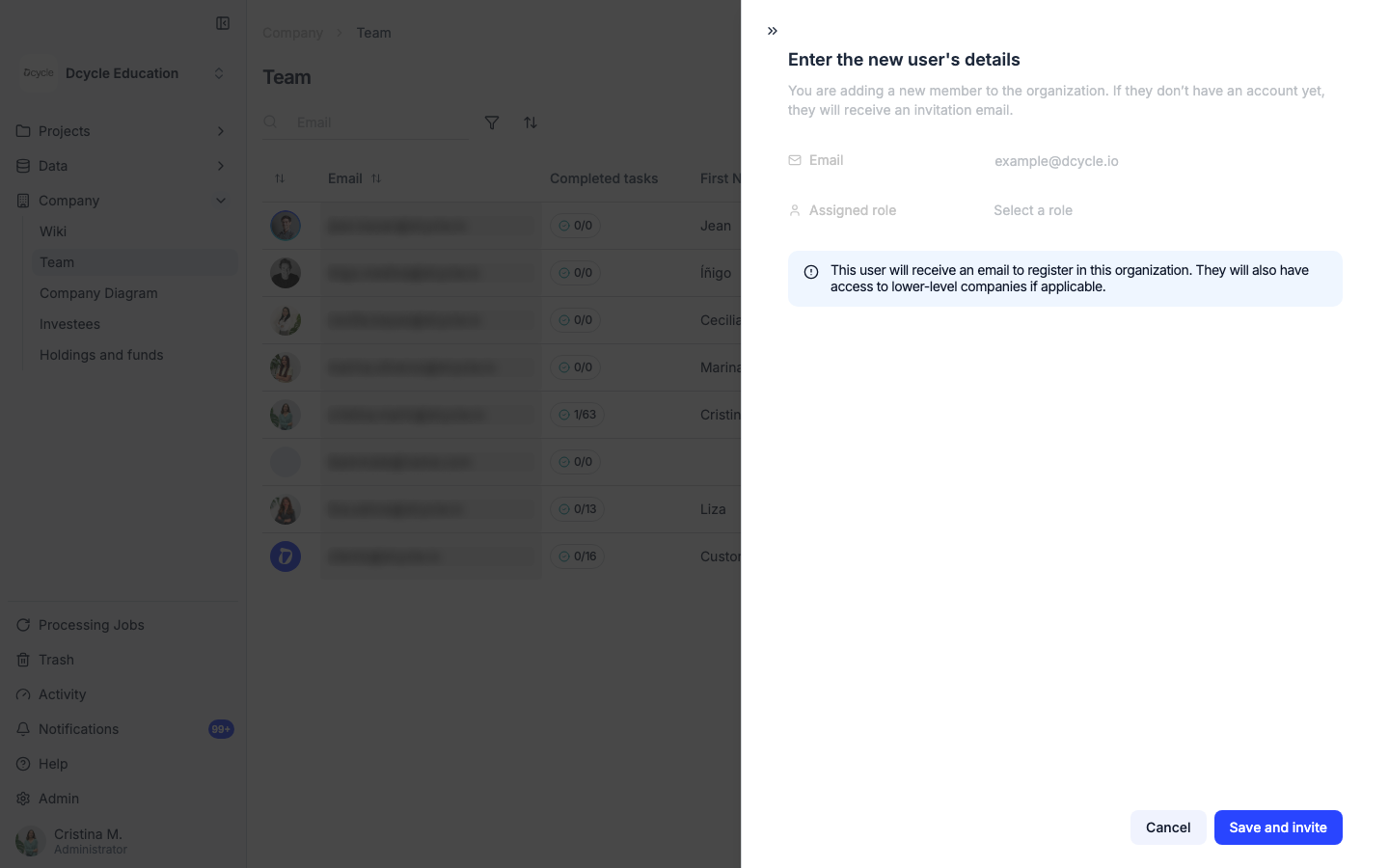
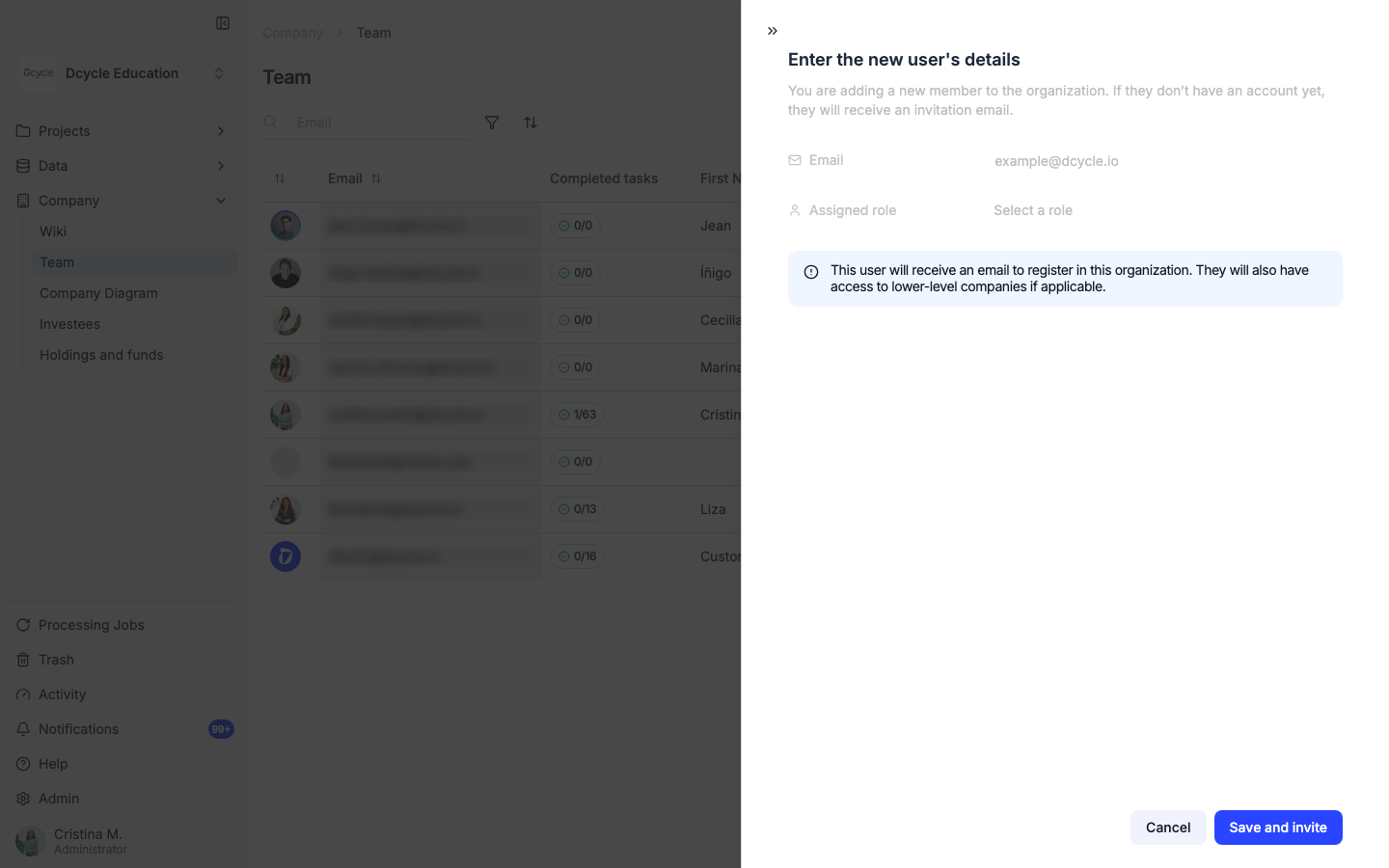
Fill in the new user’s email, name and surname, and pick a role. You can also assign them to a specific project from the form. Click “Send invitation” — they will receive an email with a link to join your organization.
Step 5
Dcycle has four roles. Administrator manages billing, the team, and all data. Editor creates and edits data, generates reports. Viewer has read-only access to dashboards and reports. Human Resources has access to employee data only.
Step 6
Use “Manage roles” from the team list to change permissions for an existing member, or remove someone from the organization.
Was this helpful?
What was missing or unclear? (optional)
Sent. Thank you for helping us improve.