Product Guides
Register a Guarantee of Origin redemption
A Guarantee of Origin (GdO) certificate proves that a given amount of electricity came from renewable sources. This guide shows how to register a GdO redemption against a facility's electricity supply point (CUPS) in Dcycle, so it's matched automatically to your consumption and reflected in your market-based Scope 2 — without tracking certificates outside the platform.
Before you start
You need an Editor role in your Dcycle organization.
Steps
Step 1
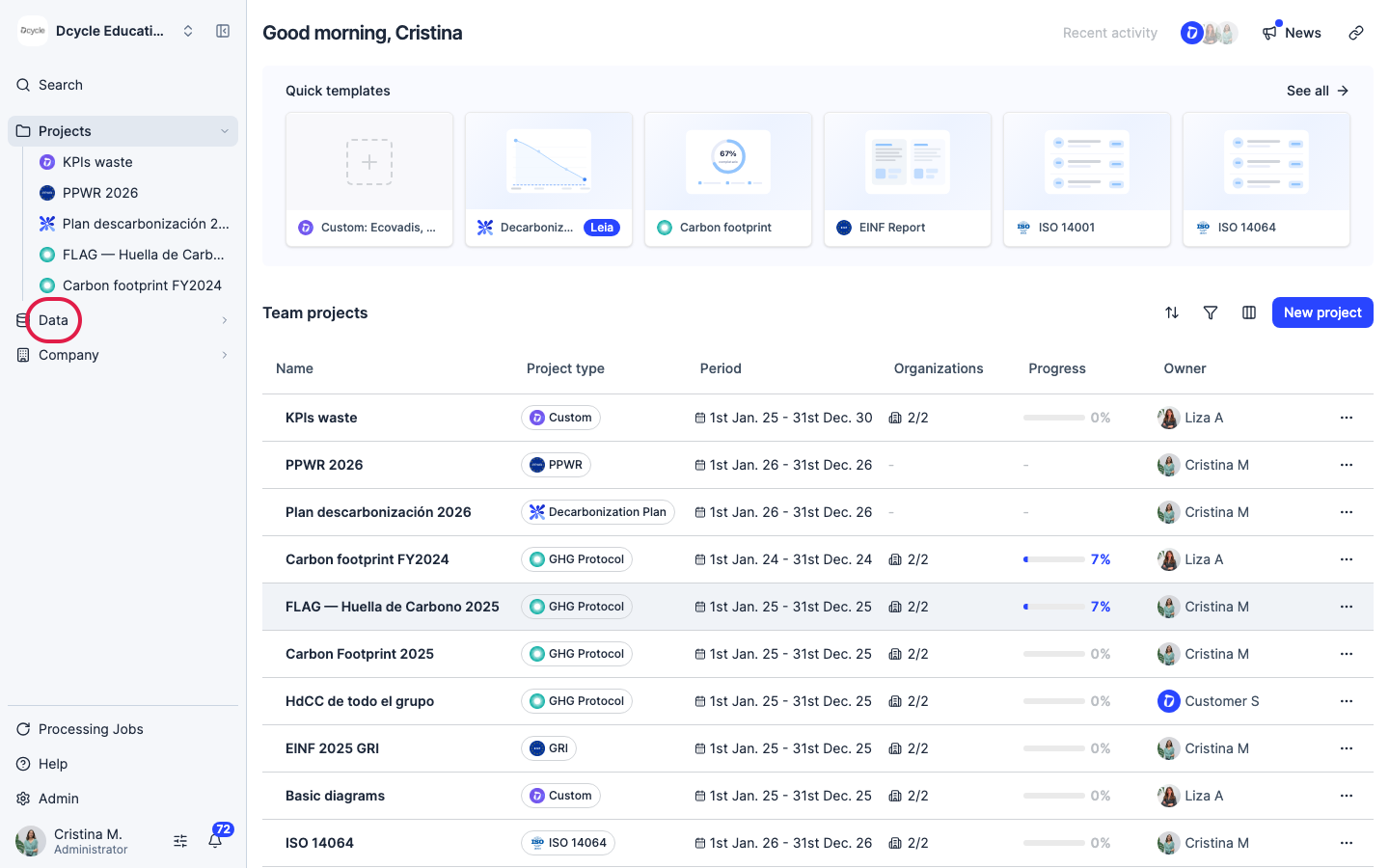
Click “Data” in the left navigation.
Step 2
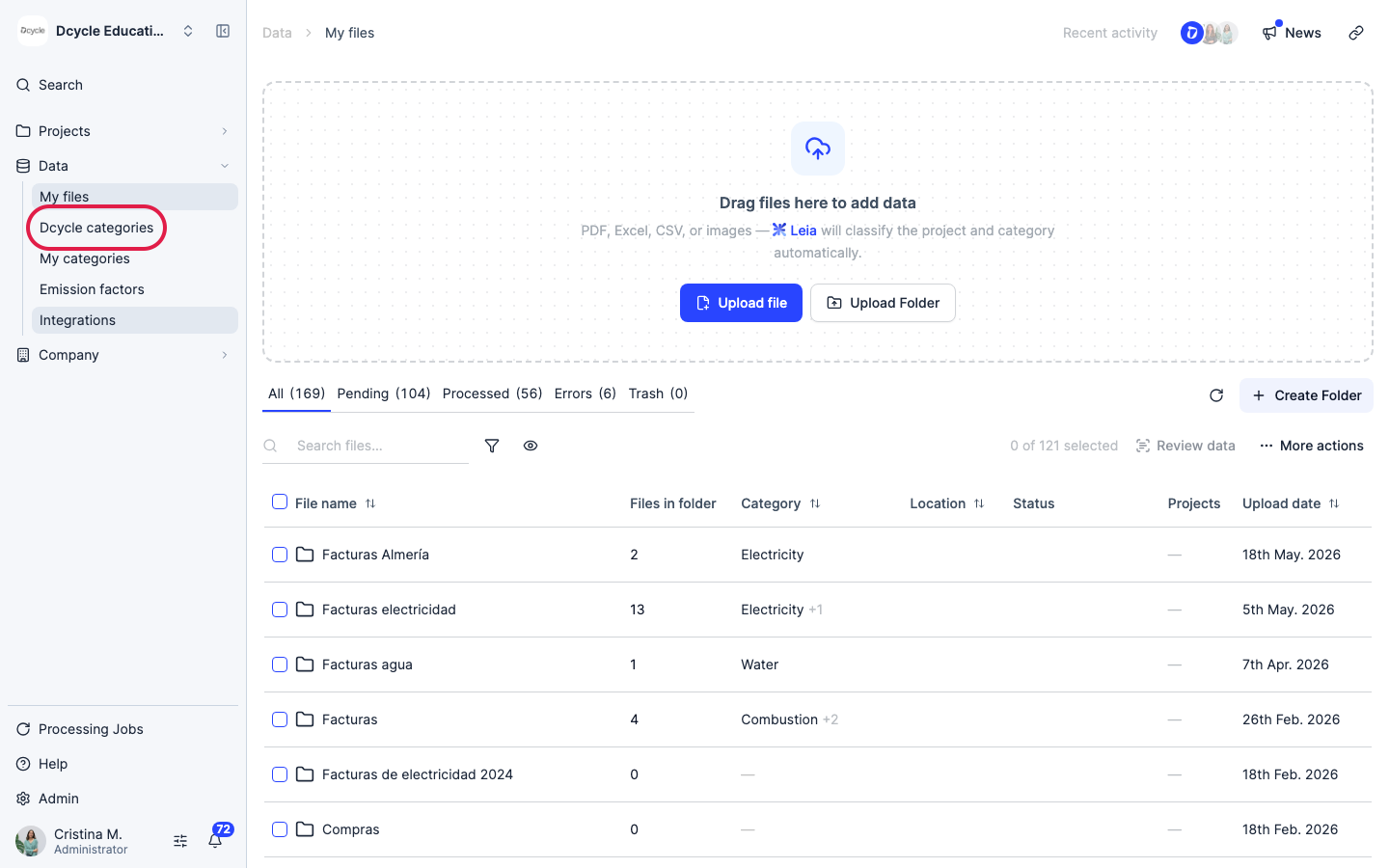
Click “Categories”.
Step 3
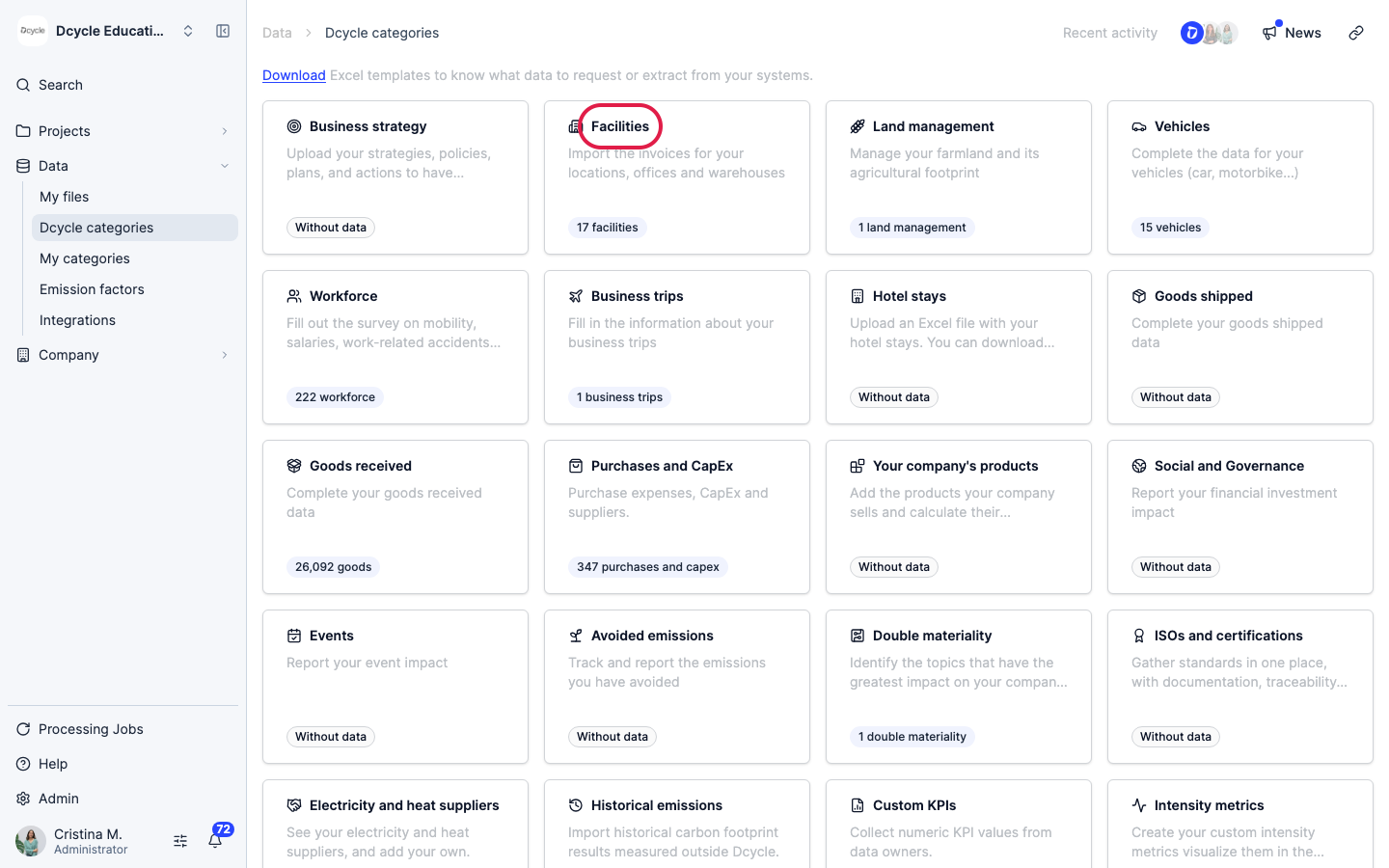
Open the “Facilities” category.
Step 4
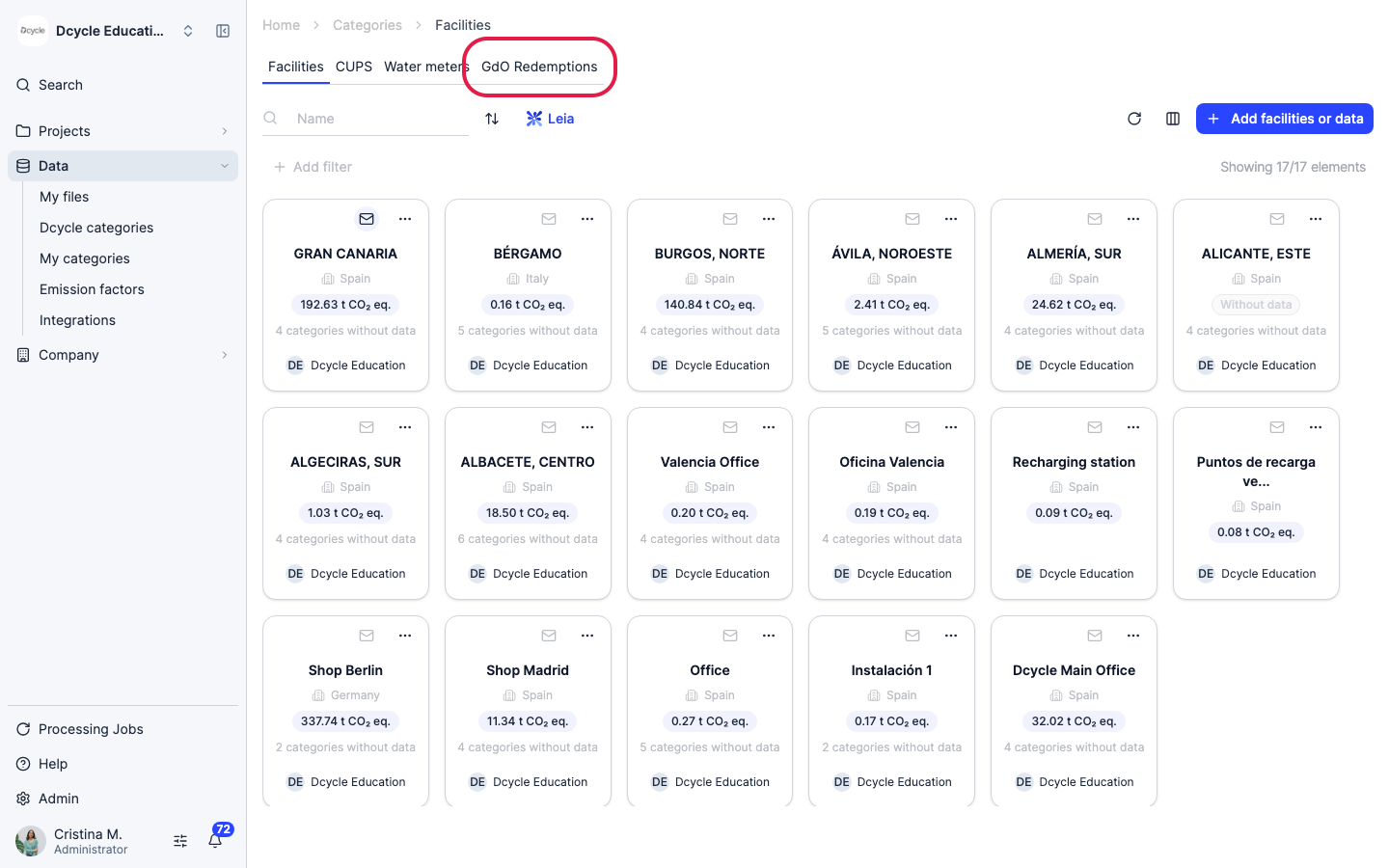
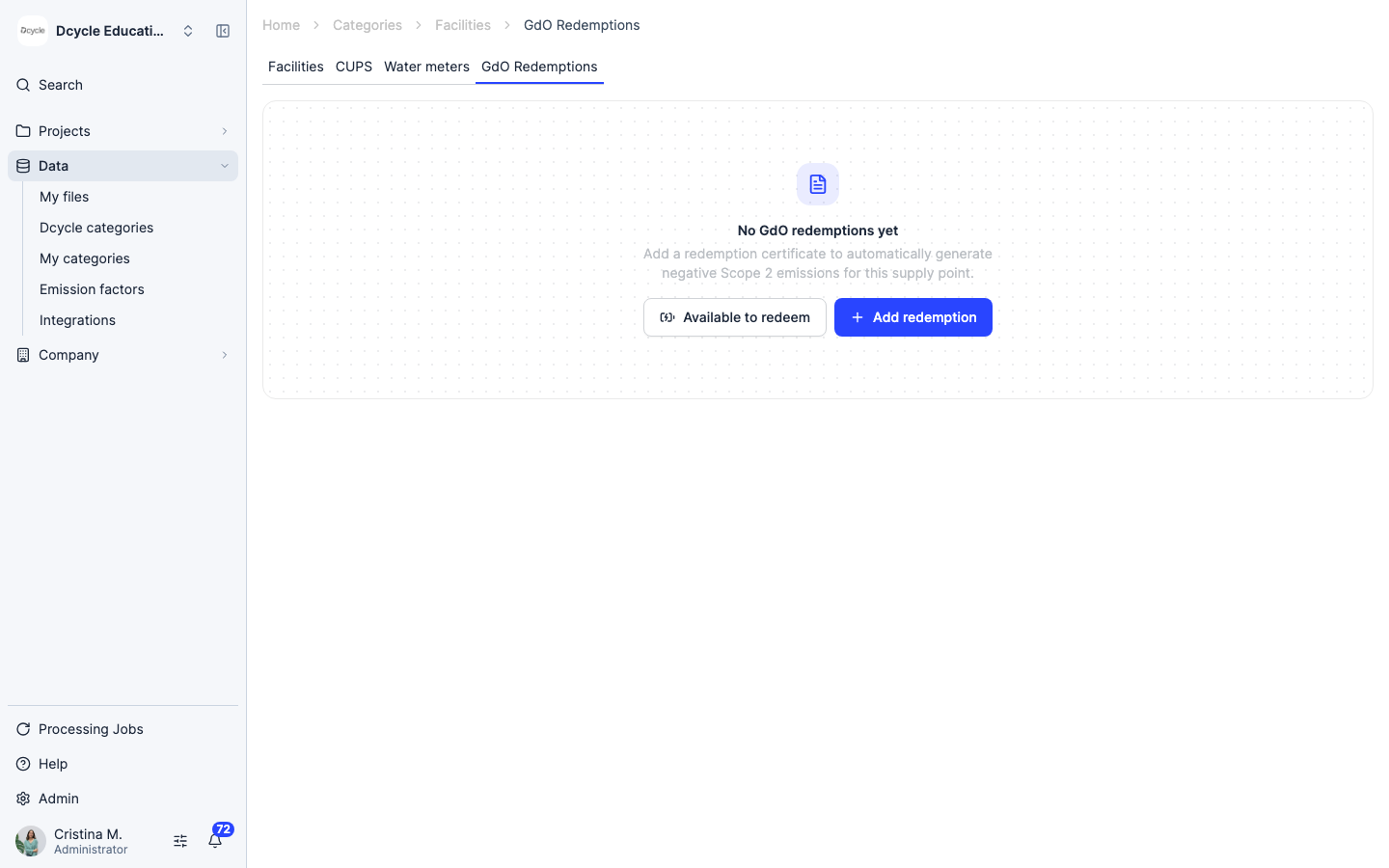
The Facilities section has its own sub-tabs — Facilities, CUPS, Water meters, and the new “GdO Redemptions”. Click “GdO Redemptions”.
Step 5
This view lists every GdO redemption certificate registered across your supply points (CUPS). “Available to redeem” lets you check which CUPS and years still have consumption without a GdO applied — that’s what you can still cover with a certificate.
Step 6
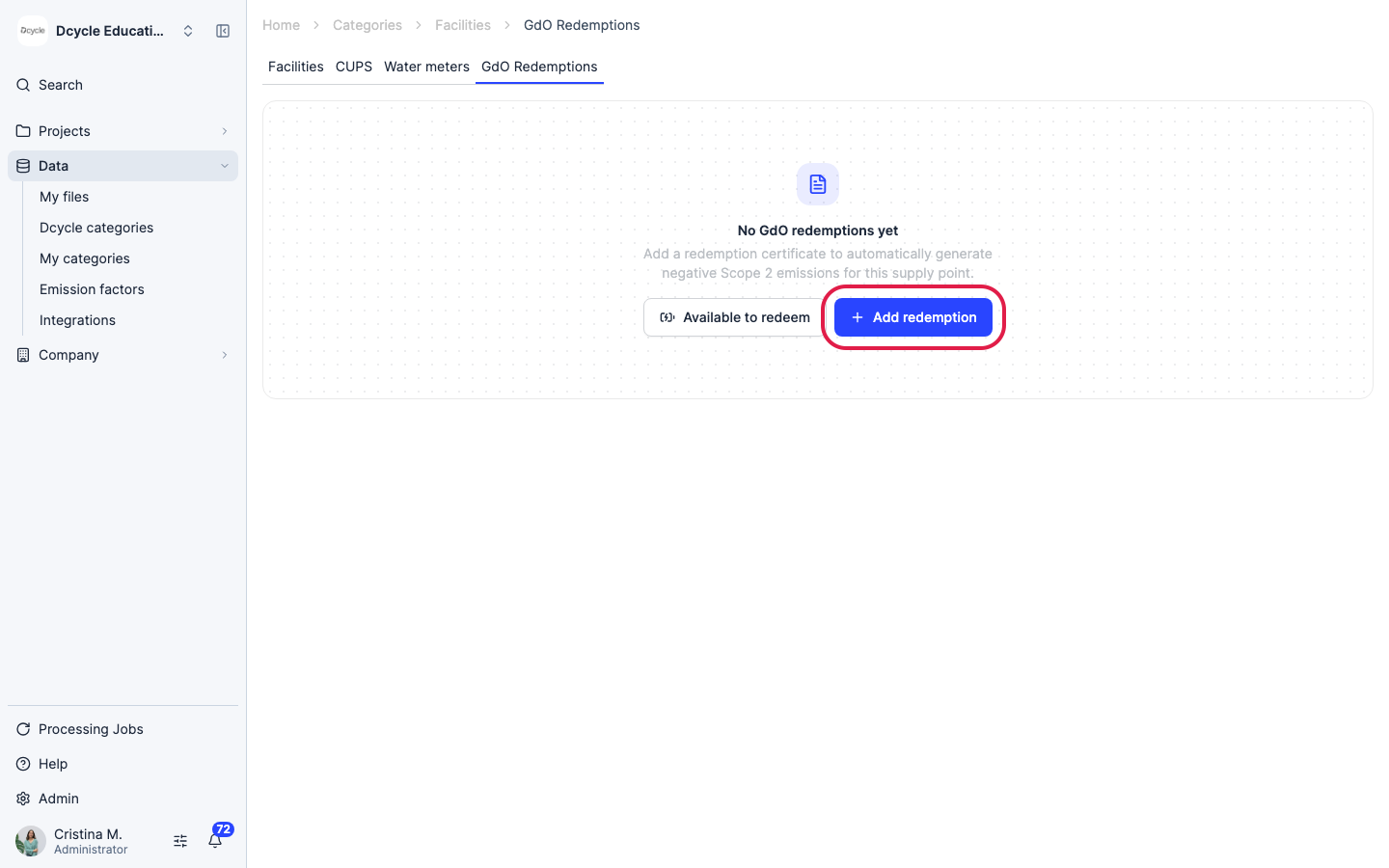
Click “Add redemption” to register a new GdO certificate.
Step 7
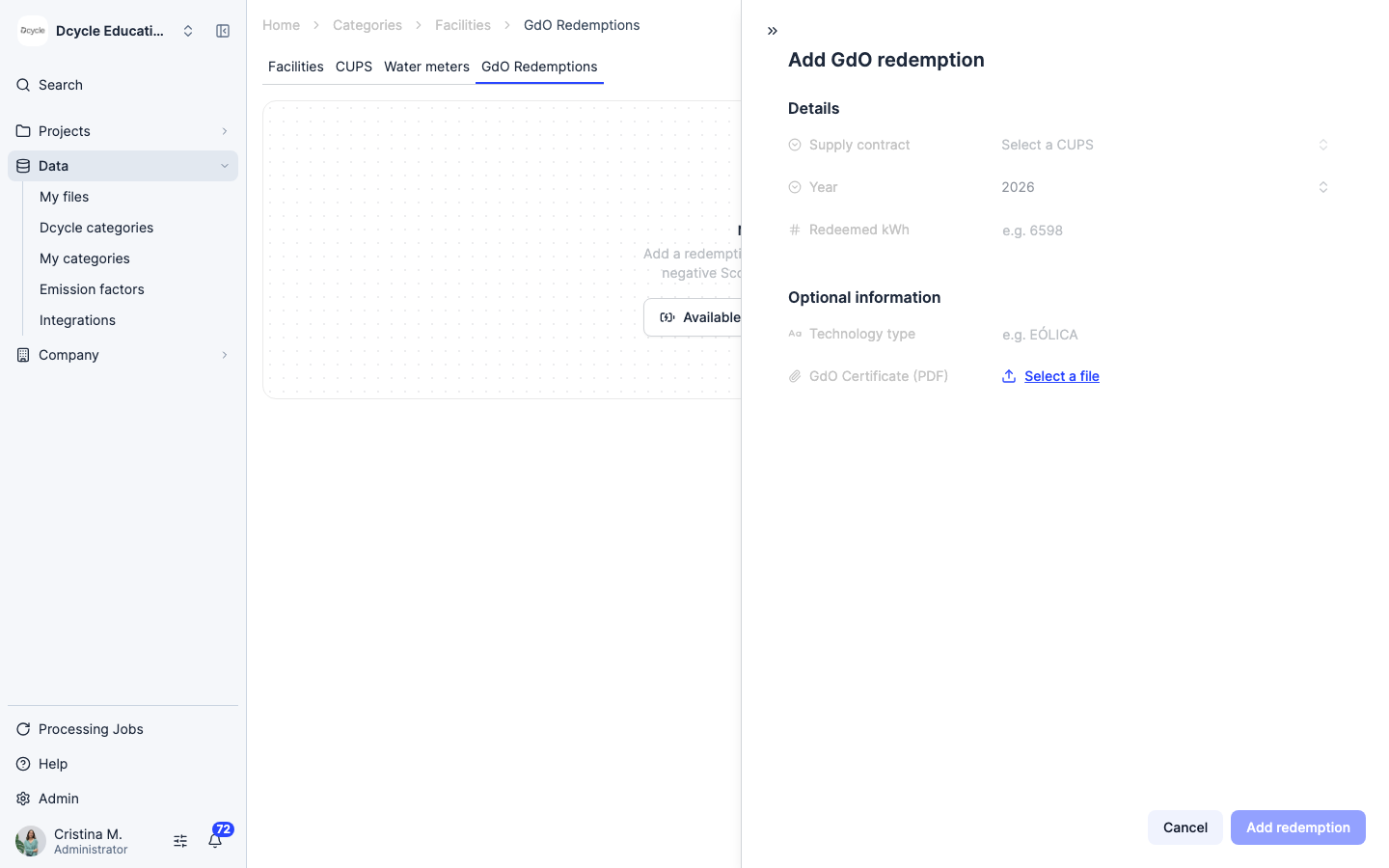
Fill in the certificate details: the “Supply contract” (the CUPS this redemption applies to), the “Year” it covers, and the “Redeemed kWh” amount. Optionally record the generation “Technology type” and attach the “GdO Certificate” PDF for your audit trail. If the kWh entered would exceed 100% of that year’s consumption for this CUPS, Dcycle blocks the save to prevent over-redemption.
Step 8
Once the required fields are filled in, click “Add redemption” to save the certificate. It’s added to the list for that CUPS, “Available to redeem” drops by the covered amount, and Dcycle generates the corresponding market-based negative impact automatically — it’s folded into total_impacts and shows up in your Scope 2 visualizations and reports without any extra step.
Step 9
Redemptions keep a version history, can be exported to CSV, and support bulk edit or delete. If the underlying electricity invoice for that CUPS changes later, Dcycle recalculates the redemption’s impact automatically — you don’t need to redo it by hand. To zero out a single invoice’s factor directly instead of tracking a redemption certificate, see “Set electricity emissions to zero with a Guarantee of Origin”.
Was this helpful?
What was missing or unclear? (optional)
Sent. Thank you for helping us improve.