Product Guides
Track what is left in your EINF
An EINF is rarely written by one person: HR owns some items, environment others, finance the tax ones. This guide shows how to see what is answered, who owes what, and what to check before you generate the report.
Before you start
You need an Editor role in your Dcycle organization.
Steps
Step 1
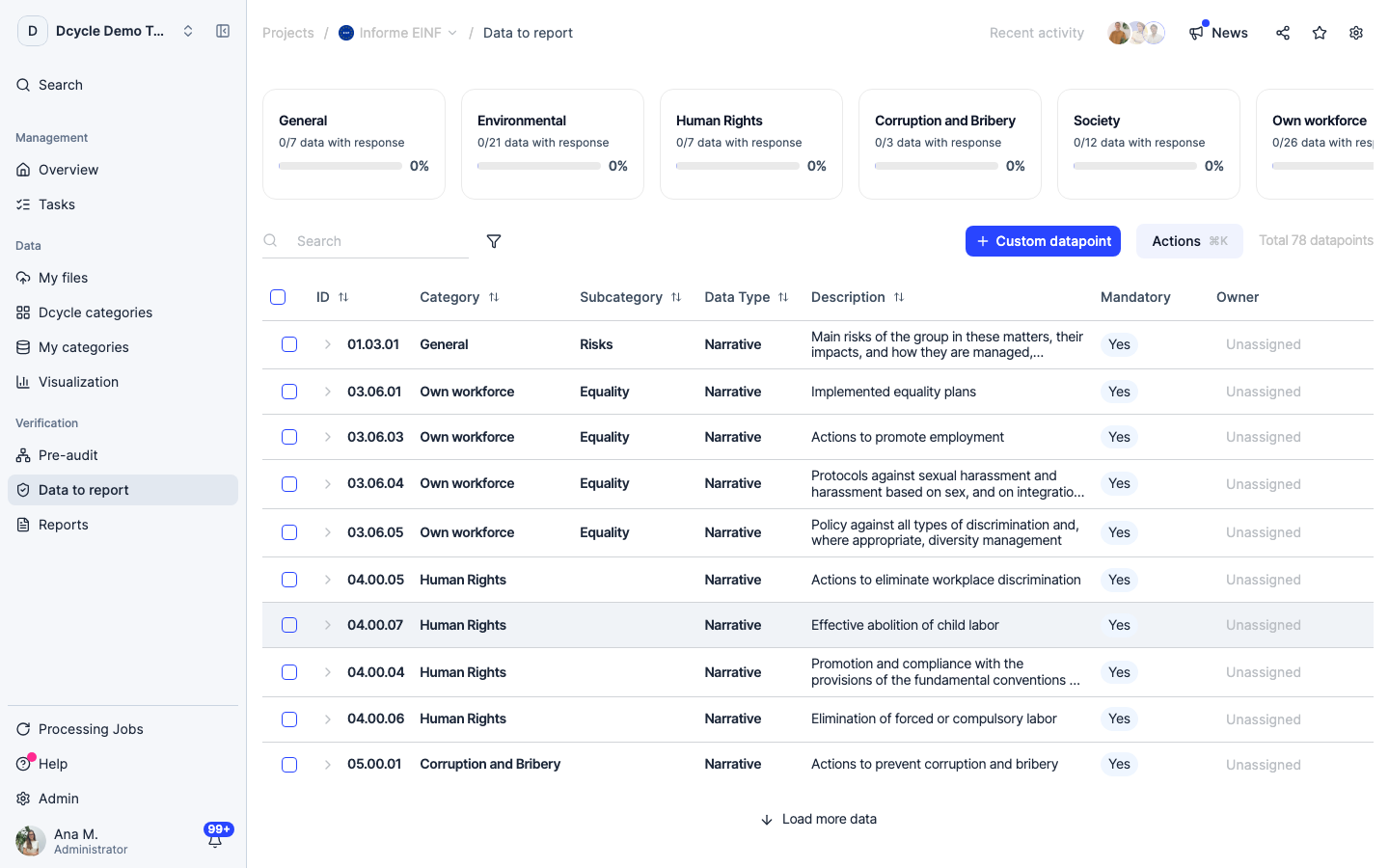
Read the category cards first. Categories fail as a block — if nobody has covered Human Rights, the whole card sits at 0% — so chase by category and you have one conversation per owner instead of one per item.
Step 2
The “Owner” column is the second read. Items showing “Unassigned” have nobody on them: not late, just unstarted. Assign each item to the person who holds the source information before you start chasing answers — see the owners guide for the bulk way to do it.
Step 3
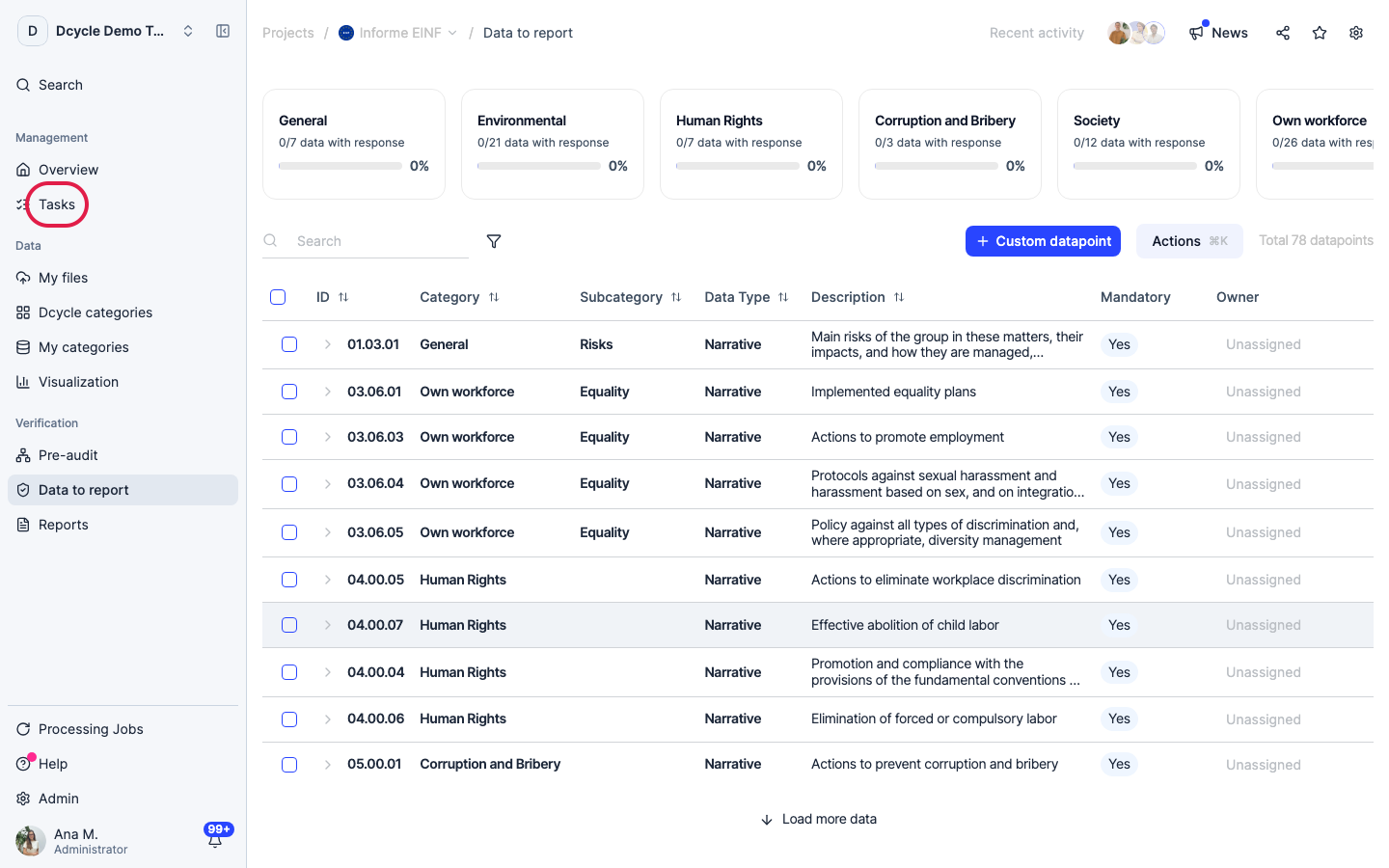
Click “Tasks” in the project menu to work by person instead of by item.
Step 4
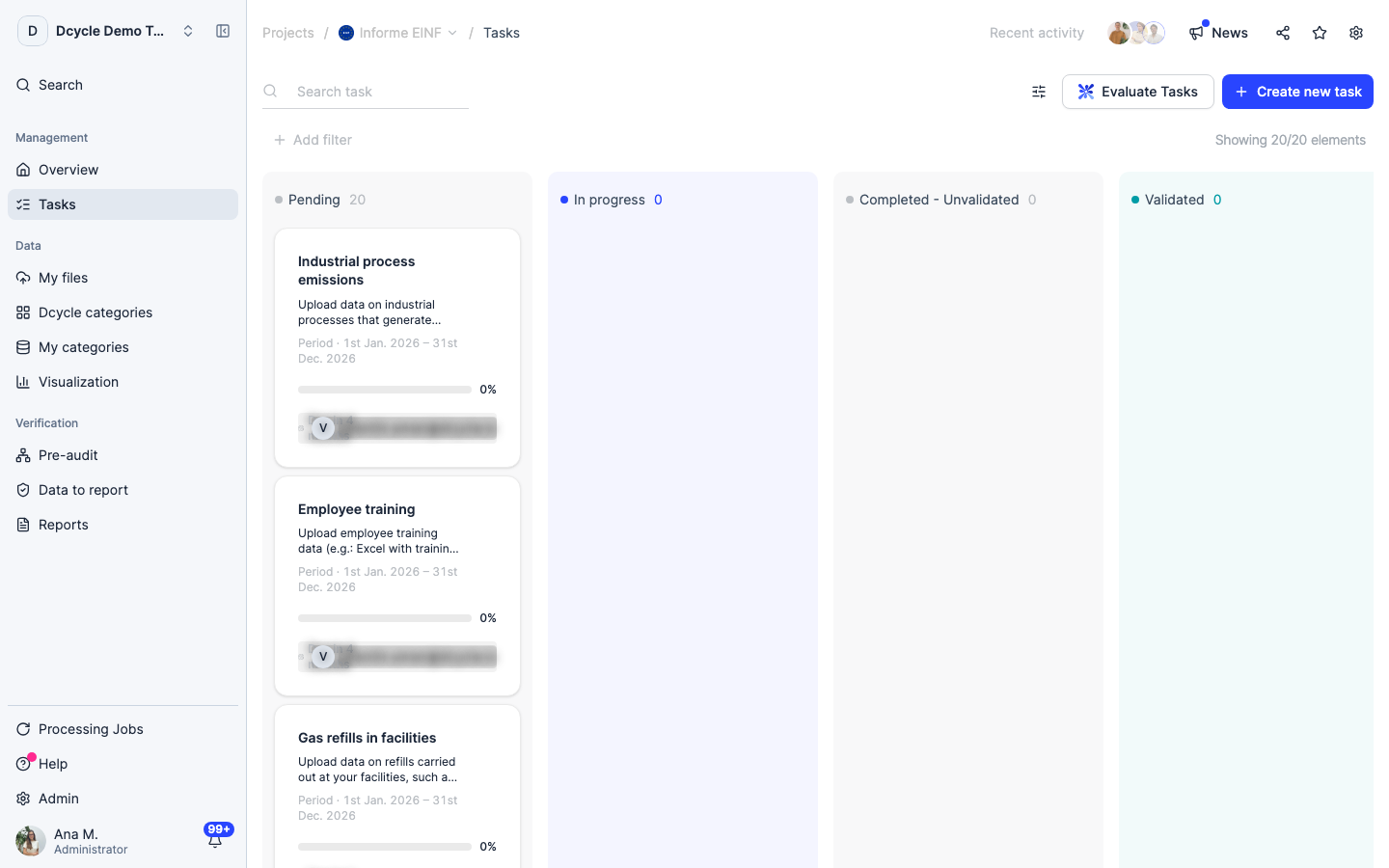
Tasks split the collection work across your team and show what is pending and in progress. The project home counts them too, next to files uploaded and visualizations created.
Step 5
For a single stuck item, the comment thread inside it beats a separate email: mention the person there and the question stays next to the answer it belongs to.
Step 6
Before generating, do a last pass for two things: items still unanswered, and items answered with a placeholder (“pending”, “same as last year”). Placeholders move the counter and fail the verification.
Was this helpful?
What was missing or unclear? (optional)
Sent. Thank you for helping us improve.