Product Guides
Create a custom emission factor
Custom emission factors let you override Dcycle's default databases (MITECO, DEFRA, ecoinvent, etc.) when you have a more specific factor for your activity — for example, an electricity factor provided by your supplier or a verified on-site combustion factor.
Before you start
You need the Editor role in your Dcycle organization.
Steps
Step 1
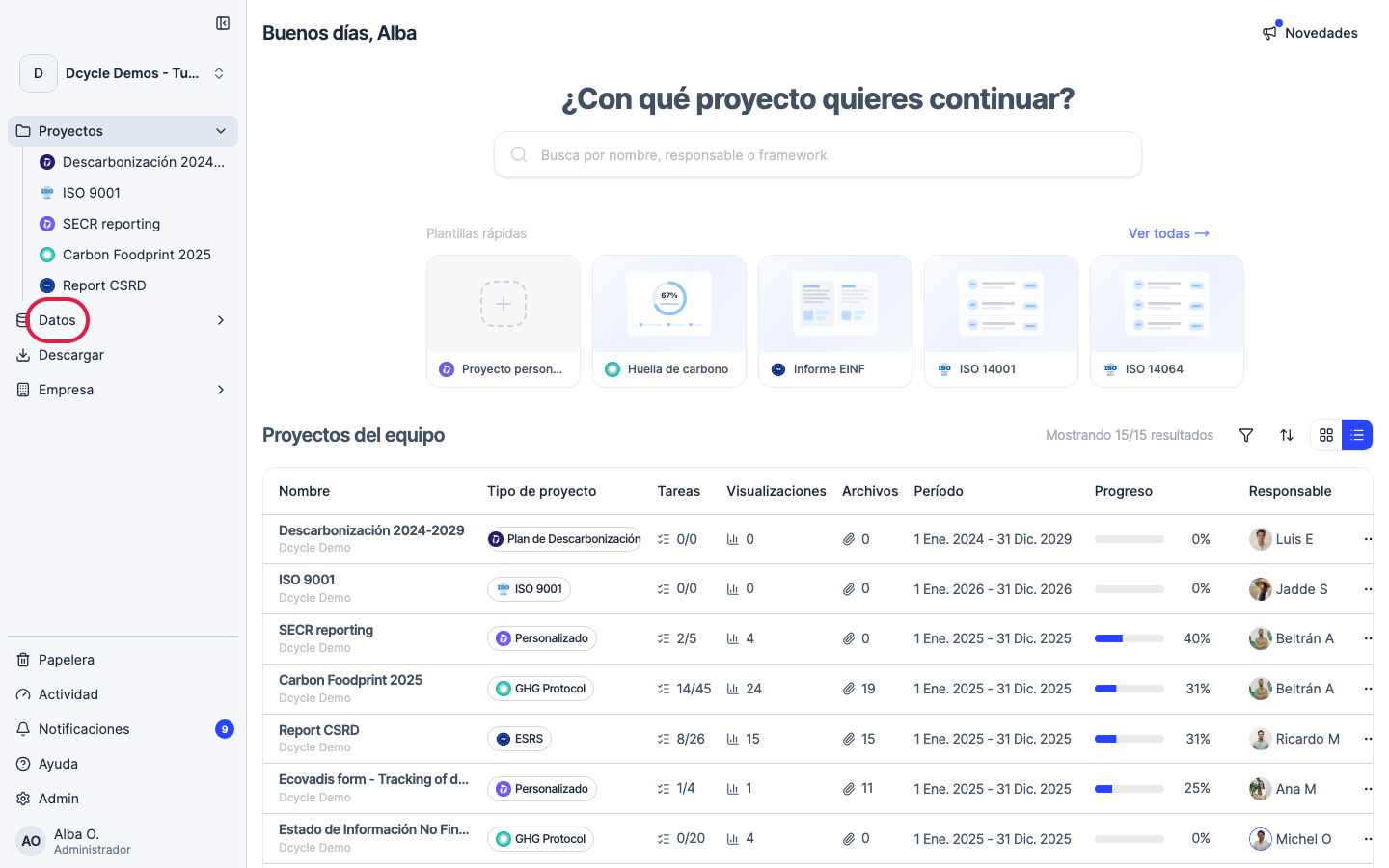
Click “Data” in the sidebar navigation.
Step 2
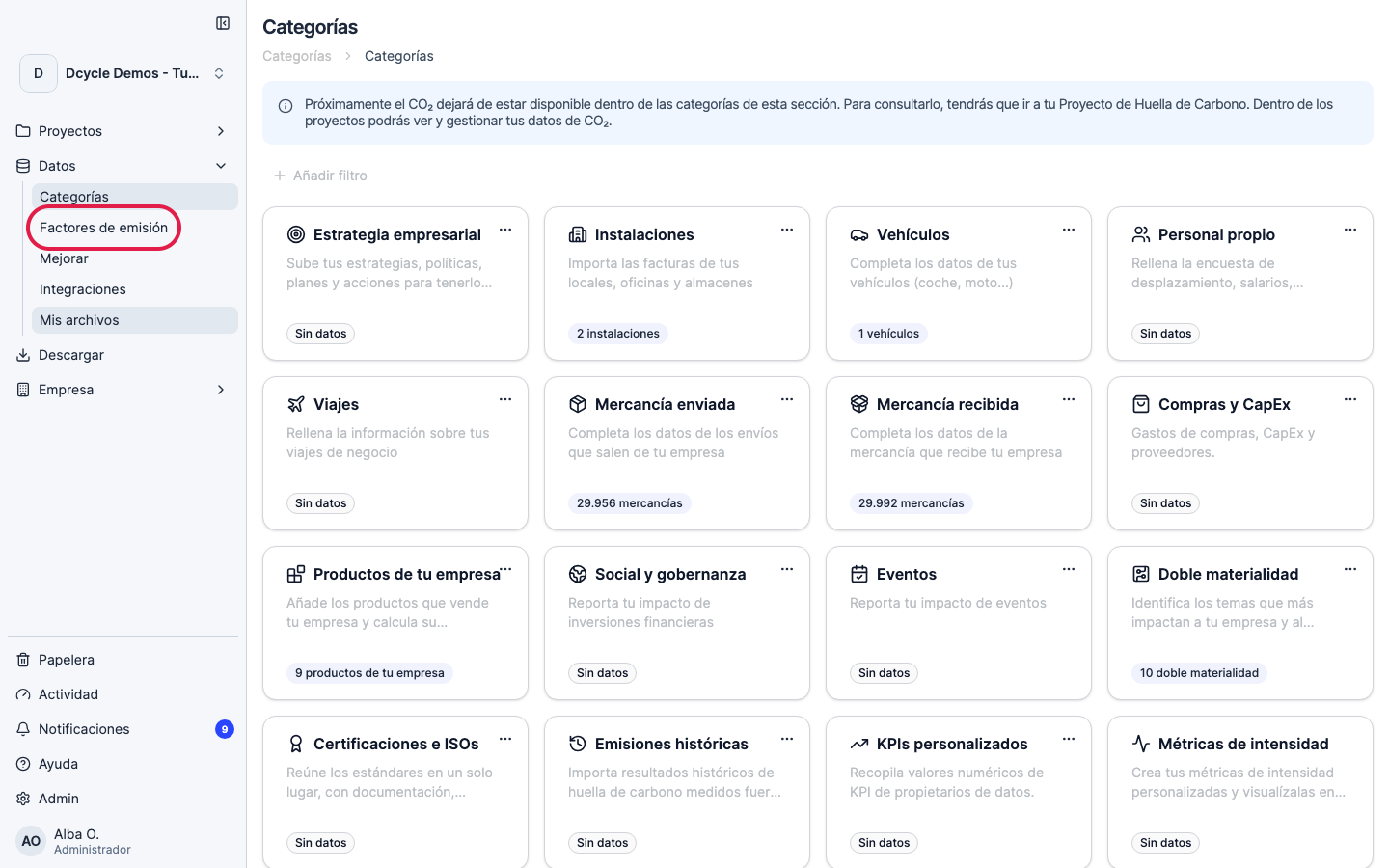
Click “Emission factors” in the Data sub-menu.
Step 3
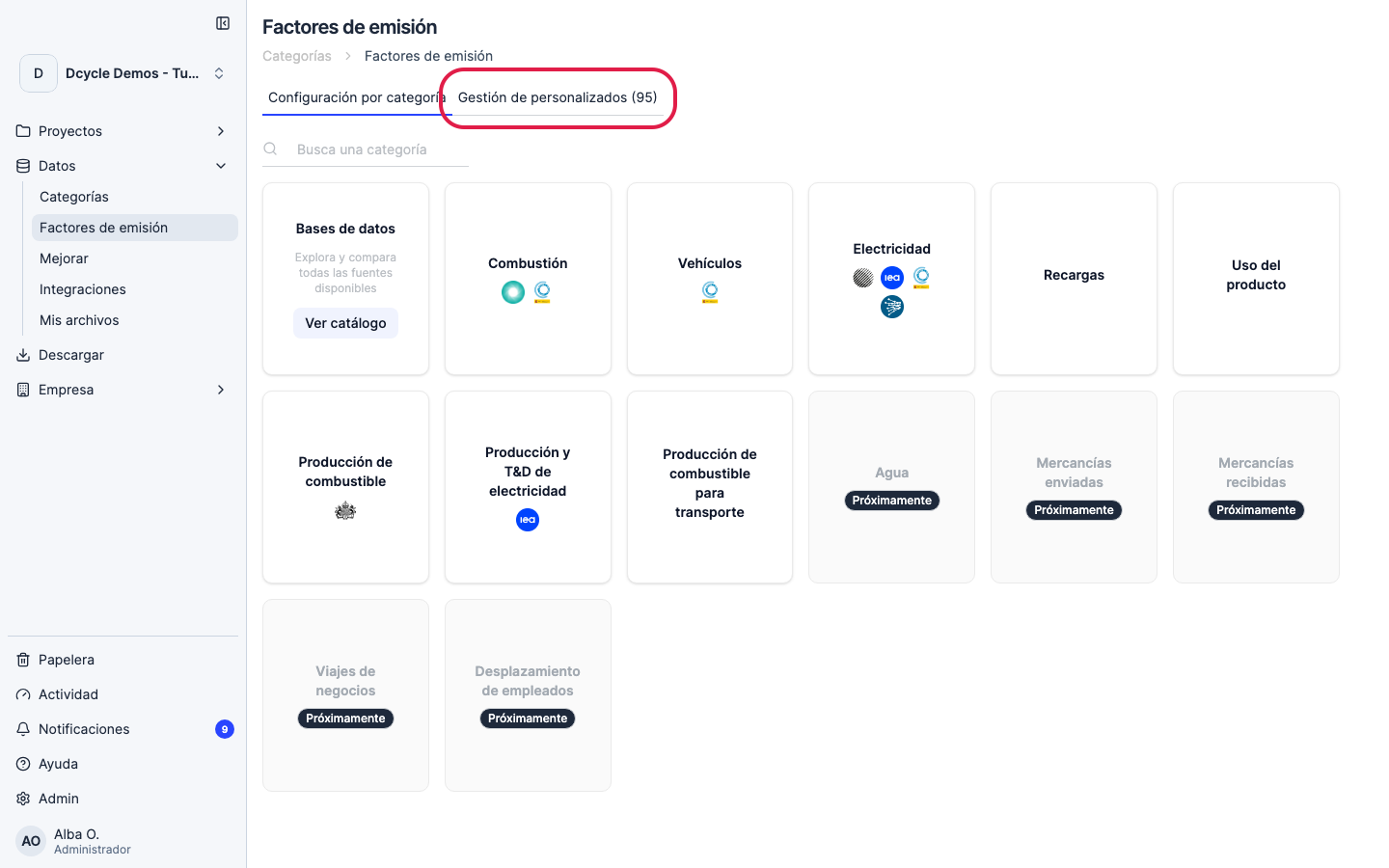
Click the “Custom management” tab.
Step 4
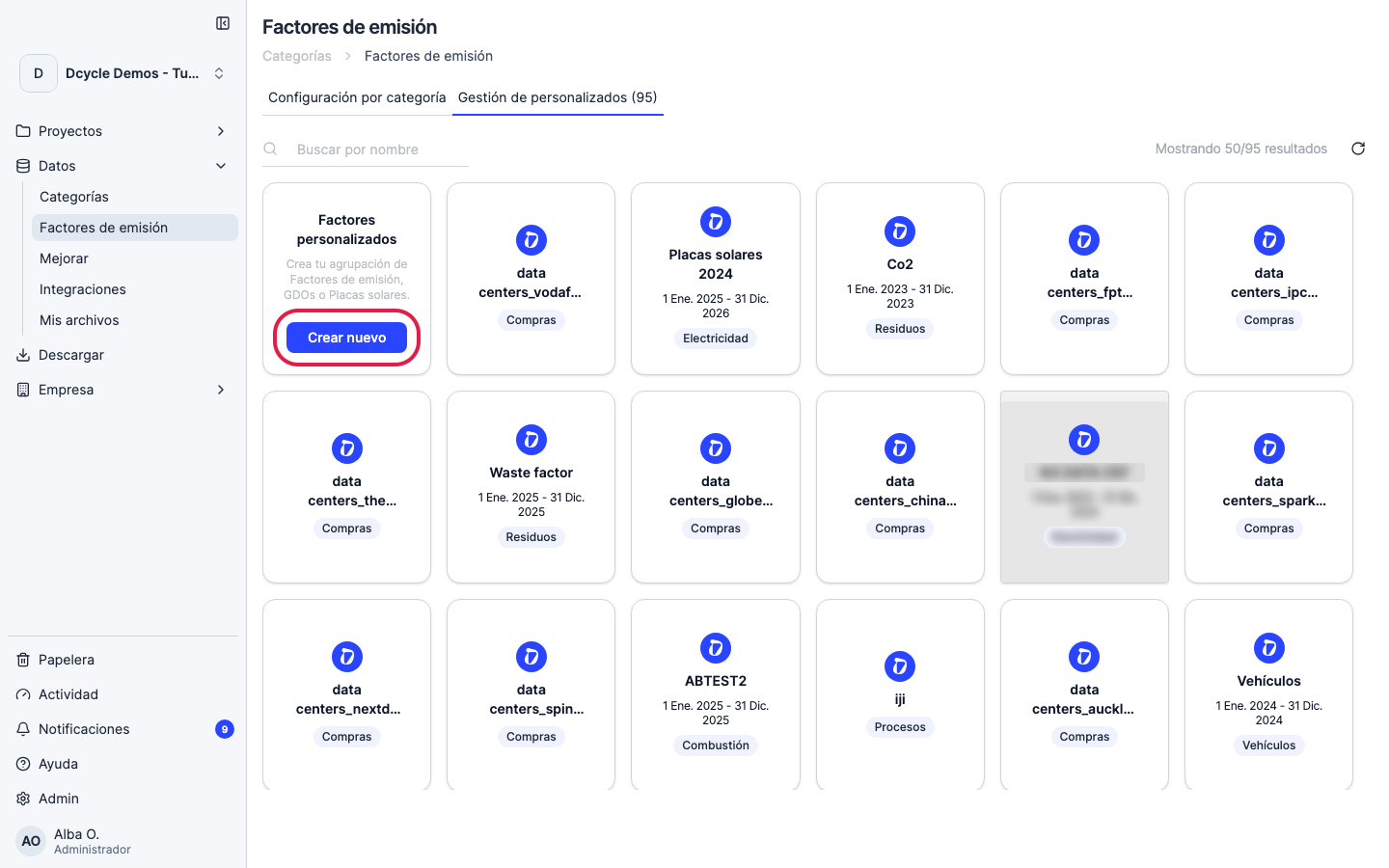
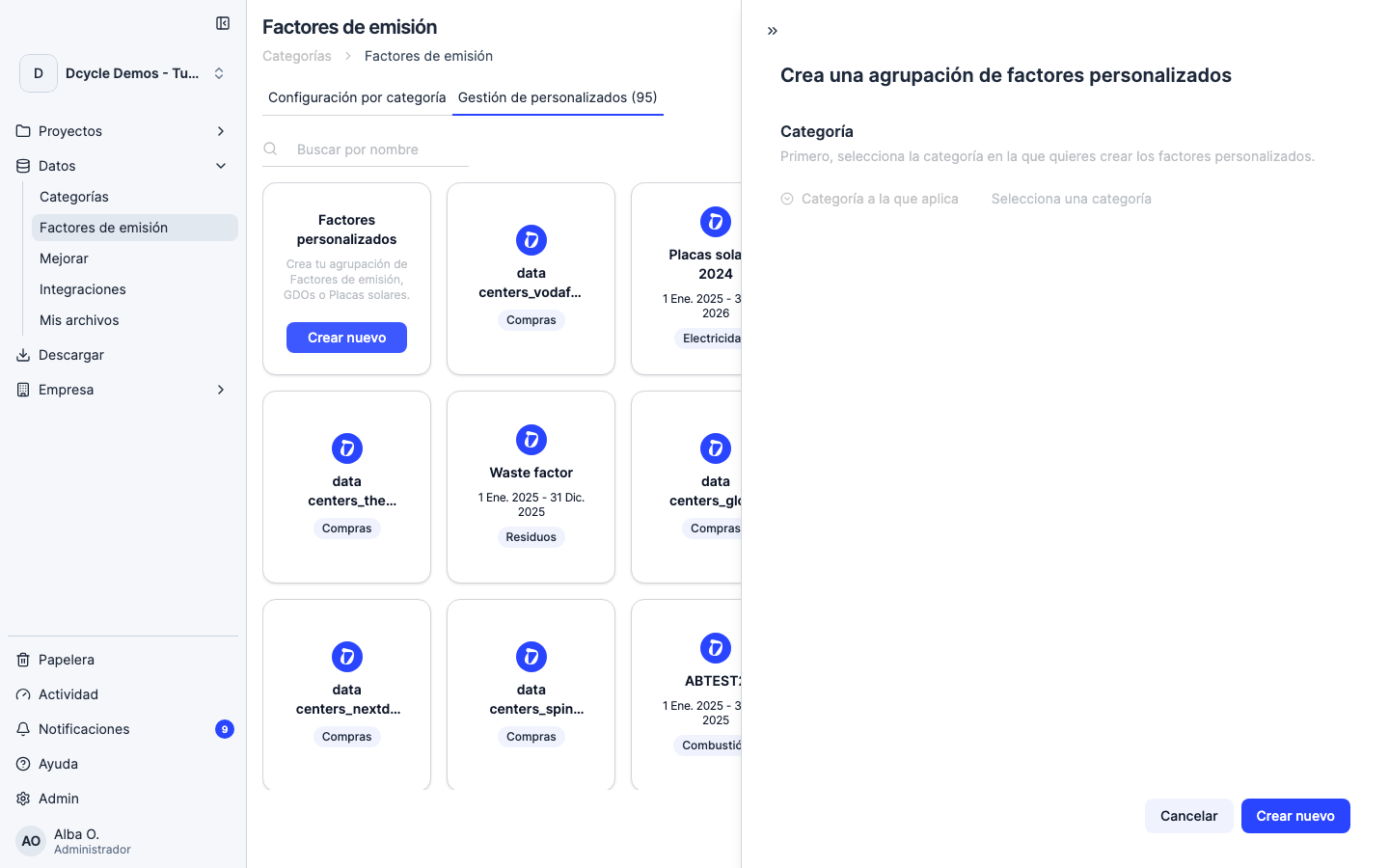
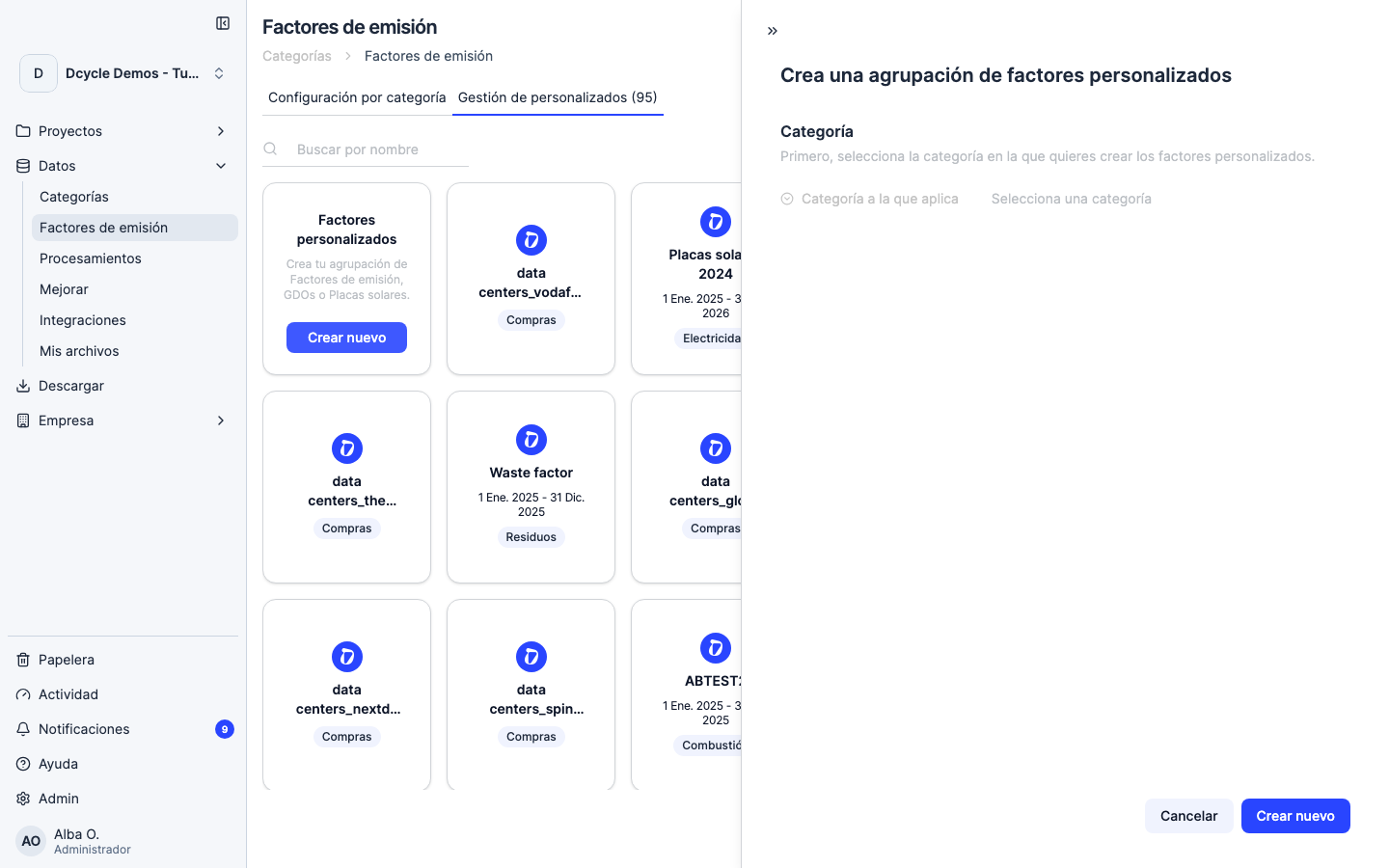
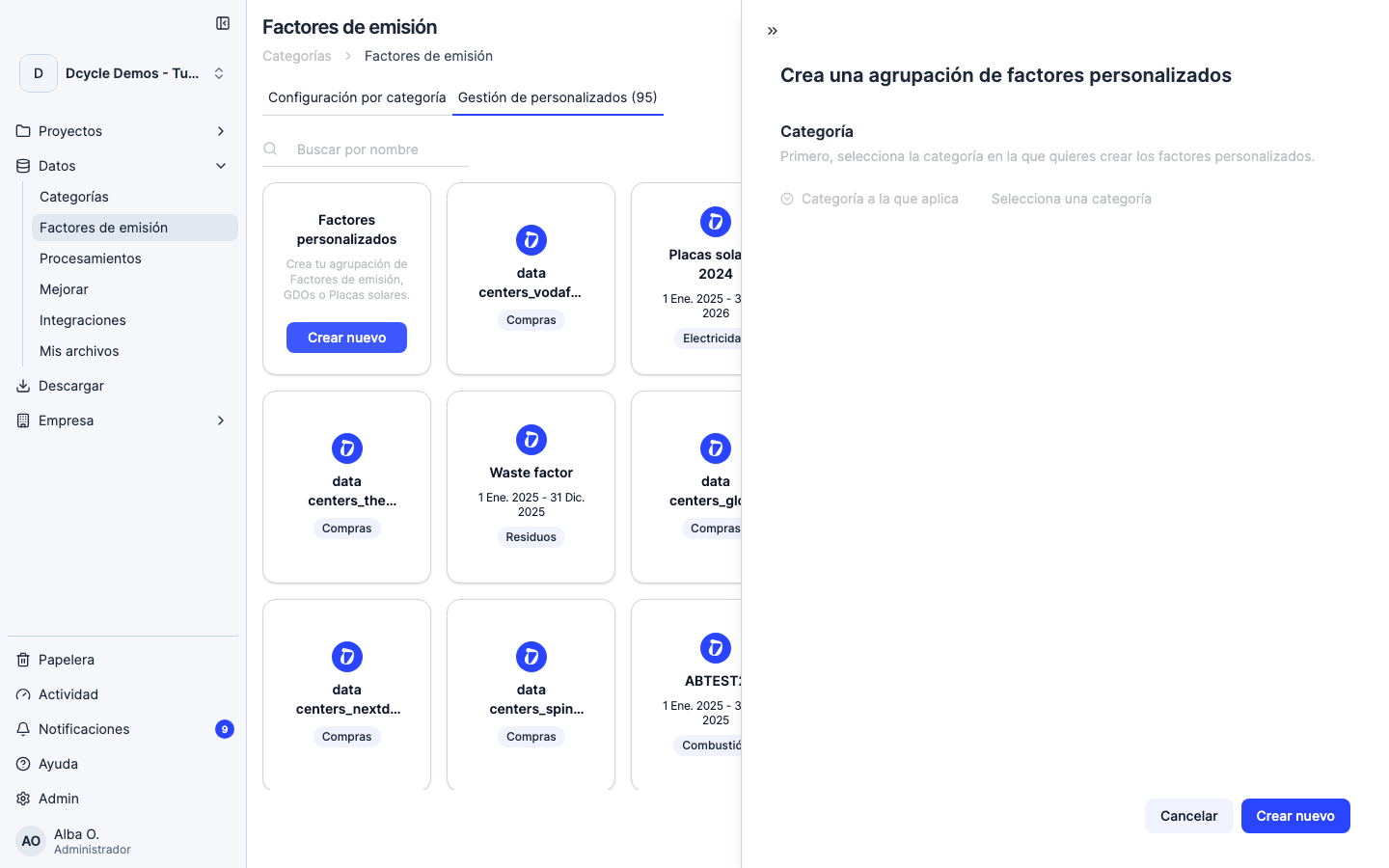
Click “Create new” on the first card. The form to define your custom factor opens.
Step 5
Fill in the form: a descriptive name, the category it applies to (electricity, fuel, purchases, etc.), the validity period, the unit of measure and the factor value in kg CO2e per unit. You can attach a source document (supplier certificate, verification report) for audit traceability.
Step 6
After saving, assign the factor to the records it applies to. From the target category (for example, an electricity invoice), open the row and select your custom factor in the “Emission factor” field. The calculation updates automatically.
Step 7
If your organization has subsidiaries, a custom factor created at the parent is automatically available in each subsidiary — there’s no need to create it again in each one.
Was this helpful?
What was missing or unclear? (optional)
Sent. Thank you for helping us improve.