Product Guides
Consolidate duplicate CUPS in a project
A CUPS (Código Universal del Punto de Suministro) is the unique code that identifies an electricity or gas supply point. When the same supply point was imported under slightly different codes — a typo, an OCR variation, or a mix of formats — your invoices end up split across several CUPS for what is really one meter. Consolidating rewrites the selected codes to a single value so consumption is grouped correctly. This guide shows how to do it from inside a project.
Before you start
You need an Editor role in your Dcycle organization.
Steps
Step 1
Open the project you want to work in — here, a carbon footprint project.
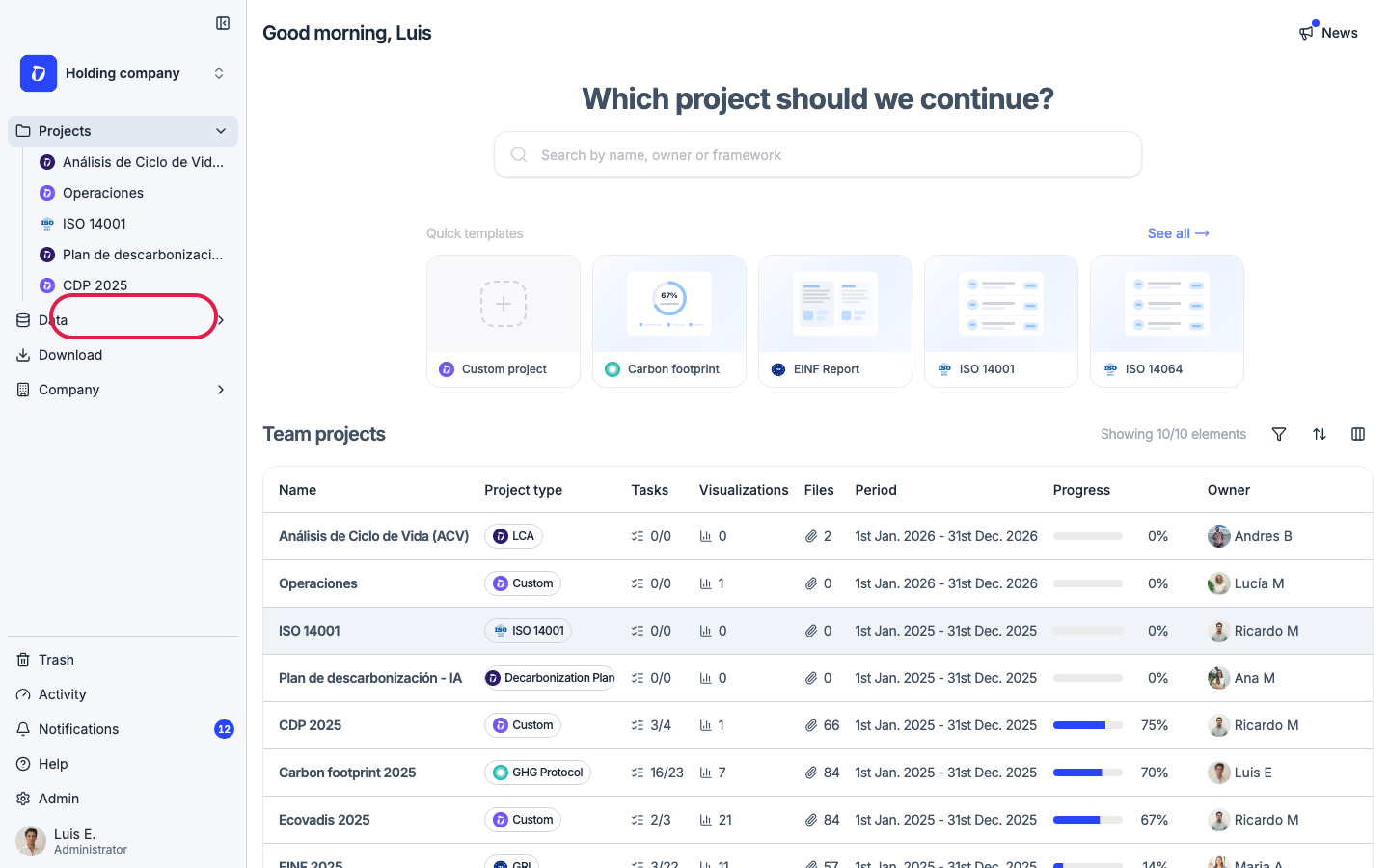
Step 2
In the project’s left menu, open “Categories”.
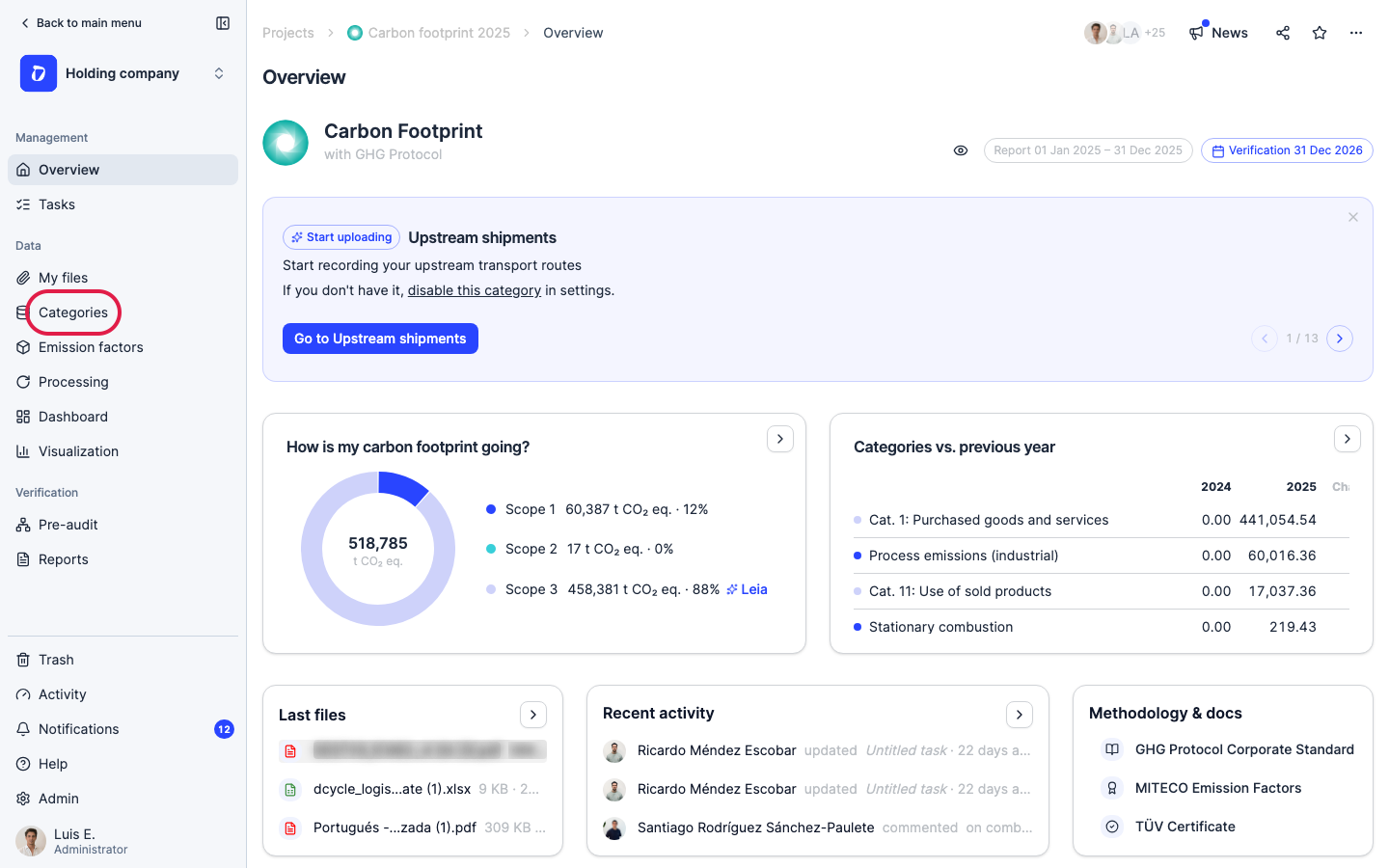
Step 3
Open the “Facilities” category — CUPS live alongside your facilities.
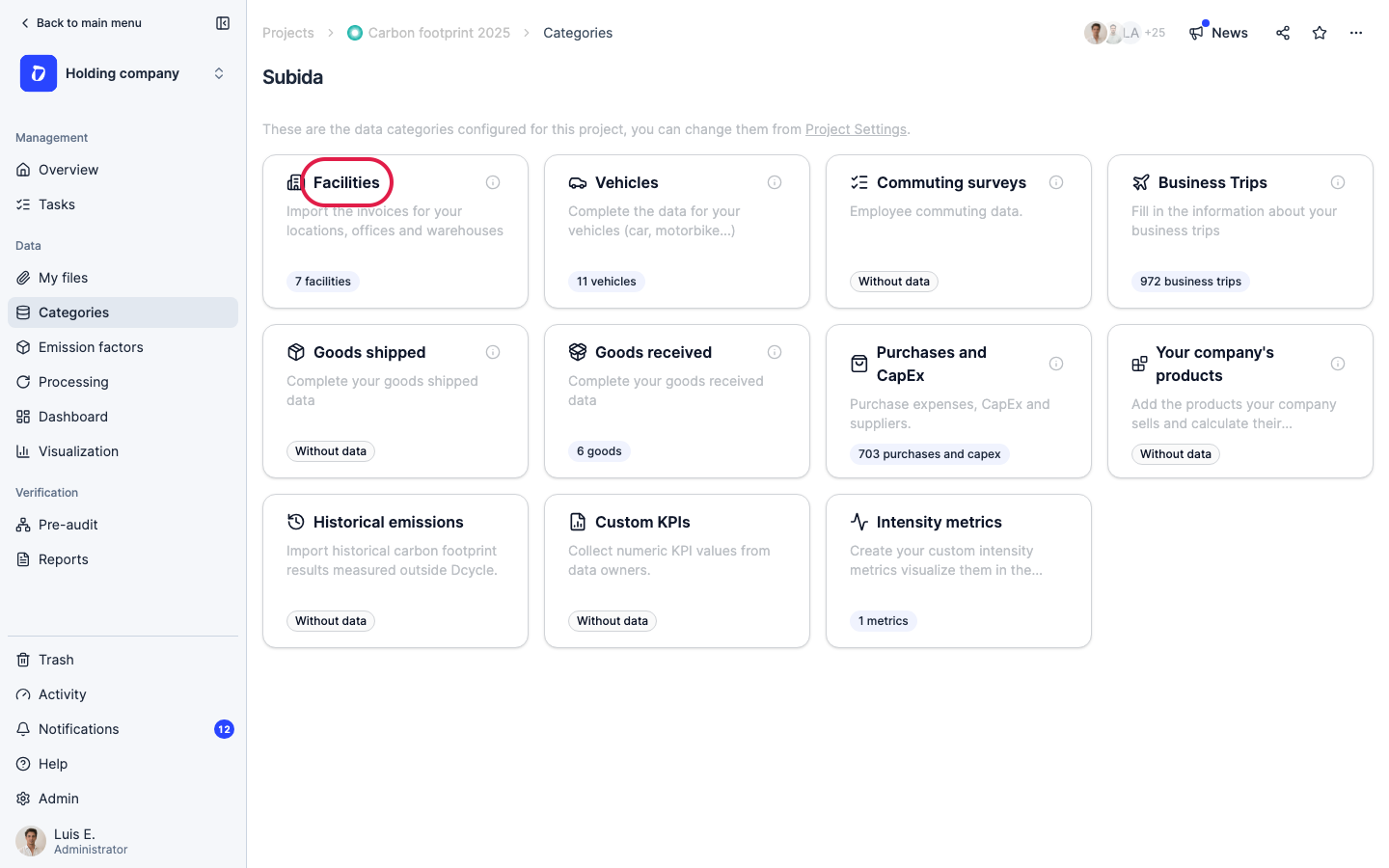
Step 4
Switch to the “CUPS” tab to see every supply point in this project.
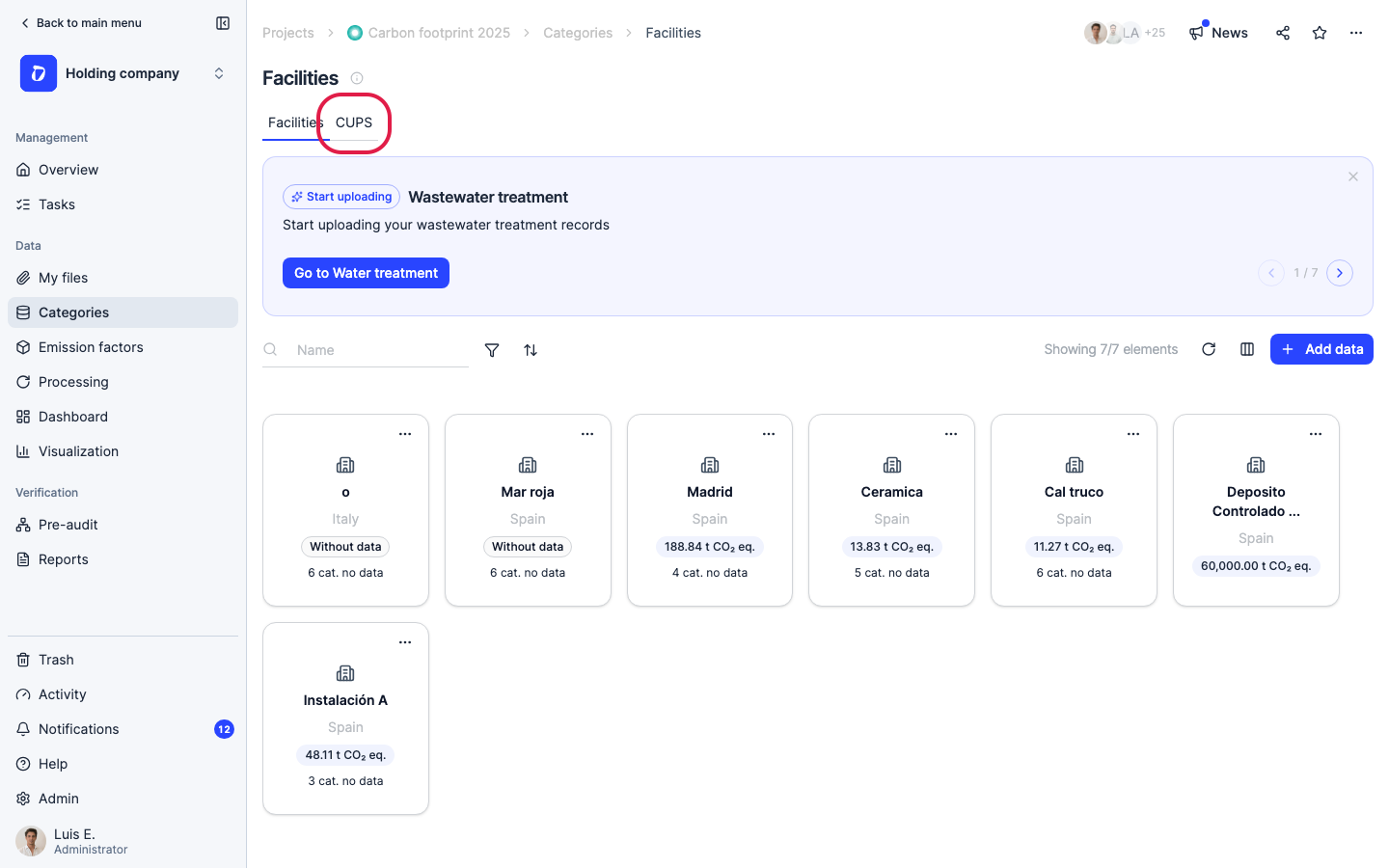
Step 5
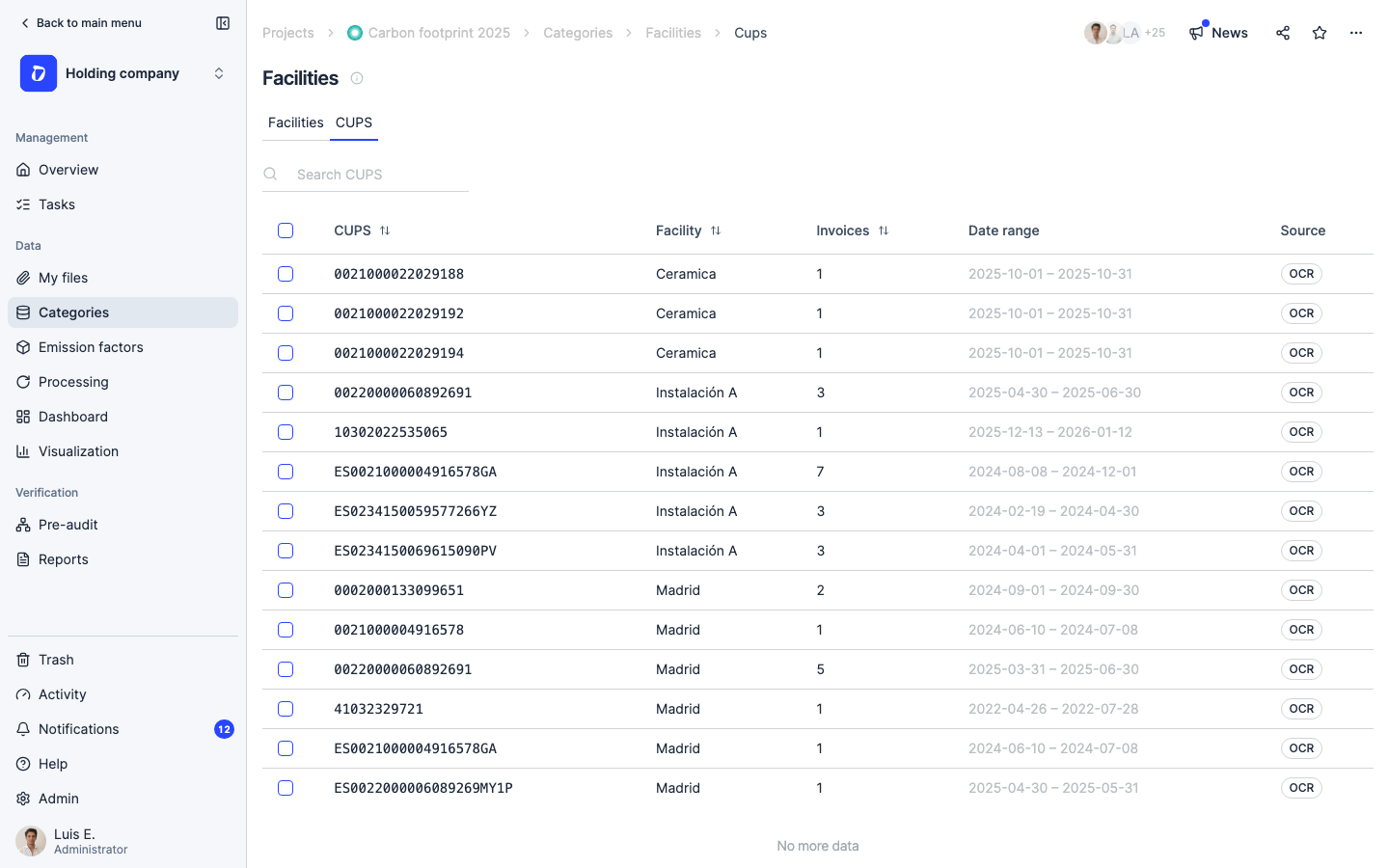
The CUPS tab lists every supply point with its facility, number of invoices, date range, and source. Look for codes that point to the same physical meter but were imported differently — those are the ones to consolidate.
Step 6
Tick the checkbox next to the first CUPS you want to merge.
Step 7
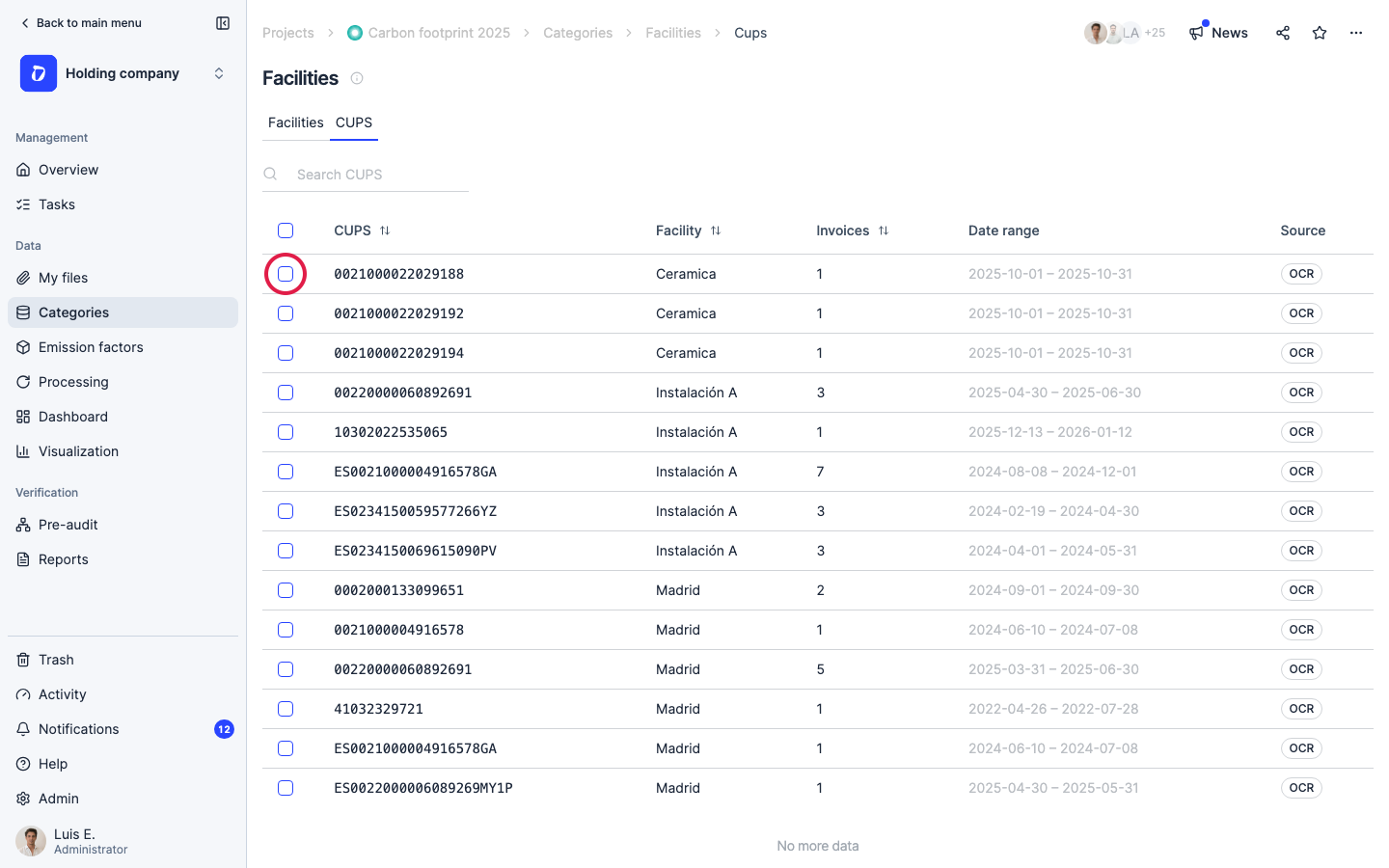
Select a second CUPS that should become the same supply point. A bulk action bar appears once two or more are selected.
Step 8
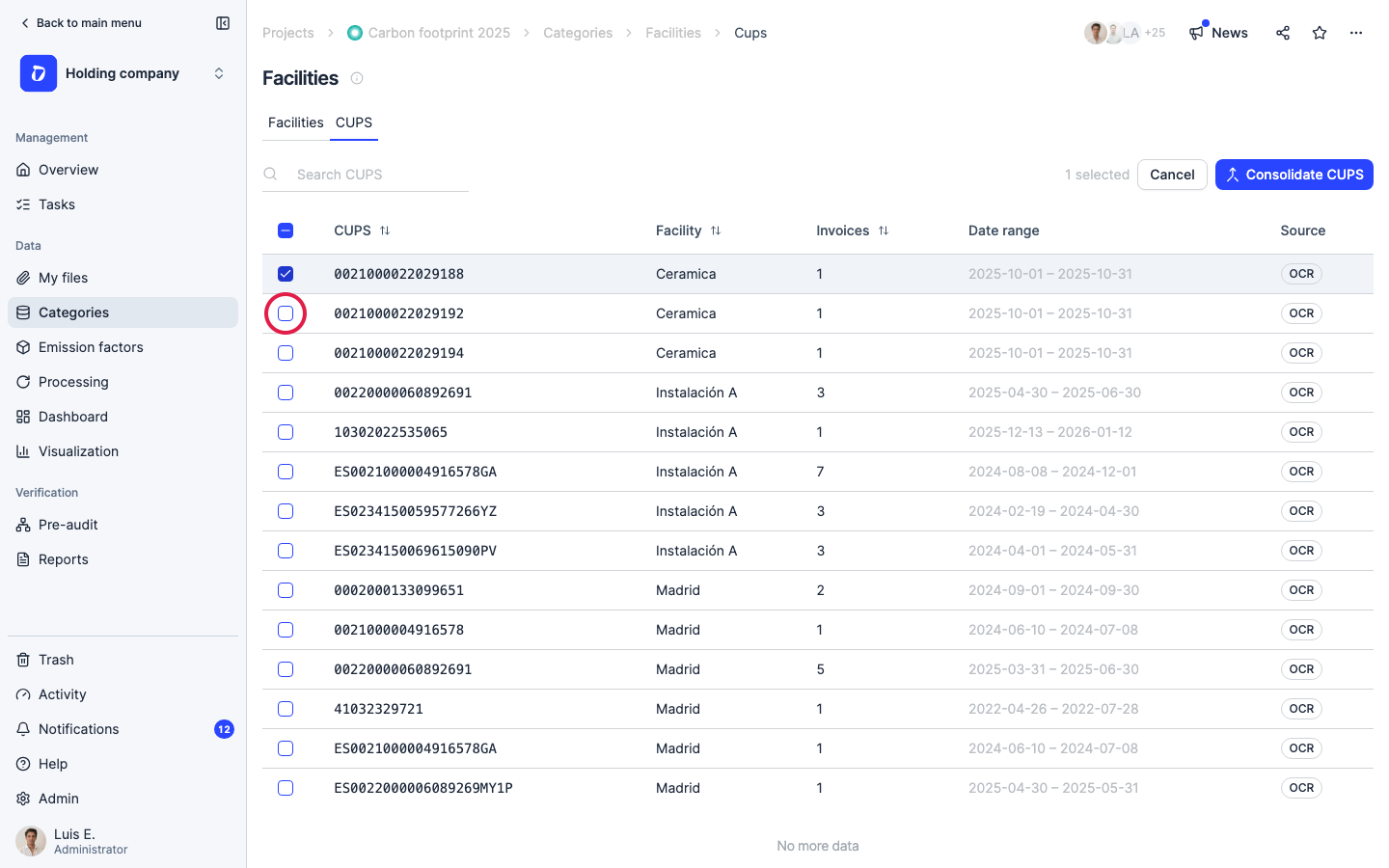
Click “Consolidate CUPS” to open the merge dialog.
Step 9
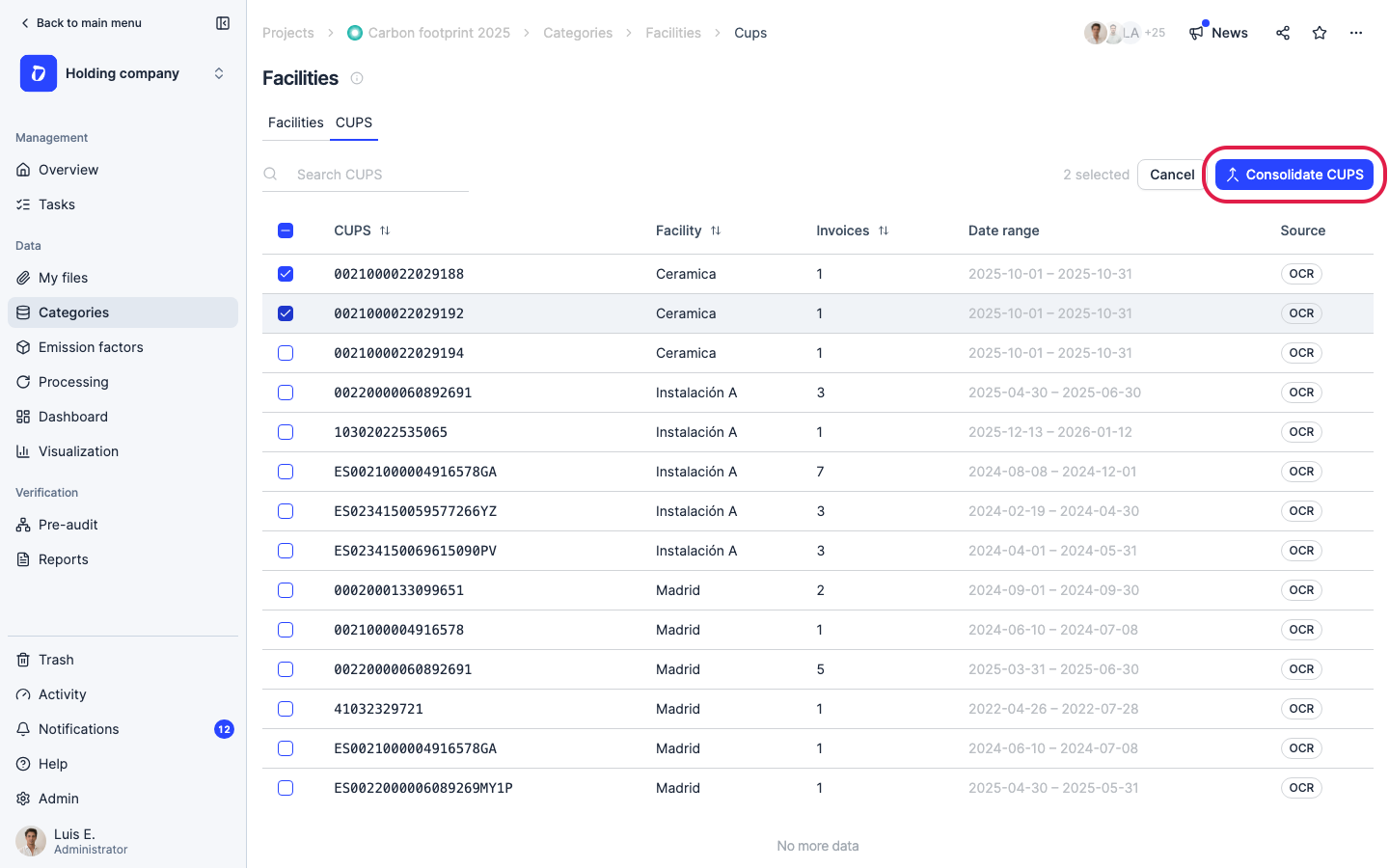
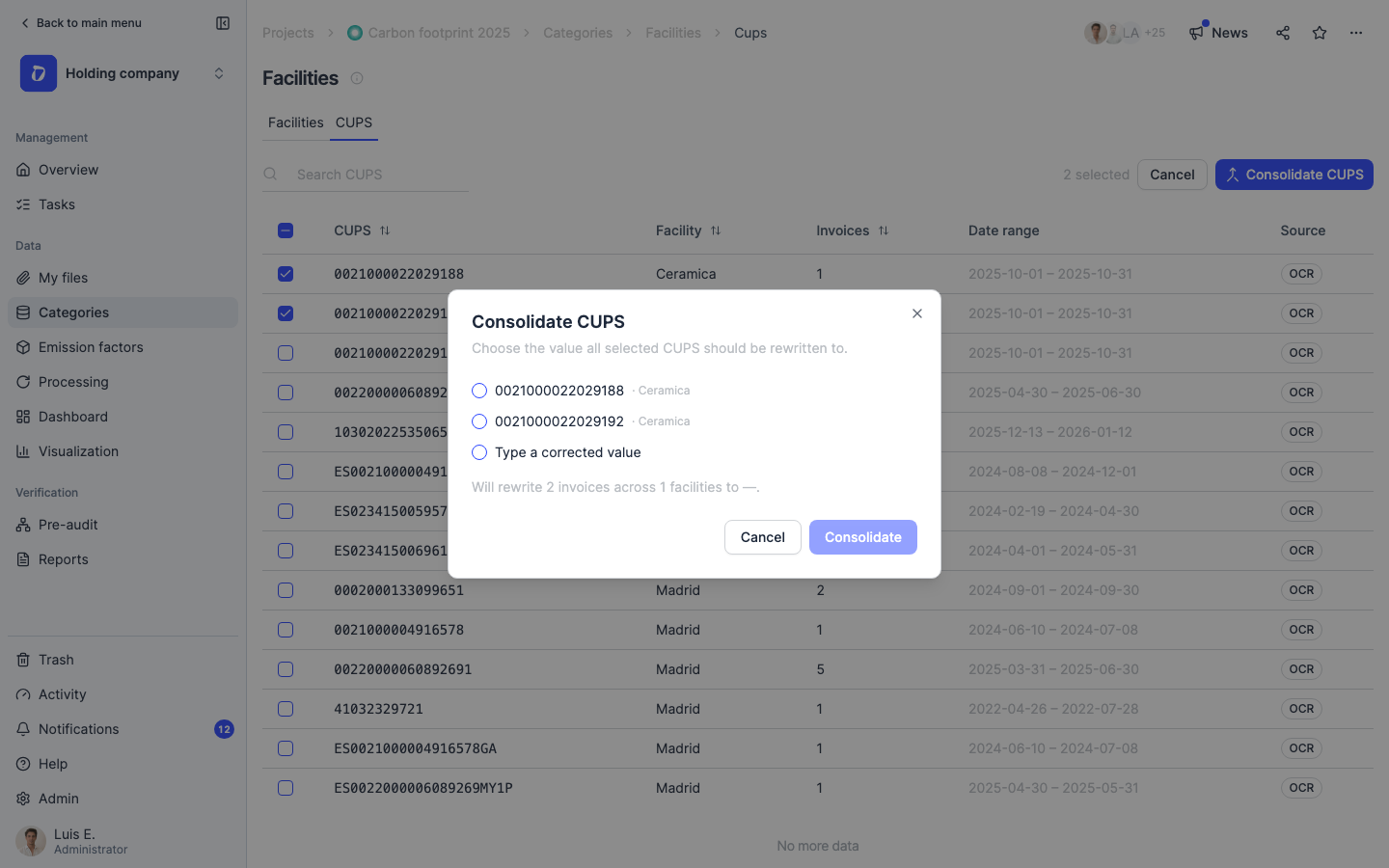
Choose the value all selected CUPS will be rewritten to — pick one of the existing codes, or “Type a corrected value” to enter the right one. Dcycle previews the impact: e.g. “Will rewrite 2 invoices across 1 facility”. No consumption history is lost; the invoices are simply re-attributed to the consolidated code.
Step 10
Click “Consolidate” to apply. The selected CUPS collapse into a single supply point and their invoices are counted once — no more split or double-counted electricity and gas data.
Was this helpful?
What was missing or unclear? (optional)
Sent. Thank you for helping us improve.