Product Guides
Configure a facility
Facilities are the physical sites from which your organization operates — offices, warehouses, plants, retail premises. Configuring them is the prerequisite for uploading utility invoices (electricity, gas, water) because every invoice is associated with a facility.
Before you start
You need the Editor role in your Dcycle organization.
Steps
Step 1
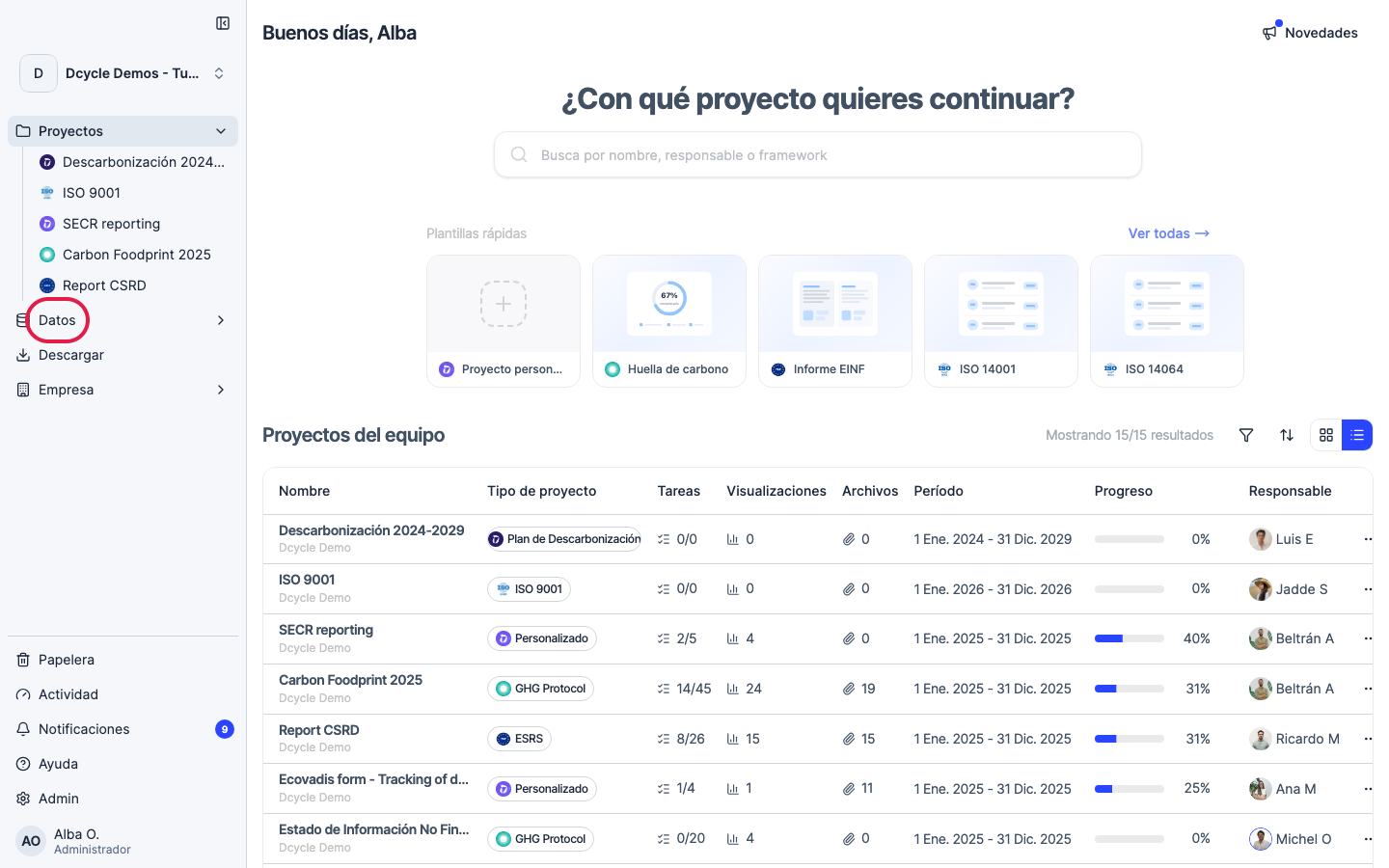
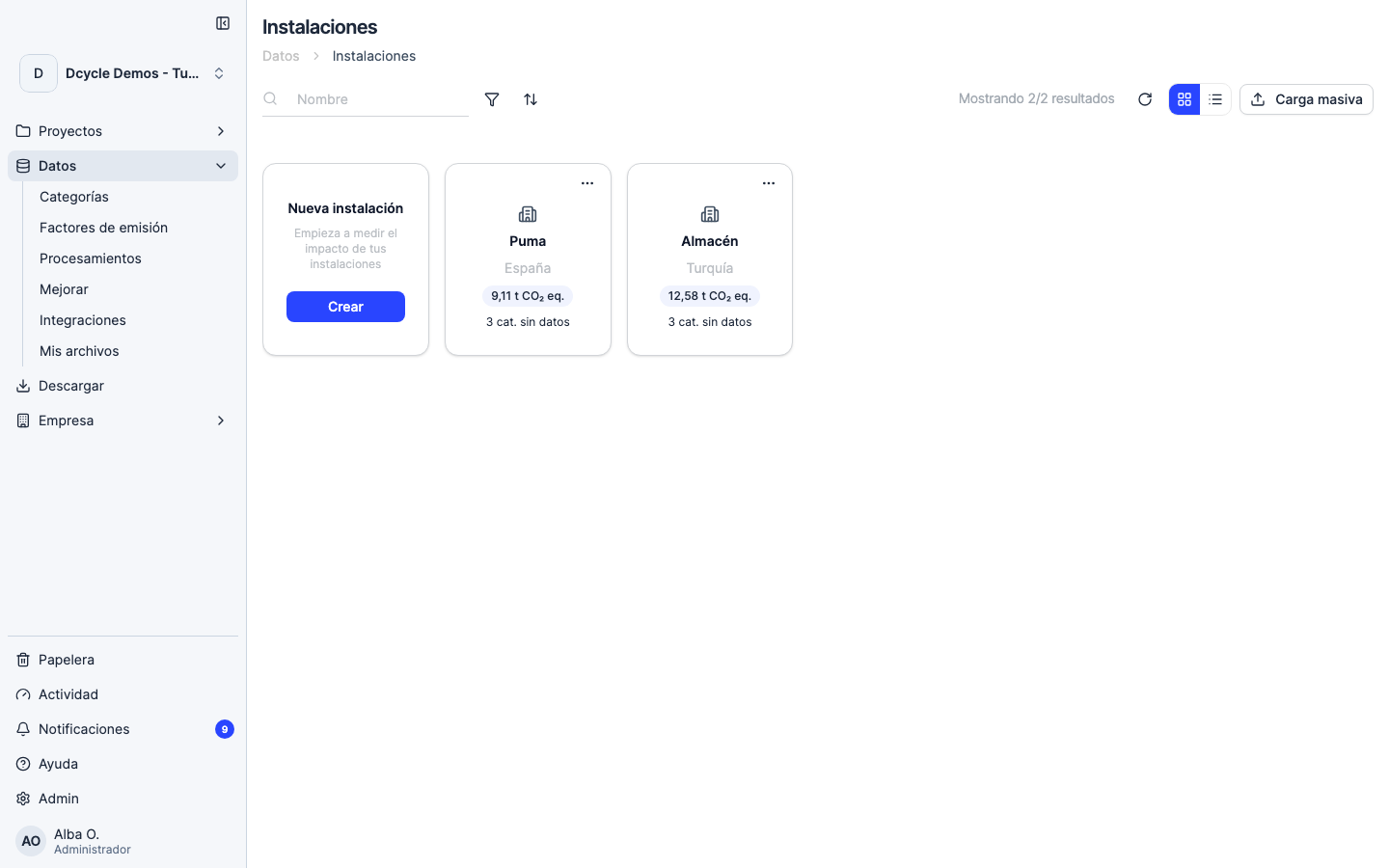
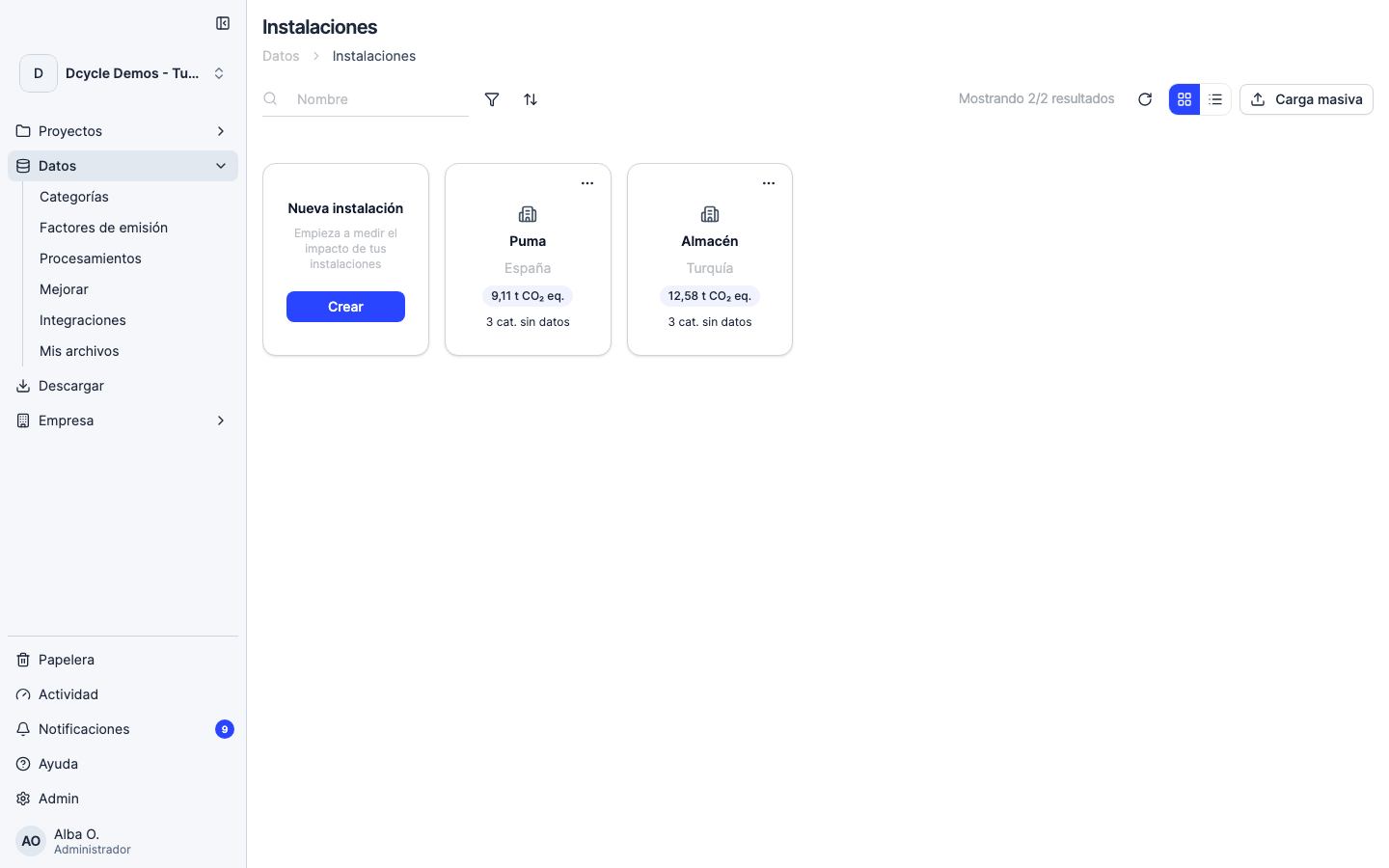
Click “Data” in the sidebar navigation.
Step 2
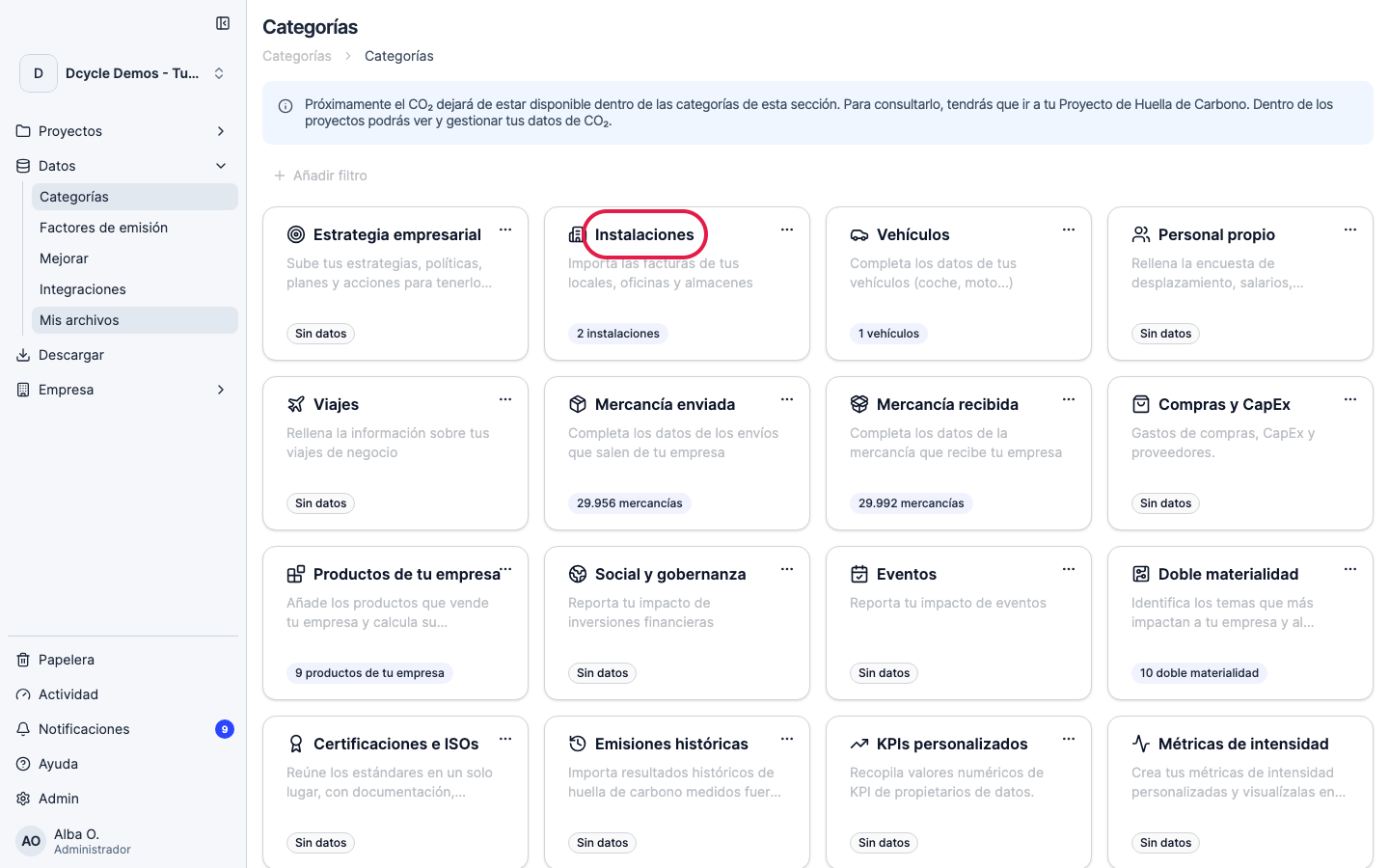
Open the “Facilities” category.
Step 3
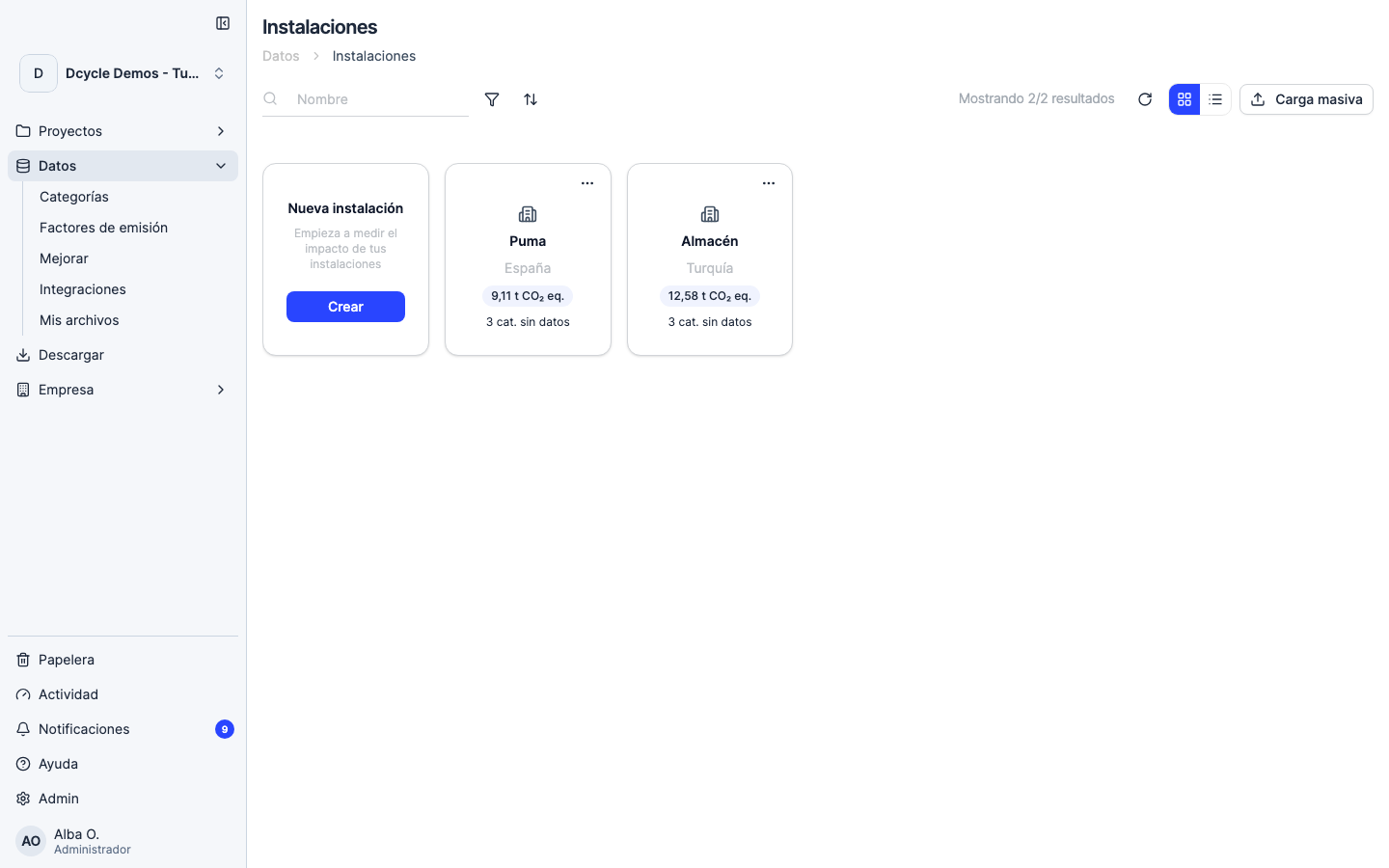
If you don’t have any facilities yet, you’ll see an empty state with actions to add one — either manually one at a time, or in bulk by uploading a template.
Step 4
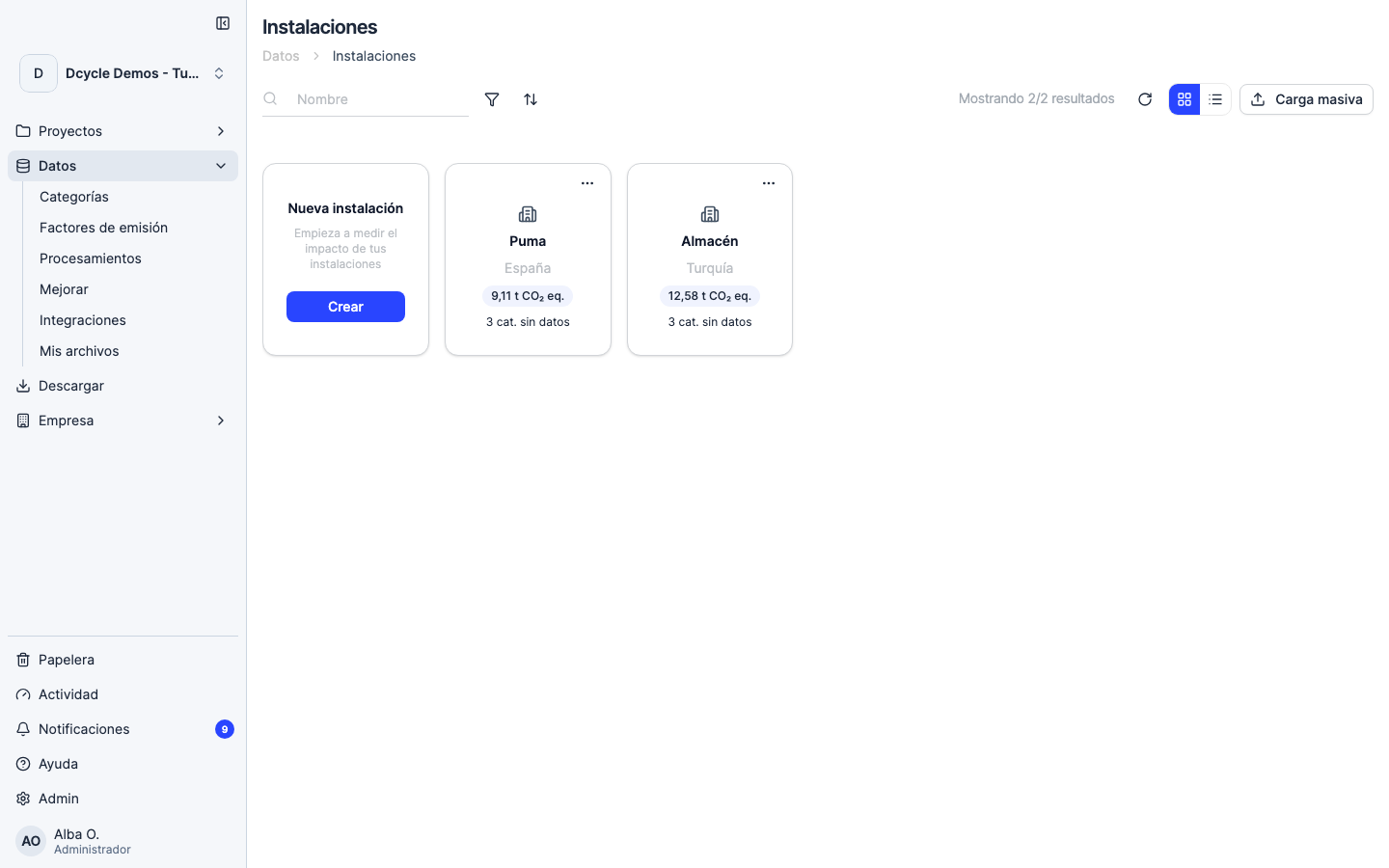
Click “Add facility” (or “Upload your facilities” for the bulk template). The manual form asks for the essential fields: name, type (office, warehouse, plant, store, data centre), address with country, surface area in m², start date, and whether it is owned, rented or operated by a third party.
Step 5
The “owned / rented / third party” field matters for consolidation — it determines whether the facility’s emissions go to your Scope 1+2 (operational control) or Scope 3 (financial control by equity share). If you’re not sure, check with Finance or use the default operational control method.
Step 6
After saving, the facility appears in the list. From there you can upload its utility invoices (electricity, gas, water) and any emission factors specific to this site. See “Upload an electricity invoice” for the next step.
Was this helpful?
What was missing or unclear? (optional)
Sent. Thank you for helping us improve.