Product Guides
Bulk upload use-phase consumptions for your products
What your products consume while customers use them is usually the largest part of their footprint. If you sell hundreds of references, you no longer have to fill in that consumption product by product: load it all from a single file.
Before you start
You need an Editor role in your Dcycle organization.
Steps
Step 1
Upload your products first. A consumption row attaches to a product and to a reporting period that already exist, so if the product is not in Dcycle yet — or has no period covering the year you are reporting — that row is rejected. If you have not loaded them, follow “Upload product use and end-of-life data” first and come back here.
Step 2
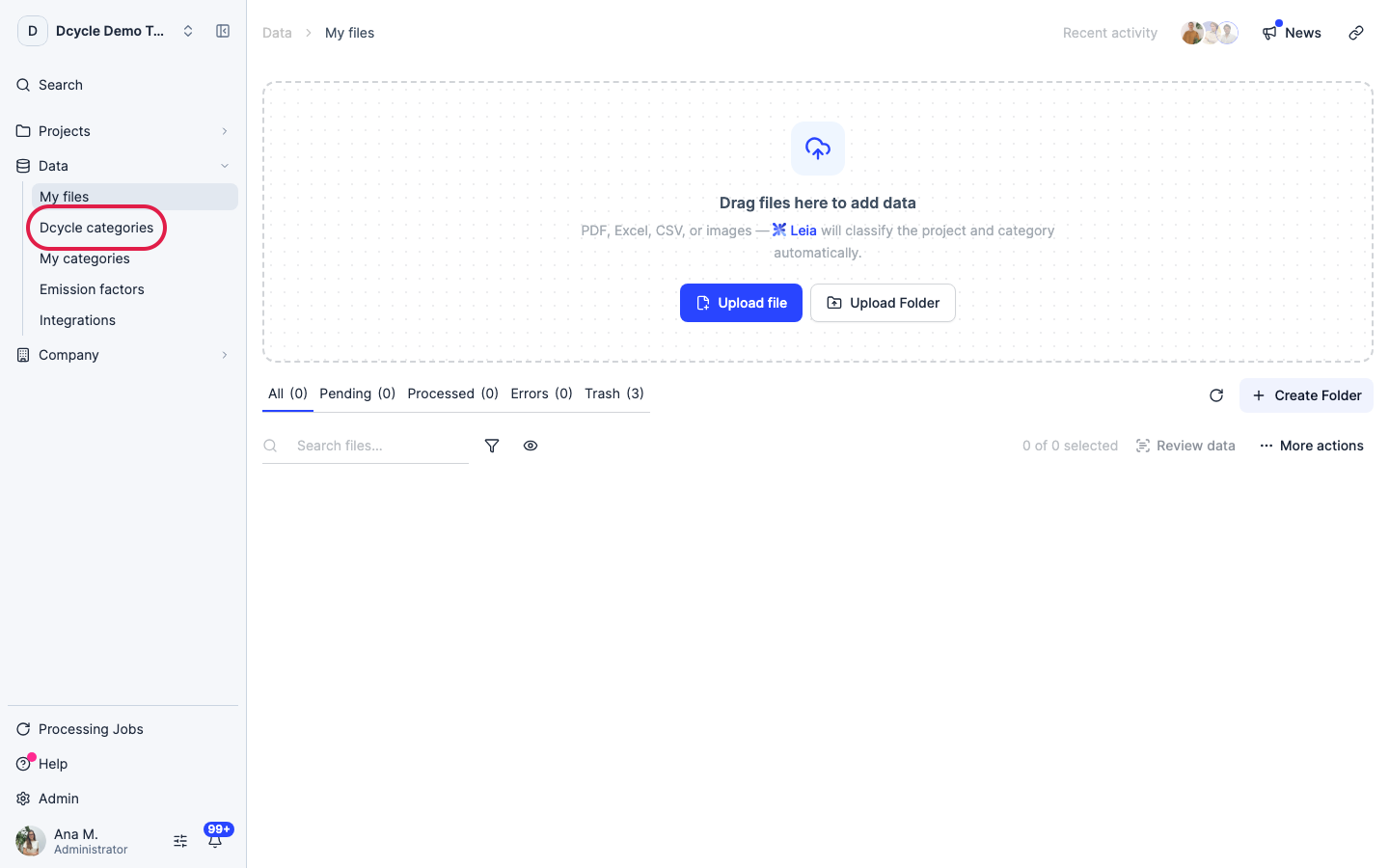
Click “Categories”.
Step 3
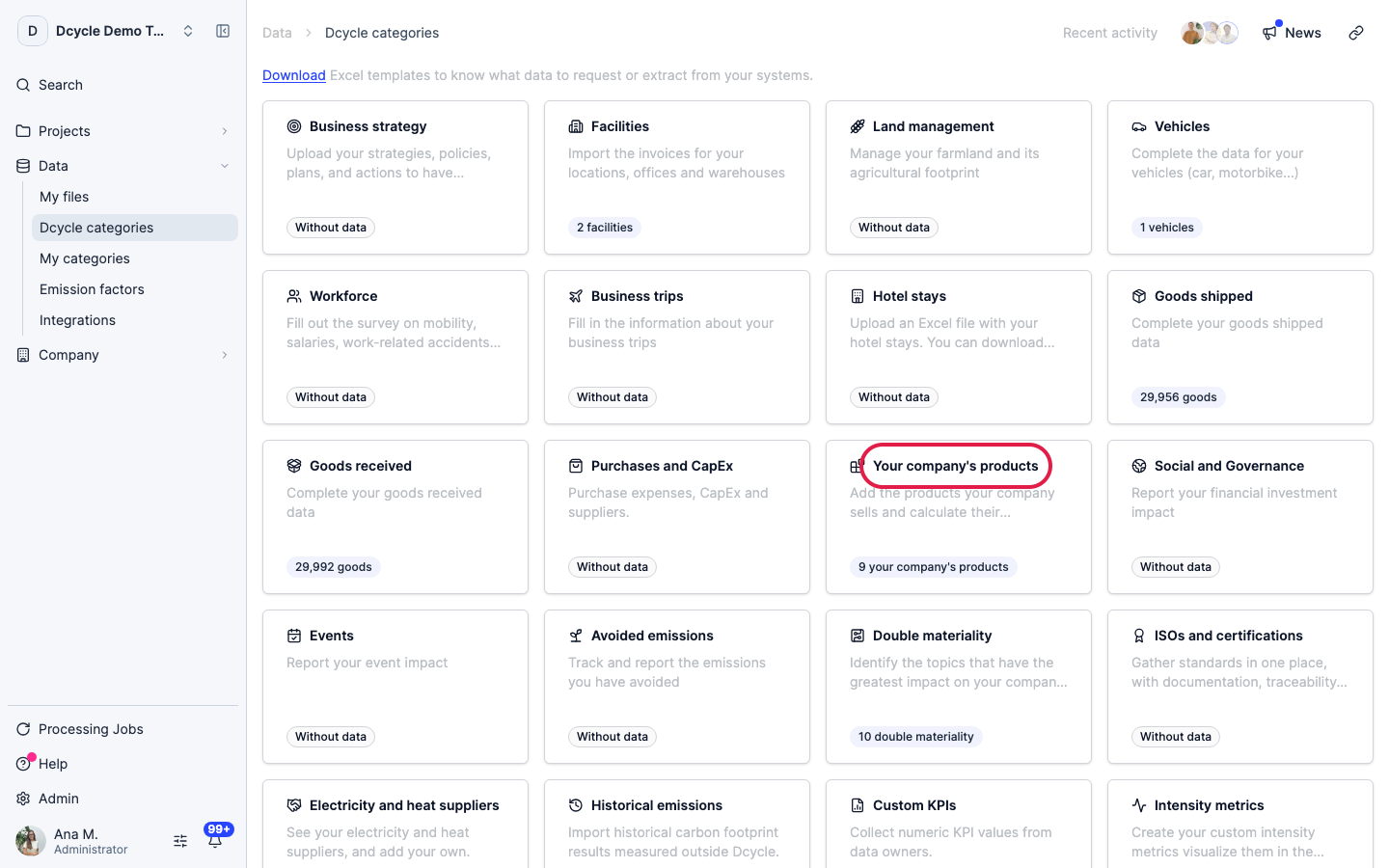
Open the “Your company’s products” category.
Step 4
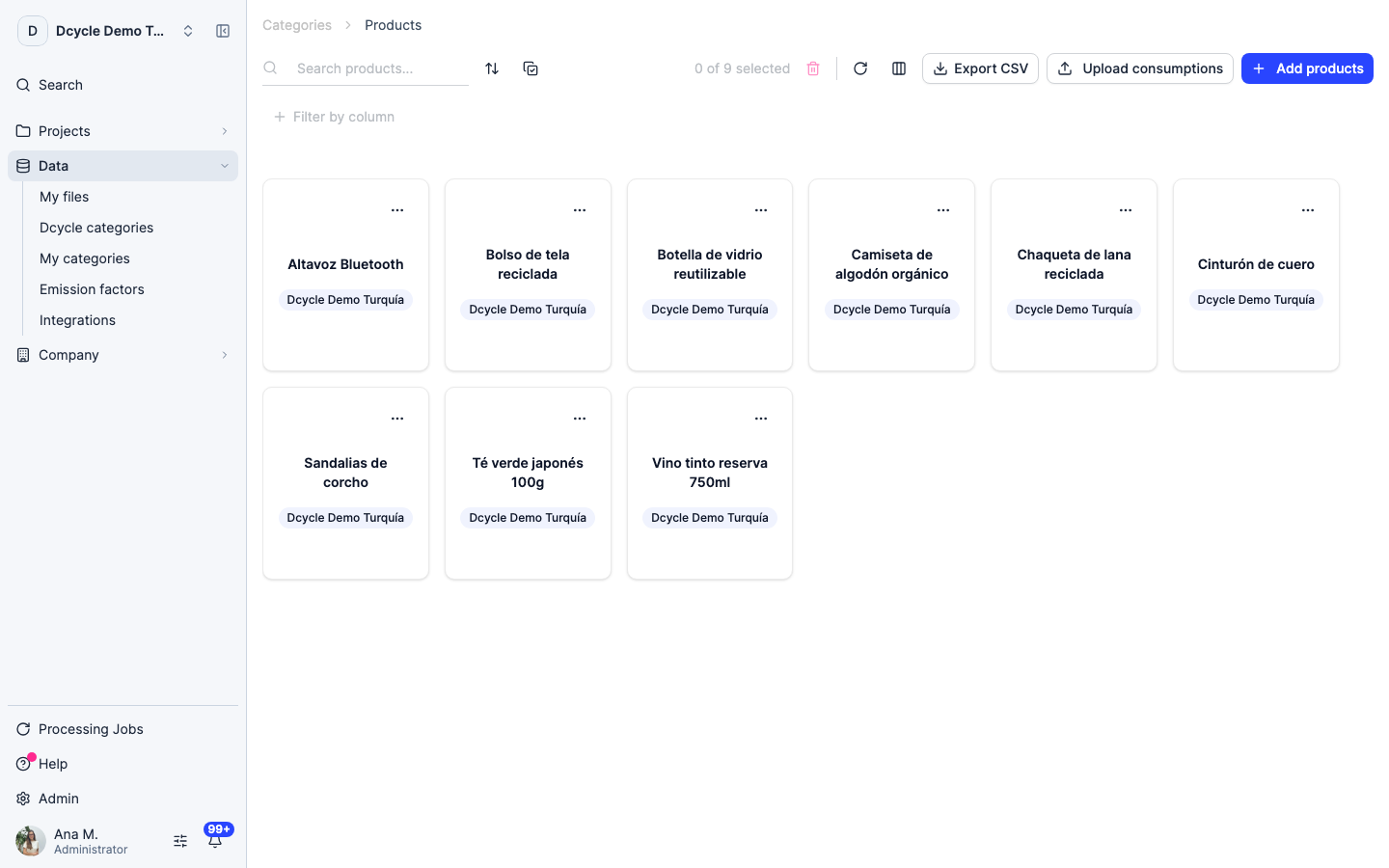
This is the list of products you have already loaded, with the units sold per country and period. The consumption you are about to upload is applied on top of these quantities.
Step 5
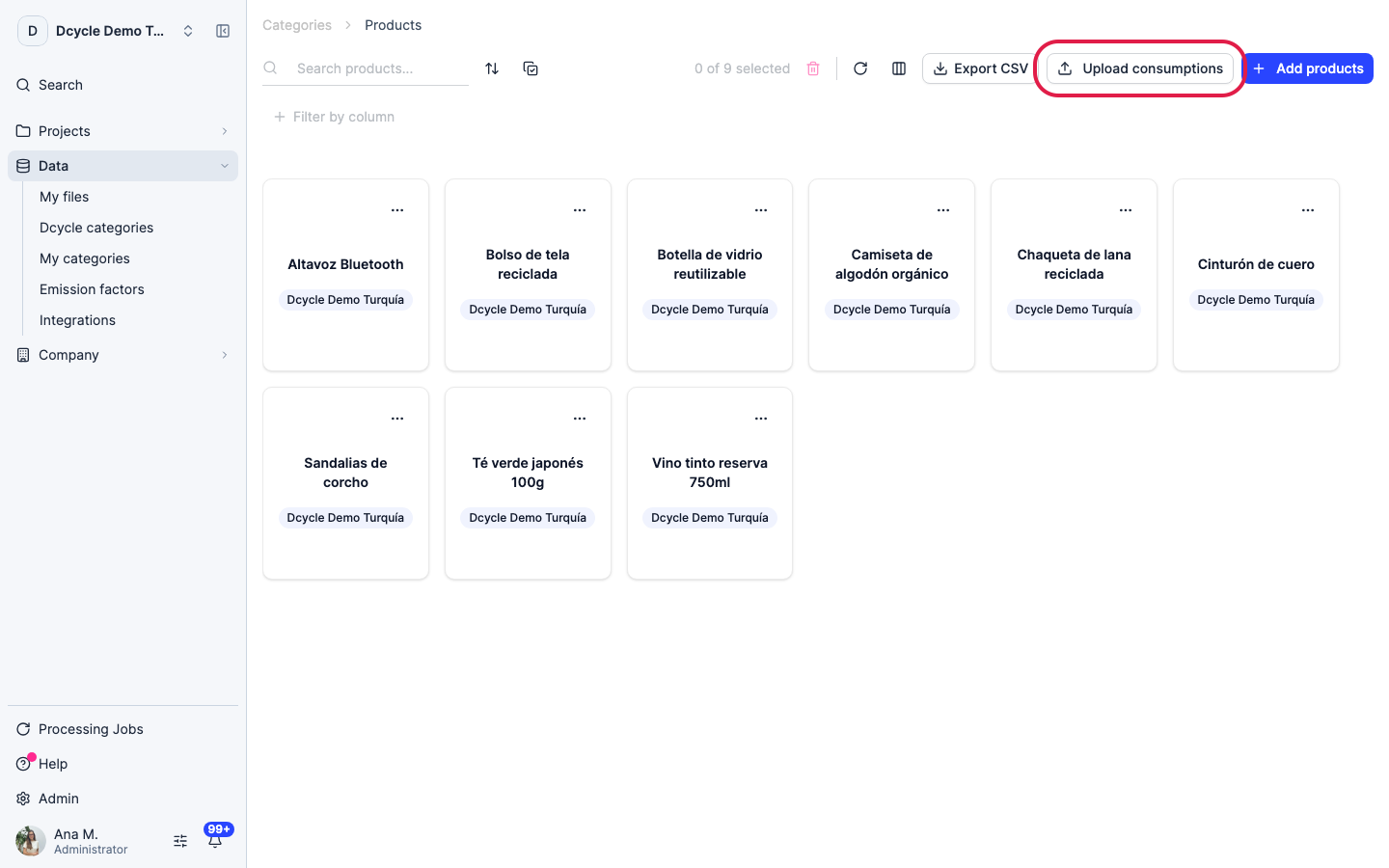
Click “Upload consumptions”. The button only appears once the list has products — there is nothing to attach a consumption to before that.
Step 6
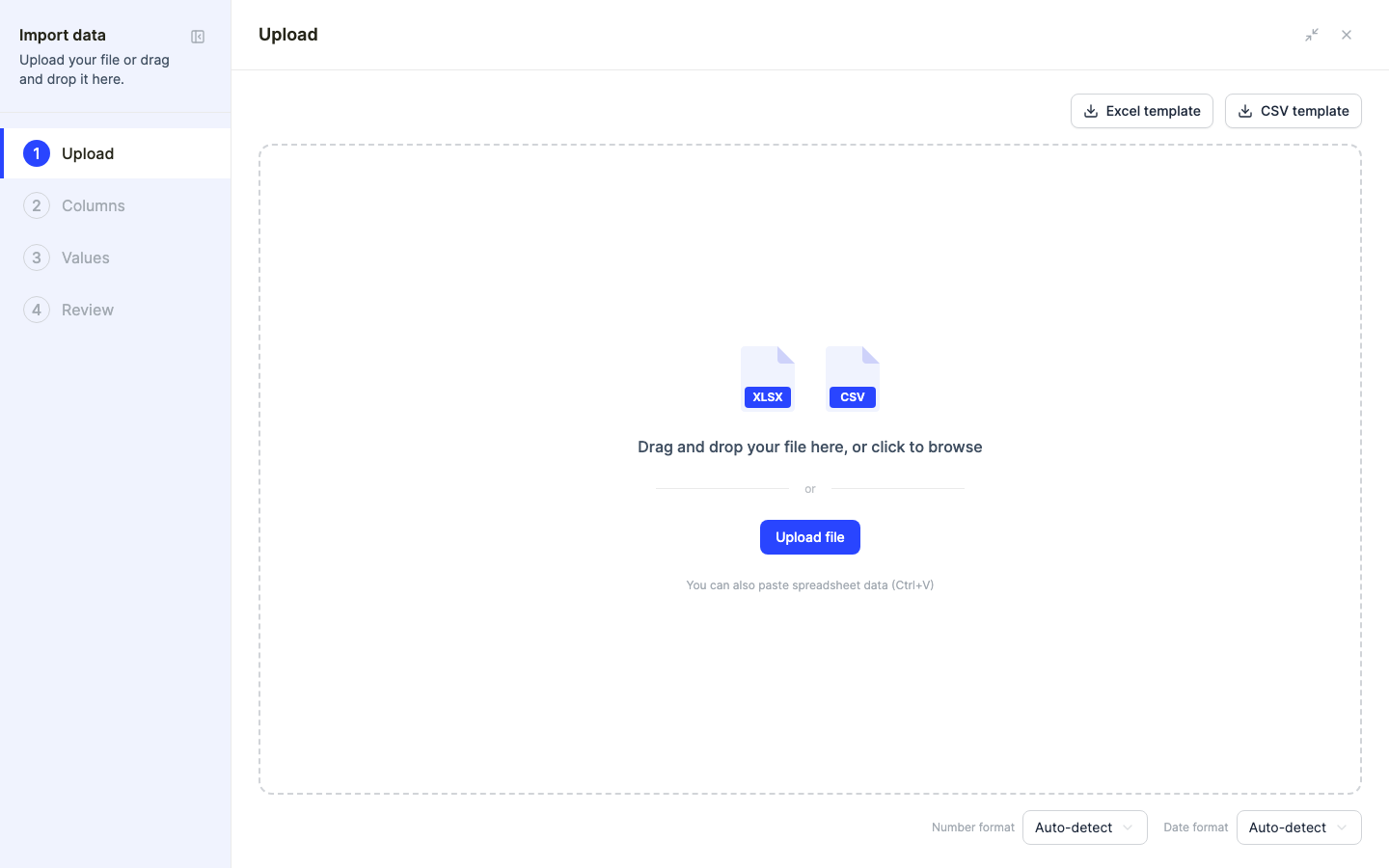
The importer opens. Download the template from here: besides the sheet you fill in, it carries a second sheet listing the valid values for every dropdown column — units, frequencies, fuels and refrigerant gases — in the language you have the app in.
Step 7
One row is one product for one reporting period. Two columns are always required: the product name, exactly as it appears in the list, and its lifespan with its unit — days, weeks, months or years.
Step 8
The rest of the file is four independent blocks — electricity, fuel, water and refrigerant gas — and you fill in only the ones that apply. A washing machine that consumes electricity and water leaves the fuel and gas columns empty. What you cannot do is leave a block half filled: if you enter a quantity, that block also needs its unit and its frequency.
Step 9
The frequency says how often that consumption happens over the product’s lifespan: yearly, monthly, weekly, daily — or “whole lifespan” when the figure you have already covers the entire life and should not be multiplied.
Step 10
The year column is optional. Leave it empty if the product has a single reporting period; fill it in only when a product has several and you need to say which one the consumption belongs to.
Step 11
For refrigerant gas you choose the gas from the list and enter the amount leaked in kilograms — there is no unit column for it, because kilograms is the only unit accepted.
Step 12
Before submitting, the importer flags any row whose product and period already have consumptions loaded: those rows replace what is stored. It is how you correct a mistake — fix the file and upload it again — but check the warning before confirming so you do not overwrite something you meant to keep.
Step 13
Once submitted, Dcycle calculates the emissions of each consumption against the units sold in every country of the period. They appear in the product’s detail, broken down by country and by type of consumption, and feed Category 11 of your footprint.
Was this helpful?
What was missing or unclear? (optional)
Sent. Thank you for helping us improve.